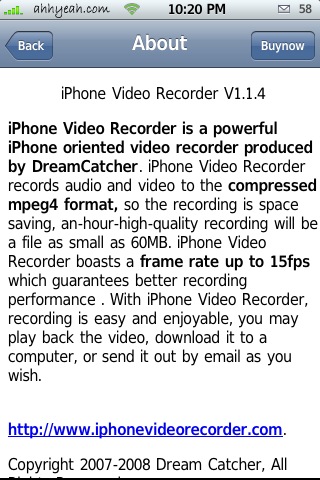
UPDATE: There was an upgrade to 1.1.6 while I was writing this and I had version 1.1.4 to begin with. Although there are improvements. It’s not good enough for me to pay for yet. The update added higher quality choices which improved the end result.
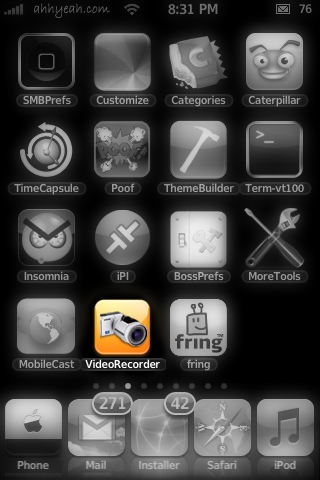
 When I first heard about this app I thought it was going to be ushow… Well, it’s not :( Although it has it’s features,
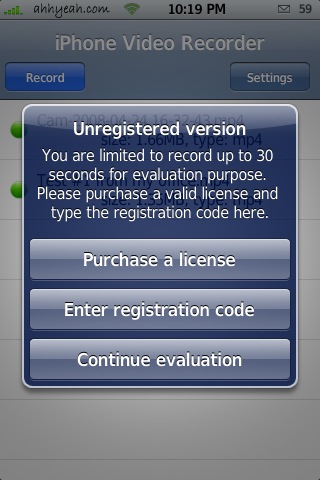
 the basic functionality is so bad for me I won’t be using it. I’d rather carry something like the Flip Video. Hopefully ushow will be much better. If iPhone Video Recorder worked properly better, it would be a great app. This is technically a demo and give only 30 secs of recording. Purchasing gives unlimited recording time. Here’s my list of pros and cons:
Good
records both sound and video
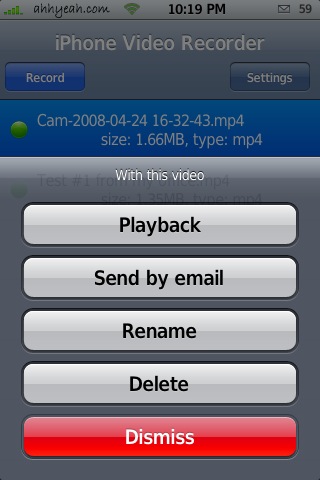
can email video
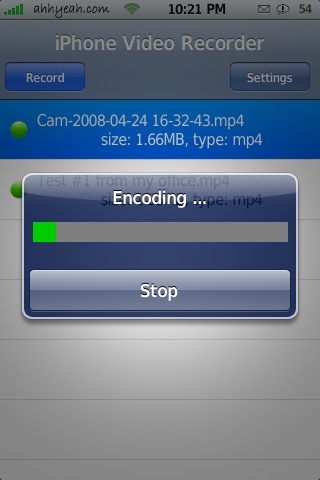
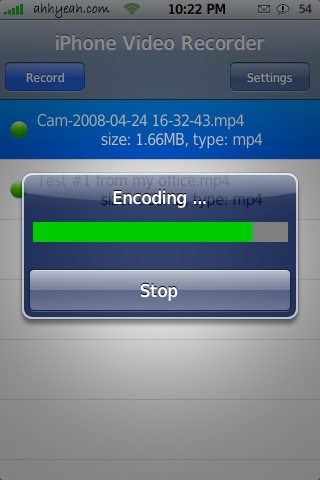
encodes right on iPhone
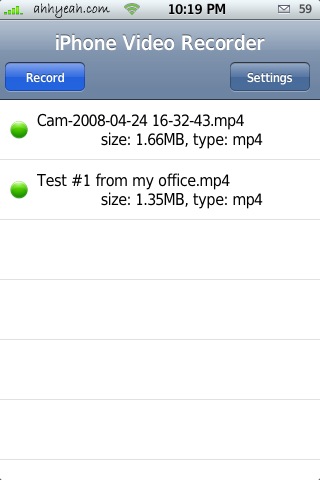
Small file size
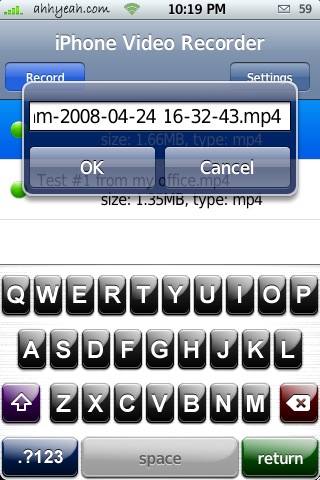
.mp4 file format
can choose mp3 or aac for ringtones (paid)
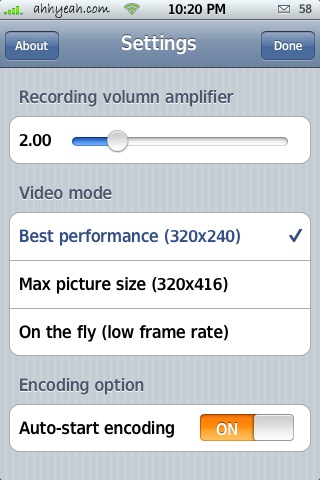
can choose video dimensions and quality
conversion not needed before uploading to Facebook, Flickr, or YouTube
Bad
audio and video not synchronized (isn’t delayed with higher settings)
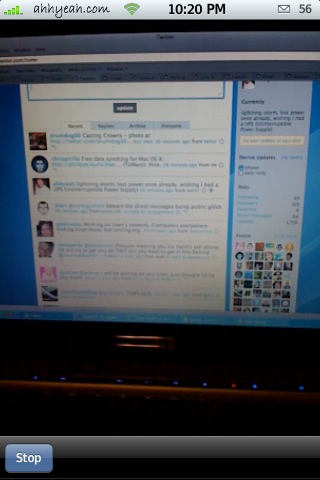
video comes out zoomed in much further than original, needs to be cropped the way the final will look. (isn’t zoomed with higher resolution)
15fps, wish it was 30fps
’causes iPhone system sounds to sound muffled after use
No way to send straight to Facebook, Flickr, or YouTube from iPhone
Black bar at the top of video
needs to record full quality in landscape mode
Here’s is an original video or two:
Outside:
Here is a video after the update:
Low Light:
Good Light:

 Loading...


 Loading ...
so what source is this available through?
Doug’s previous post has it.
here:
http://www.iphone-recorder.com/install2
rad im gonna get it just to try
source
http://www.iphone-recorder.com/install2
On my iPhone it can record but when i hit the stop and it starts to ENCODE the whole thing shuts down.
If i re-open VideoRecorder i can see the 2 files bu i can’t play them or encode/finish encoding.If i try this it shuts down again??!!
I have the settings set on the highest/best…
Anybody?
i have the same problem with it crashing during encoding.
I got it fixed when i changed the settings to :
*Video Mode – Best Performance (240×320)
*Image Quality – Better (default)
*Audio Bitrate – 128bps
-greetz-
My iPhone crashed (around the 80 app limit) when I added this one, and now when I delete apps via SSH, I still cannot get Springboard to launch! Help!
I KNOW HOW TO FIX THE MUFFLED SPEAKERS!!!
go to settings, sounds, and change your ringtone volume to anywhere. you have to repeat every time you record a video.
Actually, just play a song from your music roll does the trick… :)
there’s also a French version in the SOS iphone directory…
the source http://www.iphone-recorder.com/install2 has broken, when i go to homepage there are has been HaCkeD By : Saudi Virus Team
after i installed this app and i upgraded pool, my installer refreshes every time i open it?? any ideas?
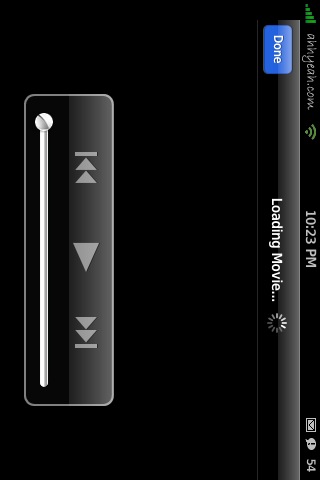
when i recorded a video i set the playback option and it got stucked in loading movie
it works ok but when renaming the video, it just dissapear from list and i cant find video file ….
Is Doug wearing an OS X shirt in the vids? ;)
Is this app same as uShow ?
I can only record 30 seconds it´s ok??
I just updated to version 1.1.8 and must say it is greatly improved. you can now adjust the brightness, quality, and audio bitrate. After fiddling with my brightness, i now consistently get good video. The audio playback problem still exists for me, but i havent messed with the audio settings to see if that helps. My video playback doesnt work unless i exit out and go back in to the program. Overall, there have been very quick updates with this program and i think these problems will go away soon. I assume it will be flawless in no time. And 30 seconds for free is good enough for me.
Hi guys, I found the source, but which category can I find the application? Thanks
Great app. i have just updated to 1.1.8 and i have paid as i dont trust Ushow any longer. It has been ages since i’ve registered with them and still no answer.
Same here. Months have passed and they mailed me saying “wait for further instructions”.
I have also purchased Video Recorder now. But I just dont like the black line on the top !! Its there even after I purchased it !
Just Purchased this thing ! Cool, Now i dont have a recording limit. Just tested it with the license !
Just one bad thing ! The black stripe on the top of the video is still there… Rest, its a cool app !
tje continue evaluation option dissapeard whem i updated videorecorded!!!!! Any idea who to fix it ????
Can a nyone tell me the source for ushow please!!!!
and a license could anyone give it to me too please??
Enough already! This site is great, but I’m so over having to go to the repo list every time. Why won’t they just list the source DIRECTLY underneath the name of the app? Wouldn’t that make it easier?
yea ive had this app for a while and have had little yo none problems, except for 1………………………………………………………………………………………….. HOW DO I UPLOAD ON TO COMP.!!!!!!!!!! PLZZZZZZZ MY EMAIL IS ivancruzer1@aol.com plzzzzzzzzz help if you can!!!!!!!!!
Cool
Great app. Encoding the video after recording works surprisingly well.
I want to crack the problem of mobile video uploads.
You can MMS a video from a cell phone to facebook and youtube, but I’ve been unsuccessful at emailing a video to these websites. iPhone doesn’t have MMS.
The facebook email is: mobile@facebook.com
and with a youtube account you have to configure a mobile account with a special address… but again, MMS only apparently.
It’d be great to be able to ‘mobile video blog,’ for instance.
any ideas?
No luck with mobile uploads to youtube or facebook yet, but I successfully got it working with the video site blip.tv.
Under account prefs, you set up a mobile email address in this format:
username.password@mobile.blip.tv
The .mp4 file is converted to flash, but if you want to view it on your iPhone, you can still watch the original mpeg file from blip’s server like you can from a computer. Works great.
Does any know when the source is going to fix. Right now the source listed above does not work. Any info would be great. I have Showtime and I want to compare it to this app. I hate that showtime files are so huge and there is no audio or play controls.
mine is unlimited because it was hacked. it was free and no black like on top =P
Hi!
Do you know or explain me how to do that?
I wonna use it but not for just 30 sec. Plz!
Thanks a lot from Argentina!
need hack version anyone anyone
I don’t see the email options only share (youtube) how do you get the email work?