 |
Available In: Cydia |  |
Price: Free |

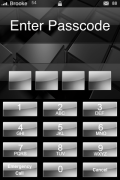
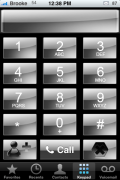
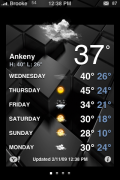
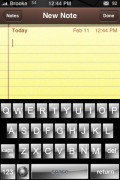
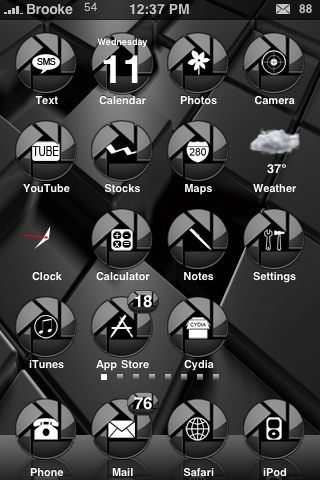 Hi-Tech is a theme that has a lot of mods built in. Not only does it change your wallpaper and icons, it also changes your loading screen, keypad, lock screen and lock screen keyboard, regular keyboard, some UI mods, the spinny wheel on your status bar…etc. So, if you like complete themes…you might want to check this one out. Hi-Tech is available via the BigBoss source. There is also a Hi-Tech SBSettings theme (via the BigBoss source).
How to Install
1. Your device must be jailbroken. (how?)
2. Make sure you have WinterBoard installed via Cydia.
2. Make sure you have the BigBoss sourceinstalled in Cydia.
3. Search for Hi-Tech in Cydia, run the install.
4. Open WinterBoard and activate Hi-Tech.


 Loading...


 Loading ...
yea itz complete n al bt i dnt thnk it looks al tht gr8
Yeah I know what you mean it is like the iPhone is in black and white. It needs some colour, like around the icons.
Hi is there any way to change the Live Weather and Live time clock icon too,it fits the Homescreen better
Hi,
What keyboard do you use in these screenshots and how can i get them
please reply
thank you!