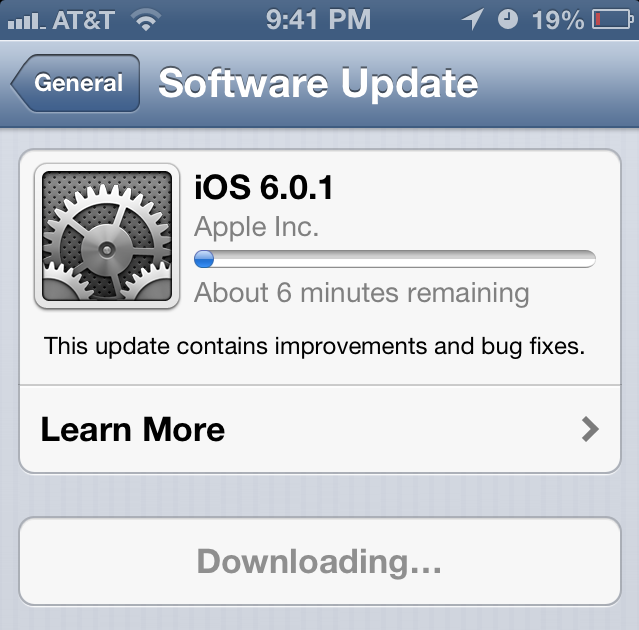
Today, I had two friends ask me about recent high cellular data use. They received an overage text and both seemed like it was pretty early in their plan and they didn’t think they were doing anything to cause it. Both are on Verizon and both have the iPhone 5. I didn’t really think much about it until I read this article. It seems on firmware 6.0, programs are downloading audio files or audio streams over and over thinking there is an error. You can check the article for more details if you think you are having this problem. I just thought I’d try and help spread the word and let you know you’re not the only one if you’re having this issue. Again, to solve the problem, try updating to iOS 6.0.1. Read our article about that here. [Read more…]
Robotek
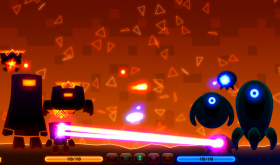
A recent game my son and I found for the iPhone that’s pretty addicting is called Robotek. There is also an iPad version and even a version for your Mac. You start off with only one robot and you play against the computer who also has one robot. The first thing you do is spin three reels to see what kind of help you can get to defeat your opponent. There are also three different categories you can spin the reels in: little robots, defense & offense. Once you pick the category, you tap the green arrow and see what you get. If you spin three different images you get all three. If you spin two or three of the same image, you get that item at two or three times the strength. I like to start out with getting at least three robots. Then prepare a defense; then go on the attack. Between each spin there is a battle and it’s a fight to the death. [Read more…]
Apps for Election Day 2012

I know many readers are from all over the world, but since this website is based in the United States, I’d like to share some apps for election day. First, both Barack Obama & Mitt Romney have apps. [Read more…]
Facebook Update 5.1
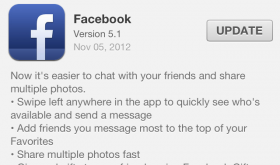
Facebook has made some nice improvements to their app recently. Finally, it’s exciting to get an update for the Facebook app. In the past, Facebook has been a horrible app but since more recent versions of the app, it has been a far better experience. First, simply swiping to the left reveals your chat list and swiping right reveals the main menu. Very simple & clean; I like it! While in your chat list, you can keep your favorites at the top and easily rearrange them by tapping “edit” in the top right. Just tap the green + sign to bring them to the top and use the 3 little bars at the right of the name to rearrange. Another feature added to chat is the ability to see who’s online right now. [Read more…]
Angry Birds Space HD 1.3.1 Update
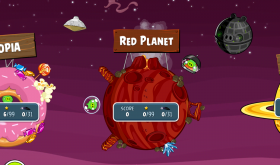
The recent update to Angry Birds Space adds yet another angle to the Angry Birds matrix. The theme adds fiery volcanoes that push you away from the planet’s surface. The developers went to great detail as usual. For example, when I hit a pig out of the atmosphere and he froze, when he floated past the hot pressure from a volcano he thawed out. There were only about 2-3 levels that really took me a while to pass. Most others I beat within 1-3 tries. [Read more…]
iOS 6 Now Available for iPhone, iPad and iPod touch
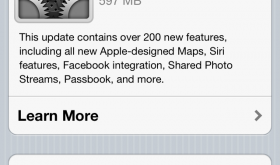
The new iOS 6 firmware for the iPhone, iPad and iPod touch has been released. You can learn about the new features here: apple.com/ios/whats-new
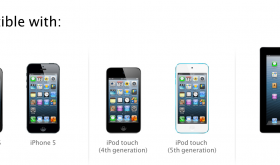
First thing I would suggest is backing up your iPhone, iPad or iPod touch. Either back it up in iTunes or use iCloud. I use iCloud so here’s what to do: Go to Settings > iCloud > Storage & Backup > and scroll to the bottom. It should show the last backup and a button to “Back Up Now”. If it can’t be tapped, you need to be on Wifi. If it’s plugged in and on Wifi then it will do it automatically periodically. Here are the devices that can be updated to iOS 6. [Read more…]
Apple’s New EarPods Video

Apple has published another video to YouTube on their new EarPods. This was a product that really needed an update. I’m excited to hear how they sound and if they fit into my ears. Apple says they “tested 124 different prototypes of the EarPods on over 600 people.” If they don’t fit now, what else can they do? [Read more…]
Get iOS 6 on Your Device Right Now!
If you want to get iOS 6 on your device right now without waiting you can get it from a bit torrent. It’s really not too hard. I’ll guide you through the steps. This will put the same exact software Apple is releasing to the public. [Read more…]
Facebook Releases App Update 5.0

Facebook has released a new app that has been coded with Objective-C instead of HTML5. What does this mean to you? Hopefully a more reliable app that doesn’t crash! I’ve already tested the app on my iPhone and it’s much faster. The app looks mostly the same but there are a few things that look nicer such as photos. The look and feel of browsing photos, liking them and commenting on them is much better. The app update also includes the iPad and iPod touch. I’m actually excited about the iPad app because it was so bad before that I only used the website. The new app supports timeline and shows my profile the way it looks like on the website. [Read more…]
Twitter 4.3

Twitter has recently updated their app with a lot of new features. I’m just going to highlight a few. See the rest at the bottom of this post. The feature I like and have been waiting for is more inline links and images. Twitter calls this “expanded tweets”. The only one I’ve noticed so far is Instagram. Instead of needing to click on the link to see the image, the image is automatically embedded into the tweet. Hopefully YouTube, Foursquare and others are added in the future. Images posted via twitter already had this feature. [Read more…]
Warning: Free, Addictive Game – CSR Racing
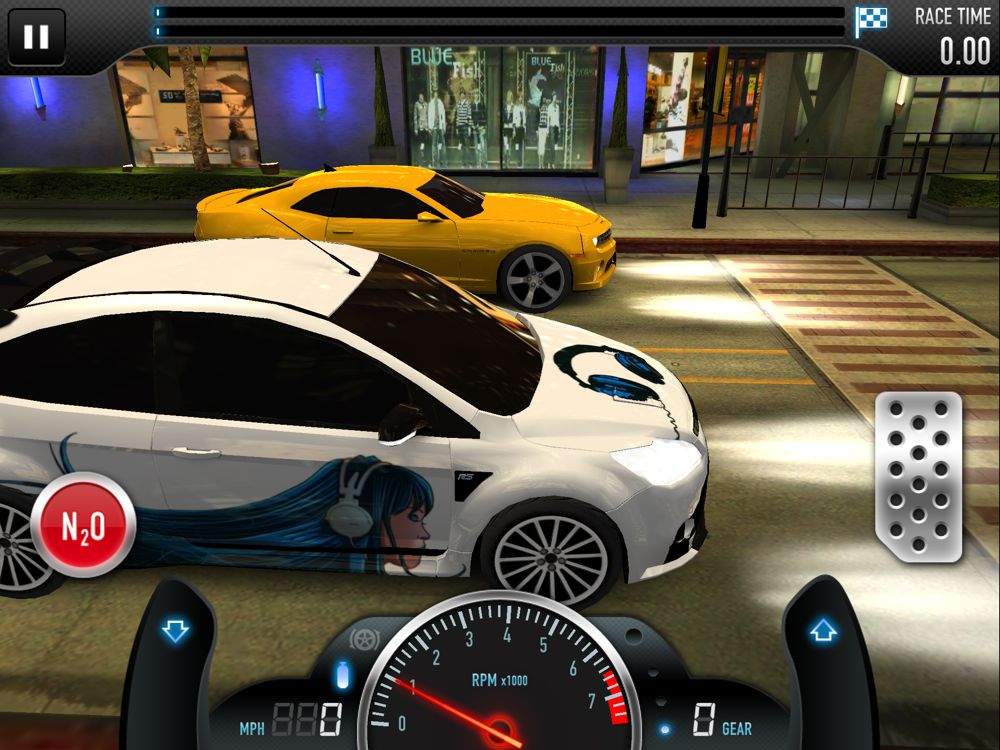
If you’re looking for a free, super addicting game for your iPhone, iPad or iPod touch, check out CSR Racing in the App Store. It’s currently in the top free apps and is the top grossing game. I’ve successfully played the game without buying anything. It’s very doable and still really fun. The game is a drag racing game where you control your start, shifting & when to use your nitro boost. You can use prize money and coins to upgrade your car or buy a new one. [Read more…]
BrowserChooser – Set Default Browser to Chrome
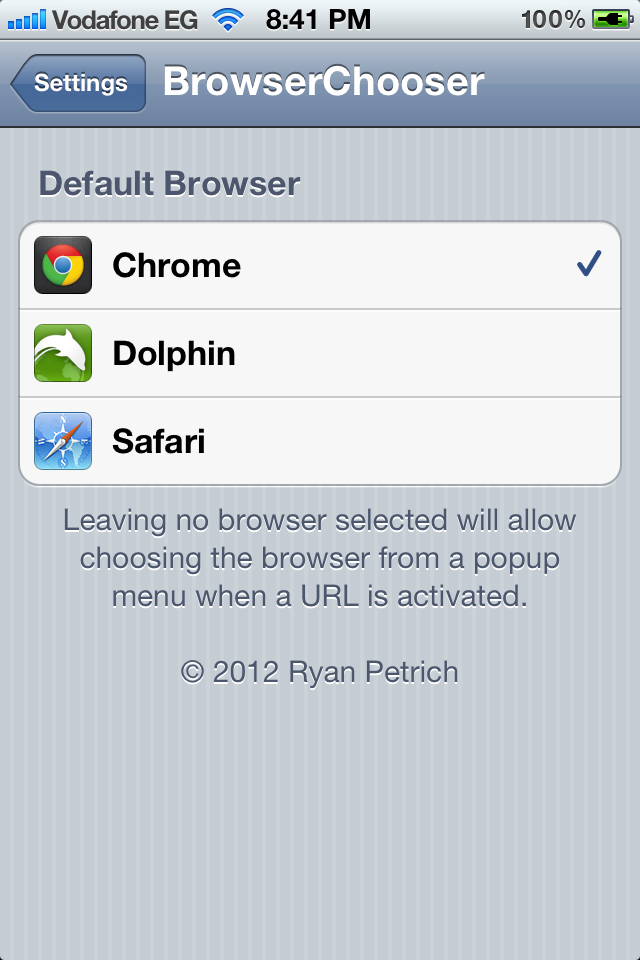
Google has finally released Chrome, their own browser for the iPhone and iPad. It works pretty well and is a great alternative to Safari. One thing that browsers other than Safari cannot do is open files from other apps. For example, if you’re in the Mail app and someone sends you a link, tapping on it will take you to Safari. If you wanted to opened it in Chrome you would have to copy the link, open Chrome and paste it there. Same goes for any other app that has links. [Read more…]
I’m Brad Marshall and I Won a Free iPad!
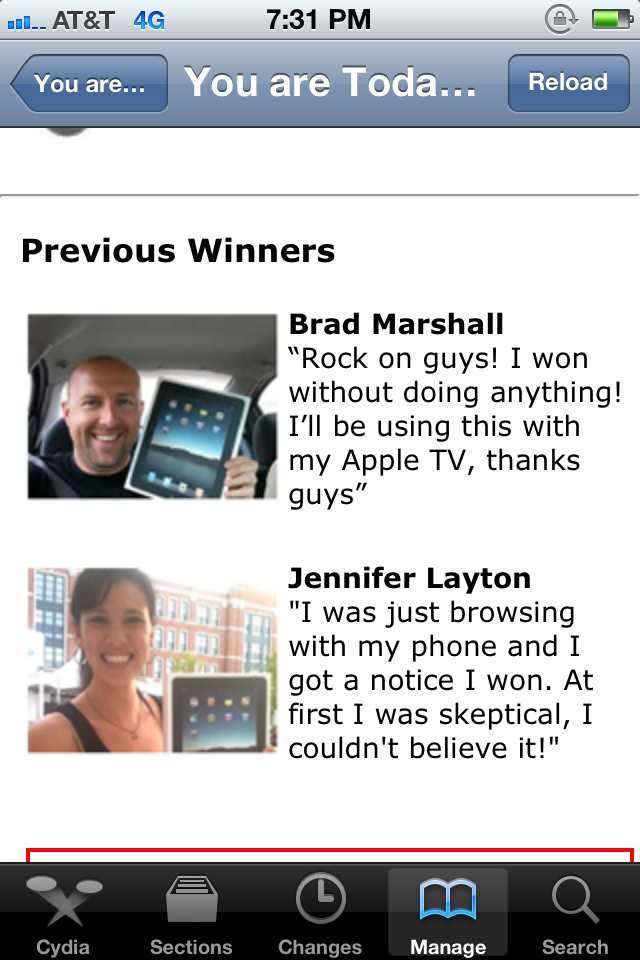
I had a couple friends, both online and personal, text me a picture of this: [Read more…]
Siri Talks to Herself
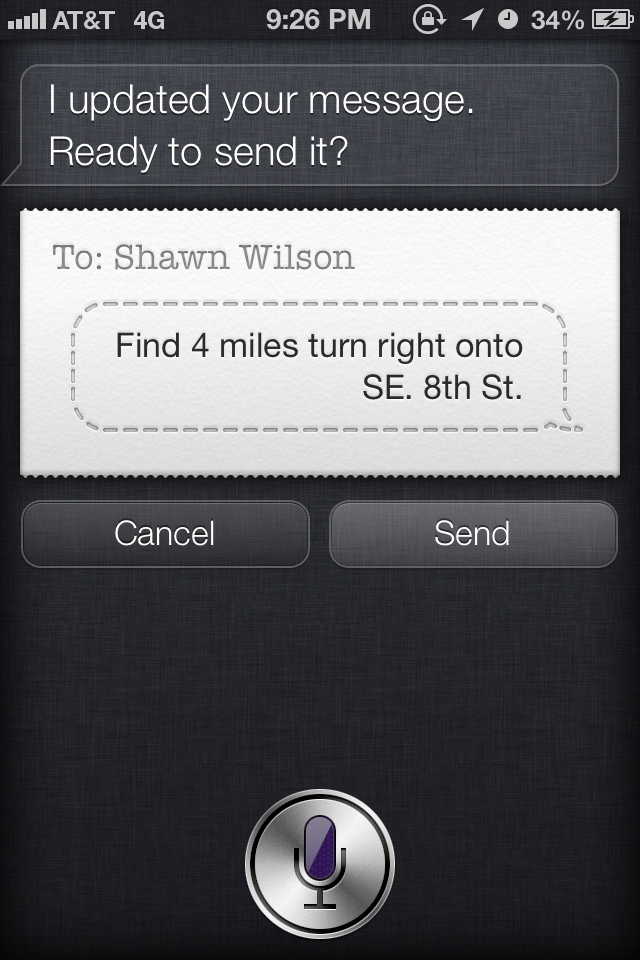
With the new turn by turn directions from Apple’s new Maps app in iOS 6 firmware (coming fall 2012), the voice of Siri directs you where to go. I’ve found a problem with this. When I’m using Siri or voice to text to send a text, Siri will talk over me. What’s encouraging is she can understand herself. It’s kind of annoying but it would be nice if either; it wouldn’t let you use that feature when you’re close to an upcoming voice prompt, it would wait until you’re done, or shut off voice to text during the announcement. Here’s a couple screenshots of Siri’s directions being typed out by the voice to text feature. [Read more…]
Tweet From Notification Center
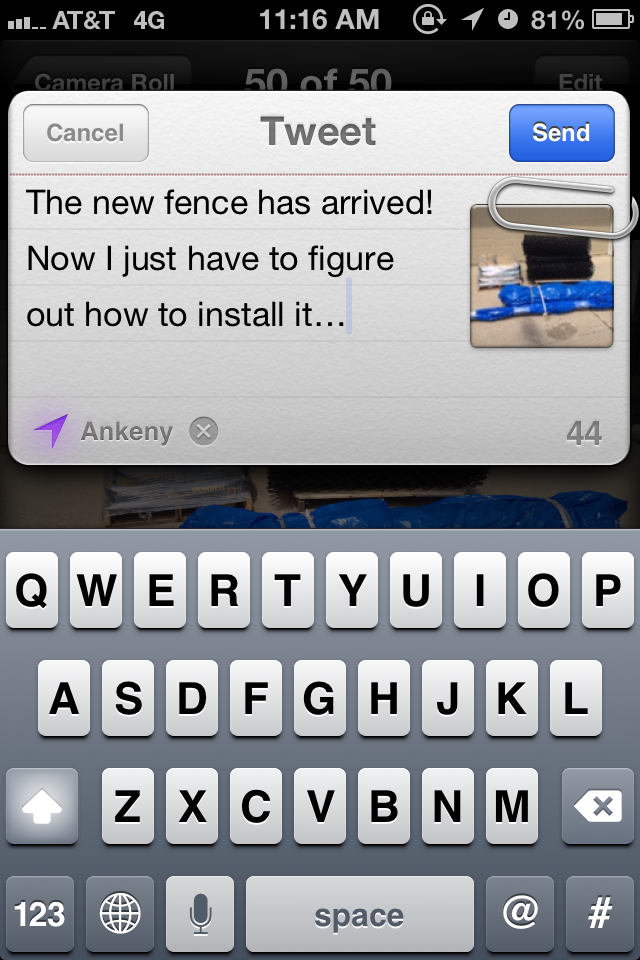
A new options has been added to the Notification Center in iOS 6 firmware (coming fall 2012). You can now tweet from within Notification Center. The design looks great and you can easily pick from multiple accounts, attach a picture and add your location. You can also place the widget in which ever order you want in the Notification Center. [Read more…]


 Loading ...