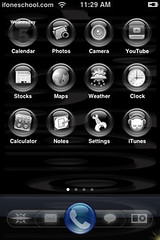
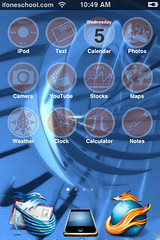
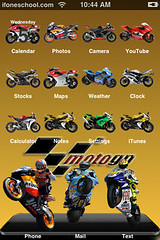
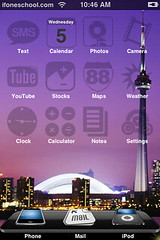
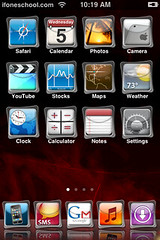
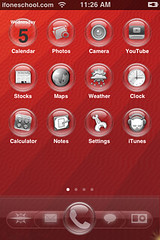
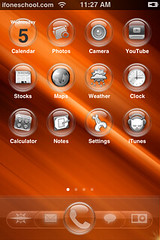
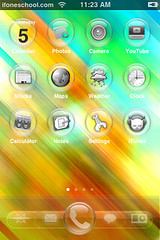
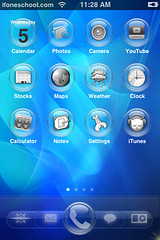
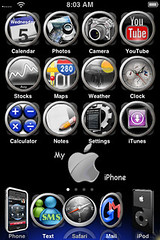
Below are a few new themes. These themes do not have the standard 4 icon dock. So, in order to use them, you will need to either have an older version of Customize or install CustomizeNM through the modmyifone source. Those will give you an option to change the number of icons in your dock!!
To see all of our themes…check out our Themes page. If you are just looking for wallpapers and icons to create your own custom theme…check out our Wallpapers and Custom Icons pages.
Please note the credit to the designer is displayed by hovering over the screenshot of the theme. To download, just click on the theme you would like to download:

 Loading...


 Loading ...
Hi,
Great !!!
Could you explain how to take only the dock ?
Thanks a lot !!!
If you want to add the dock to a theme: When you download the theme file…inside will be; a fold with the icons, a dock image and a wallpaper image (if the file is set-up correctly). Just find the dock image and copy it into a folder on your computer. Then put that file (the one on your computer) into the Theme folder that you want it in (make sure the file is named Dock with a capital D) and upload the theme to your iPhone. If you need to know how to get a theme, or just a dock, onto your iPhone see our How do I get themes onto my iPhone? post.
If you want to add the dock to customize: When you download the theme file…inside will be; a fold with the icons, a dock image and a wallpaper image (if the file is set-up correctly). Just find the dock image and copy it into a folder on your computer. Then you will need to go into WinSCP (see the How do I get themes onto my iPhone? post if you need to know how to do this) in var/root/library/dockswap. Add your folder there. You can then go into Customize on your iPhone and add the dock to your theme from Customize.
If you have any more questions email me at help@appleiphoneschool.com