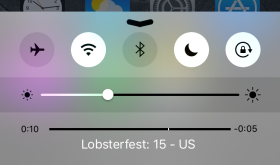
Night Shift is a new feature of the 9.3 software update. This mode reduces the blue light emitted from your device’s screen. According to Apple, “Many studies have shown that exposure to bright blue light in the evening can affect your circadian rhythms and make it harder to fall asleep.” [Read more…]
Password Protect Notes
April 1, 2016 by
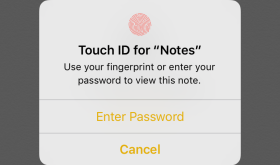
With software update 9.3 we received a long awaited feature for the Notes app… password protection. The new feature allows you to lock specific notes with a password or fingerprint. [Read more…]
AppCap – Add Day, Time, Frequency and WiFi Restrictions to Apps
February 14, 2013 by
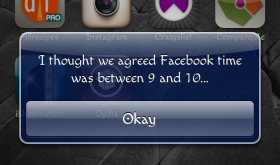
AppCap is a hack that allows you to set parameters on the day, time, amount of time and the number of times you can launch an application. When I heard about this hack, I knew I would have to check it out. We have four boys and our oldest, who is six, is extremely iPhone savvy… like father, like son. He does really well following the guidelines we put on his phone and it has a password that we have to enter before he is able to use it but an extra precaution couldn’t hurt right. Or, not going to lie, I might use this app to keep myself off Facebook!! [Read more…]
NCSettings – System Toggles for Notification Center
February 11, 2013 by
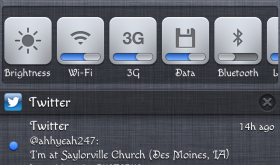
I discovered this hack on accident… kind of. NCSettings is a toggle hack and I already have SBSettings installed (another toggle hack). I wasn’t really looking to replace it, however I was looking for an easier way to toggle my mute on/off. Why you ask… because my mute switch is broken. Sad day. I blame it on children. The need to turn the mute switch on and off a million times a day apparently was not tested thoroughly. Apple really should have tested the mute switch on mothers of young children. ANYWAY… my mute switch is broken and I was getting seriously sick of moving my Accessibility AssistiveTouch button around constantly so that I could tap on things. And then Evasi0n was released and there were tears of joy (ok, there were not really tears of joy but I was happy). [Read more…]
Friday Favs – This Week’s Favorite Hacks and Mods
February 8, 2013 by
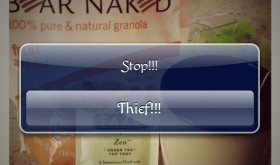
Hi! Welcome to Friday Favs… this is where I will talk about some of my favorite mods and hacks from the week. Since the Evasi0n jailbreak was just released on Monday, this post is going to be primarily made up of the must-have mods and hacks I install as soon as I jailbreak my iDevice (in this case my iPhone). [Read more…]
ColorClock – Change Color of Time and Date on Lockscreen
February 7, 2013 by

ColorClock is a unique mod that allows you to change the color of both the time and the date on your lockscreen. I will say that this mod might not be for everyone. It is based on the RGB color codes and doesn’t have a crazy UI or anything… it’s pretty simple. Once you have installed ColorClock via Cydia, you will find the controls in your stock Settings application. Below is a screenshot of what the controls look like. Basically, you are creating a color based on RGB decimal color codes. The sliders go in order Red, Green, Blue. [Read more…]

SBSettings in Notification Center
February 6, 2013 by
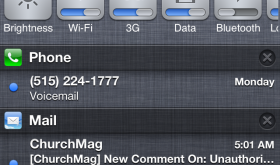
One of the first applications I install after jailbreaking my iPhone is SBSettings, an application that allows you to quickly toggle settings on your device. It allows me to do some of my favorite hacks (see screenshots below) and it also allows me to quickly adjust my brightness, toggle my WiFi and Respring my device… things I do fairly often. Plus, I’m an old school jailbreaker and it has sentimental value. :) [Read more…]
I Jailbroke Using Evasi0n, Now What Do I Do?
February 5, 2013 by
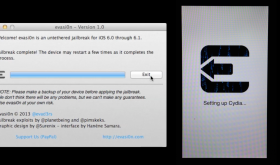
Now that you have successfully used Evasi0n to jailbrake your iDevice running 6.0 or 6.1 firmware, you may be wondering how to actually install an application using Cydia or how to add additional sources to Cydia so that you have more options on applications to install. If this is you, we have a few guides on our f.a.q page that may be helpful. There you will find a guide on how to install applications using Cydia and a guide on how to install additional sources to Cydia. If you are wondering what Cydia is or how you even jailbreak your device, you may just want to head over to our f.a.q page for more info. Feel free to hit up the comments with any additional questions.
Puller for Byline – Pull to Sync
April 30, 2011 by
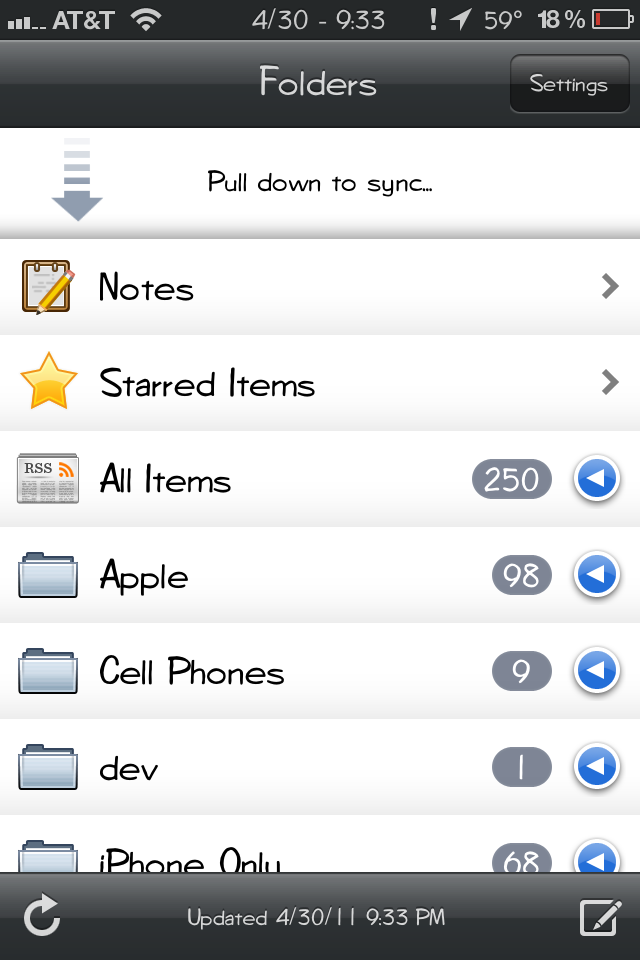
For those of you who don’t know… I have a love hate relationship with the Byline application. Love because it is my favorite RSS reader application. Hate because, in my information craved state, I check the application FAR TOO OFTEN throughout the day! If it were not bad enough… I now have a hack that adds one of my favorite gestures to the application… “pull to refresh.” If you have been around AiS long enough, you know that I almost always install all “pull to refresh” hacks. You name it (Safari, Mail…) I most likely have it installed. So, in sticking to my “pull to refresh” hacking trend, I was overjoyed to see that there was a hack in Cydia that added this feature to Byline.
[Read more…]
iGarageSale – Find Garage Sales Near You
April 29, 2011 by
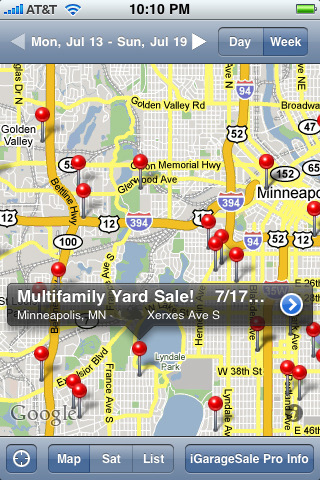
iGarageSale is the perfect companion to any garage saler… expert or novice! I have found it to be a “must have” for scoping out garage sales! It is extremely user friendly and has a ton of great features that make garage saleing a breeze.
One of my favorite features of the application is that it immediately opens to a map of all the garage sales surroundings your current location. Sooooo helpful! I also really like that you can search for specific items you would like to find at a garage sale. So, if you are looking for Legos, you can search for Legos and it will display all the garage sales that have that key word in their description. The garage sales are pulled from craigslist which allows the ability to search the garage sale’s listing for keywords. Very cool. iGarageSale is everything I want in a garage sale application… in an easy-to-use interface. Guess it doesn’t get much better than that.
[Read more…]
Instagram – Photo Networking Application
April 27, 2011 by

Instagram is by far my new favorite image sharing/networking app! I love everything about the application… I love that it will share images to multiple places at once (Twitter, Facebook, Email, Flickr, Tumblr, Foursquare and Posterous), I love the photo filters… they are some of the best I have seen, I love that the networking part of the app is fun and easy to use, I love how well designed the overall application is and I love that it is free! :)
[Read more…]
PhotoProtect – Prevent Photos from Being Deleted
March 14, 2011 by
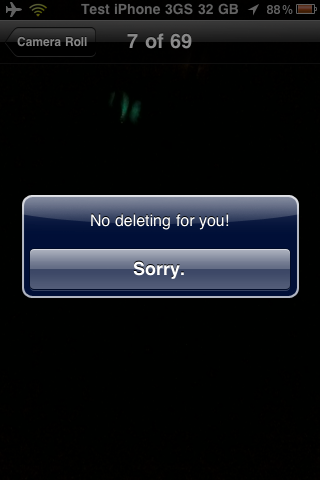
PhotoProtect is a cool little hack that allows the ability to keep the photos and/or videos in your Camera Roll from being deleted. This is a great way to prevent kids from accidentally deleting your photos! Once installed, the hack is automatically activated. If you go into the Camera Roll and select the trash button you will get a pop-up that says, “Don’t delete my photos! It’s a trap!” When you select OK, it will do nothing. The photo will not be deleted and will stay in the Camera Roll.
[Read more…]
iFixIt’s iPad 2 Teardown [Video]
March 14, 2011 by

Just in case you missed it over the week-end, iFixIt released their teardown instructions for the iPad 2. Below is a quick video with a rundown of the differences they found between the first iPad and the iPad 2. It is an interesting watch. They gave the iPad 2 a repairability score of 4/10… not the best score… make sure you hold on tight to that iPad 2! You can get the complete teardown instructions on iFixIt’s website.
[Read more…]
iOS 4.3 Untethered Jailbreak [Video]
March 10, 2011 by
As I mentioned yesterday, the Dev-Team had informed us that i0n1c had a 4.3 untethered jailbreak ready for when the new iOS was released. Today, i0n1c posted a video demo of the iOS 4.3 untethered jailbreak. There has been no word from the Dev-Team on when the jailbreak will be available. For now, it is being labeled an “alpha” release. Below is the demo video done on an iPad running iOS 4.3.
[Read more…]


 Loading ...