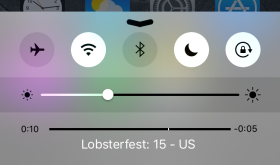
Night Shift is a new feature of the 9.3 software update. This mode reduces the blue light emitted from your device’s screen. According to Apple, “Many studies have shown that exposure to bright blue light in the evening can affect your circadian rhythms and make it harder to fall asleep.” [Read more…]
Apple Black Friday Deals at Target
November 27, 2015 by
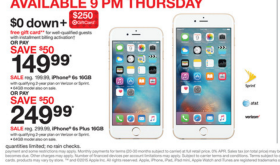
Last night we stood in a line for 5 hours for a new iPhone 6S. We were already planning on buying it and saw that if we bought it at Target we would receive a $250 Target gift card. We ended up standing in line longer than we hoped but with only one register for cell phone sales and slow responses from cell phone carriers we where there until about 3:00am. We got an iPhone 6S 64GB in space grey. I also got offered 10% off an Apple Watch at the end of the sale. They are having a lot more promotions on Apple products that run through Saturday, November 28th, 2015. Check them out here: target.com [Read more…]
Restoring iWork Files Lost When Switching to iCloud
October 19, 2011 by
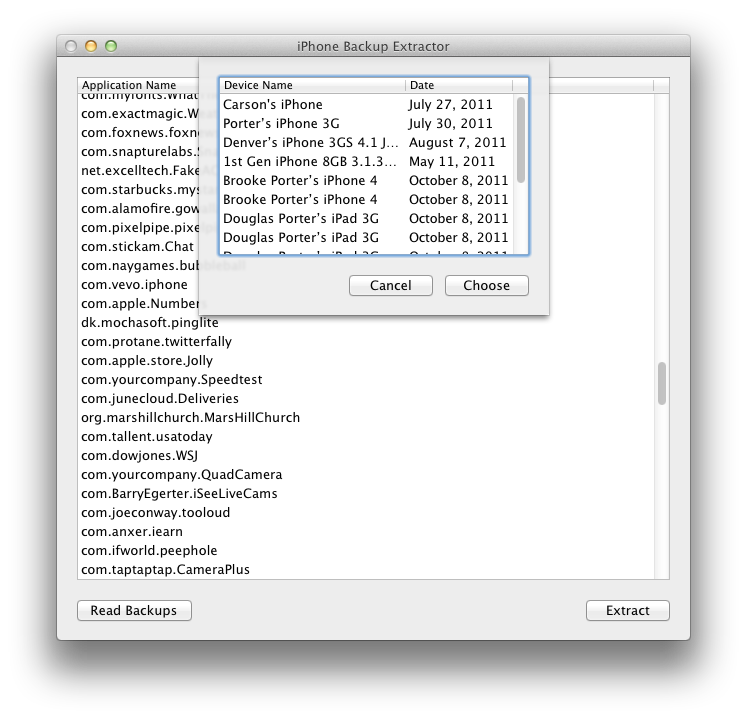
With the new option to sync my devices to iCloud instead of my computer, it sounded like a great idea. The problem was, after a couple days of being synced to the “cloud”, all my files in Keynote, Pages & Numbers disappeared on all my devices. I have my iPad, iPhone 4 and iPhone 4S all syncing and it was awesome to watch my files push in to my devices and cross sync between them the first time. When I opened Pages a few days later and all the files vanished. I was not happy. I have a couple major documents on there and I was trying to remember where I might have backed them up. I know I had emailed myself some files just incase something happened but I was having trouble finding them in my email and I know it wasn’t all my files from all devices from all three apps. [Read more…]
Alesis iO Dock – iPad Dock With XLRs, Phantom Power, MIDI & More
May 20, 2011 by
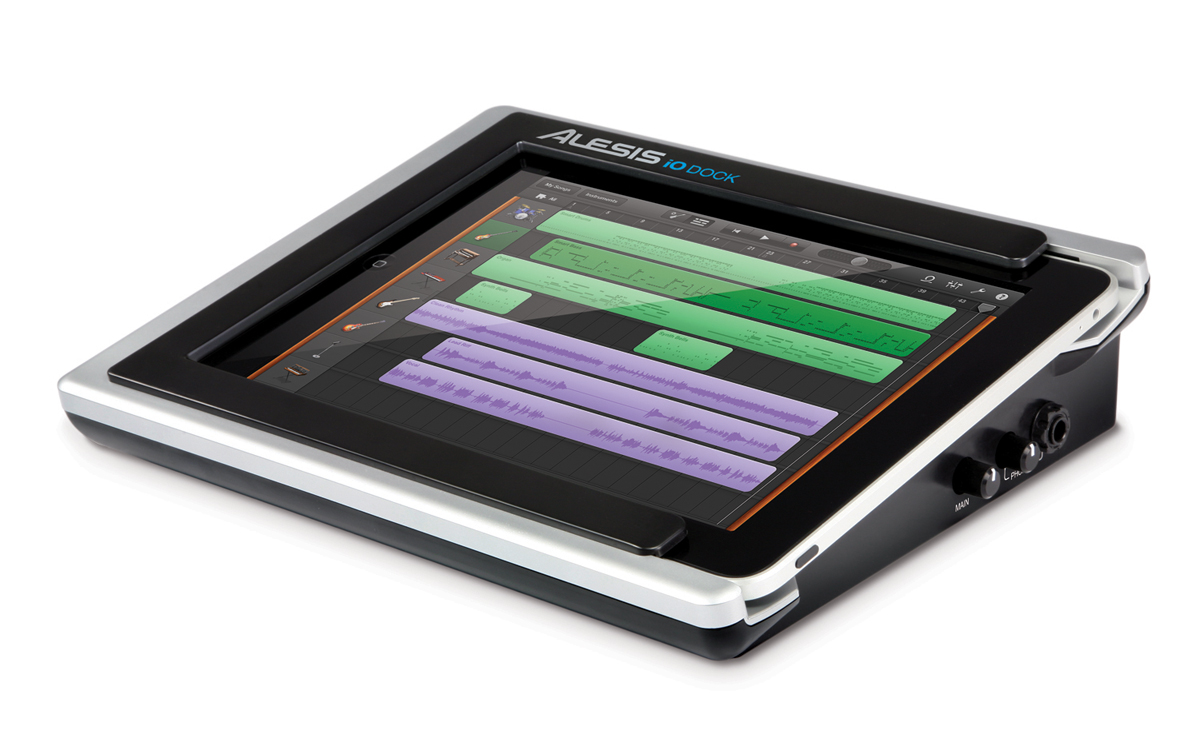
This is the ultimate dock for musicians and audiophiles. The Alesis iO Dock has loads of features and connectors. It would go great with Garageband or DJ apps. The dock has pro audio connections like XLR & 1/4″ TRS. So far it’s not quite available yet but should be released very soon. B&HPhoto.com has it listed for $199 and approximate arrival in June 2011. Here is a list of features: [Read more…]
Puller for Byline – Pull to Sync
April 30, 2011 by
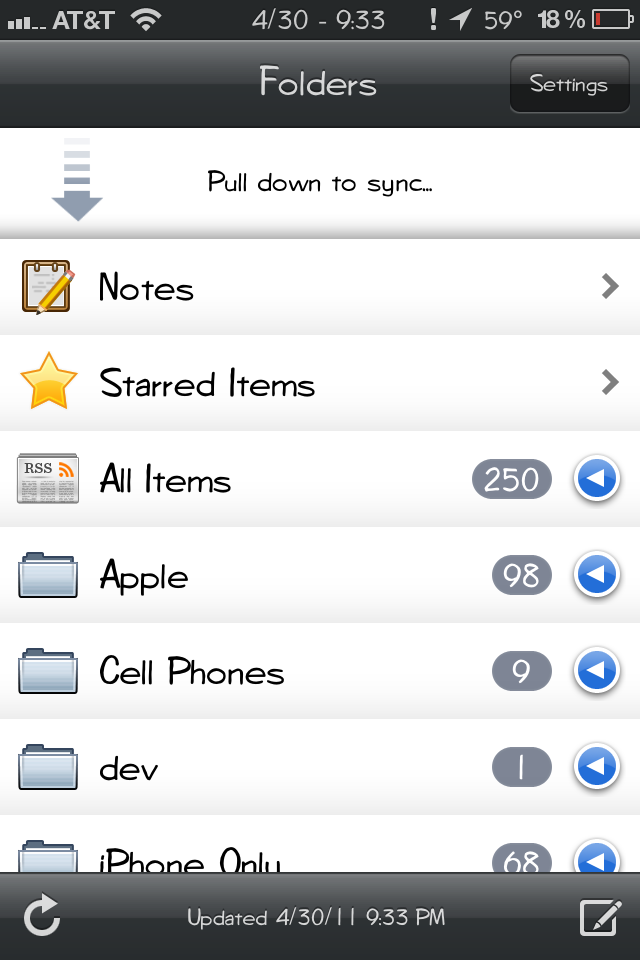
For those of you who don’t know… I have a love hate relationship with the Byline application. Love because it is my favorite RSS reader application. Hate because, in my information craved state, I check the application FAR TOO OFTEN throughout the day! If it were not bad enough… I now have a hack that adds one of my favorite gestures to the application… “pull to refresh.” If you have been around AiS long enough, you know that I almost always install all “pull to refresh” hacks. You name it (Safari, Mail…) I most likely have it installed. So, in sticking to my “pull to refresh” hacking trend, I was overjoyed to see that there was a hack in Cydia that added this feature to Byline.
[Read more…]
14 Different iPad Cases for Only $3.75 Each From AT&T
April 30, 2011 by
This is a killer deal. The only reason I can think as to why they are doing this is that they don’t sell 1st Gen iPads anymore so they just need to get rid of these cases. There are 14 different choices including the OtterBox Defender case for only $3.75 each with Free Priority Shipping (2-day). To get the awesome deal you must click the link provide on this Deals Plus page to get the additional 25%. Each case is $5.00 but with the discount they are $3.75. You can either fill up your cart first, or click the discount first. Just don’t forget! [Read more…]
iGarageSale – Find Garage Sales Near You
April 29, 2011 by
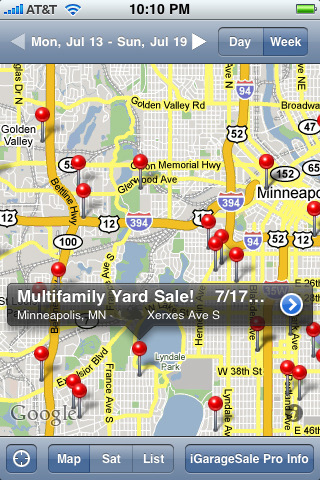
iGarageSale is the perfect companion to any garage saler… expert or novice! I have found it to be a “must have” for scoping out garage sales! It is extremely user friendly and has a ton of great features that make garage saleing a breeze.
One of my favorite features of the application is that it immediately opens to a map of all the garage sales surroundings your current location. Sooooo helpful! I also really like that you can search for specific items you would like to find at a garage sale. So, if you are looking for Legos, you can search for Legos and it will display all the garage sales that have that key word in their description. The garage sales are pulled from craigslist which allows the ability to search the garage sale’s listing for keywords. Very cool. iGarageSale is everything I want in a garage sale application… in an easy-to-use interface. Guess it doesn’t get much better than that.
[Read more…]
Realtor.com Releases iPad App
April 28, 2011 by
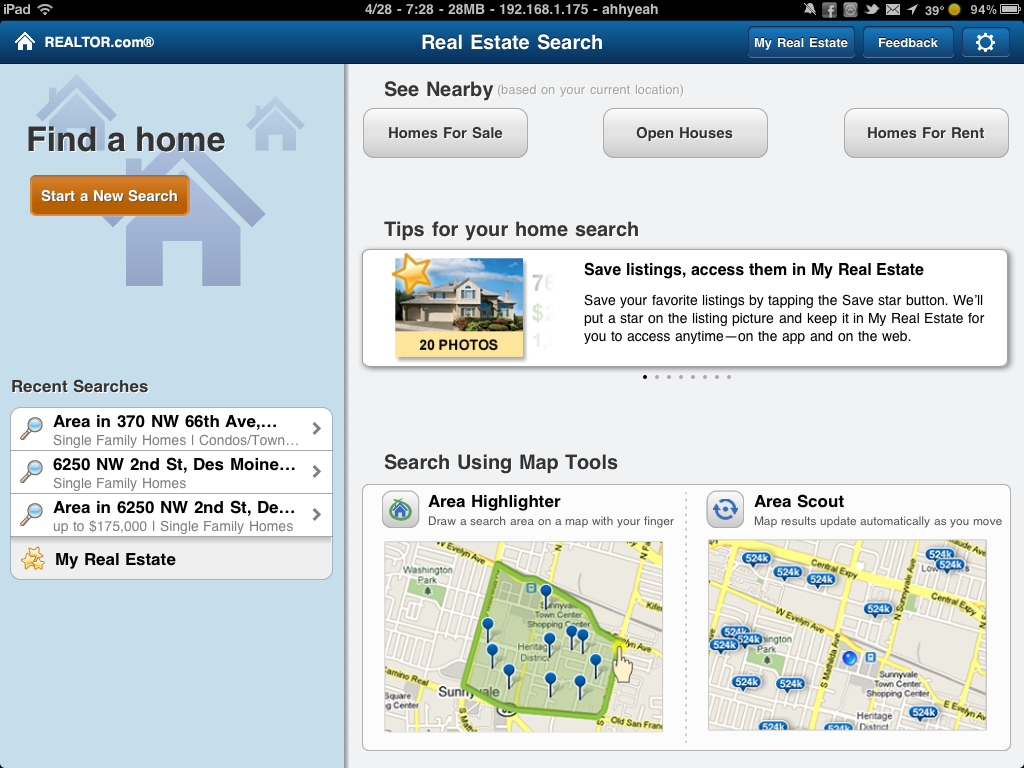
The Realtor.com iPhone app is great. You can drive around and look for houses for sale using the location based search. There are a ton of great features and it’s easy to use. I remember when I first installed the app I went straight to my iPad to see if there was a version for it. At the time, there was not but now there is! It looks so great on the iPad and it makes great for sitting on the couch with my wife and looking for a new home. The app is free to download so check out the screenshots below and then go download it! [Read more…]
Jigsaw Puzzle for iPad
March 17, 2011 by
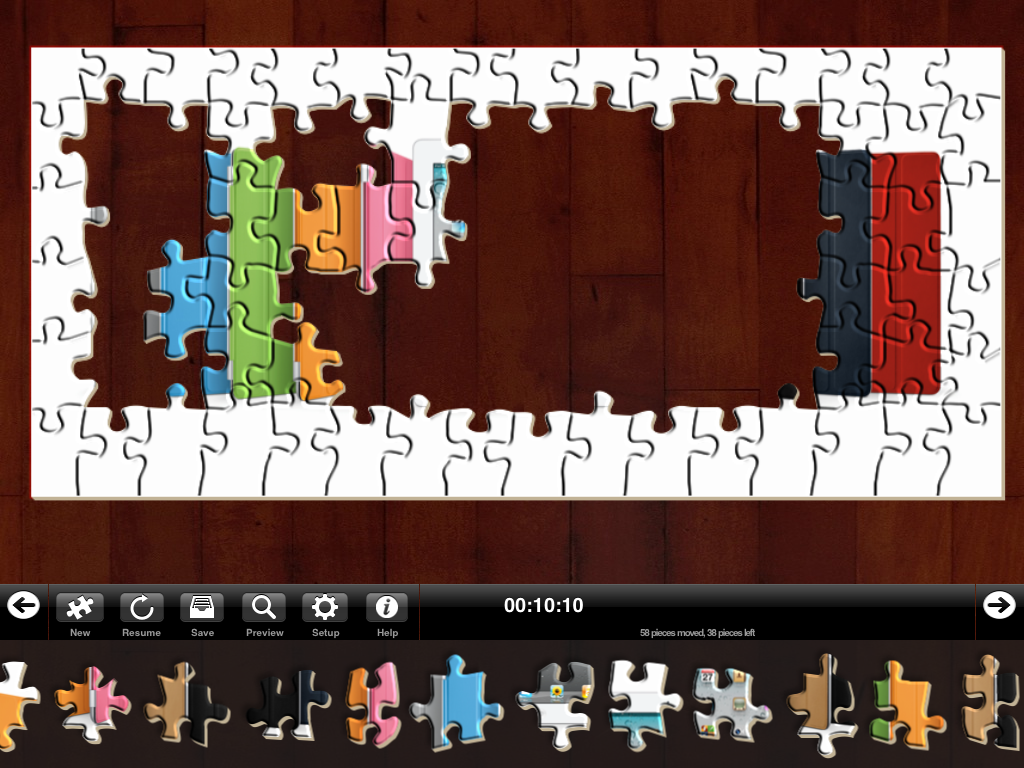
My son loves to do puzzles so I thought I’d check out this app for the iPad that lets you create your own puzzle from a picture you provide. First, you start off by picking the picture you want to use. You can choose from any picture in your saved pictures or the ones you sync to your iPad. Once you’ve selected your image, you can choose between 4 different size puzzle pieces. You can also change the background color or image from the setup button. Now that you’re ready you can hit the start button and start putting together the puzzle. As soon as you hit start, a timer begins counting how long it’s taking you. You can swipe back and forth through the pieces along the bottom and, just like a real puzzle, it’s easier to start with the border pieces. You can pinch and zoom on the picture and workspace to see better and there is a preview button, which I’d call a cheat button, because it allows you to see the finished picture dimmed in the background. After playing or finishing the puzzle you can save the game or the entire picture and send to Facebook and Twitter or email it. [Read more…]
FX Photo Studio HD – On Sale Today for $0.99
March 16, 2011 by
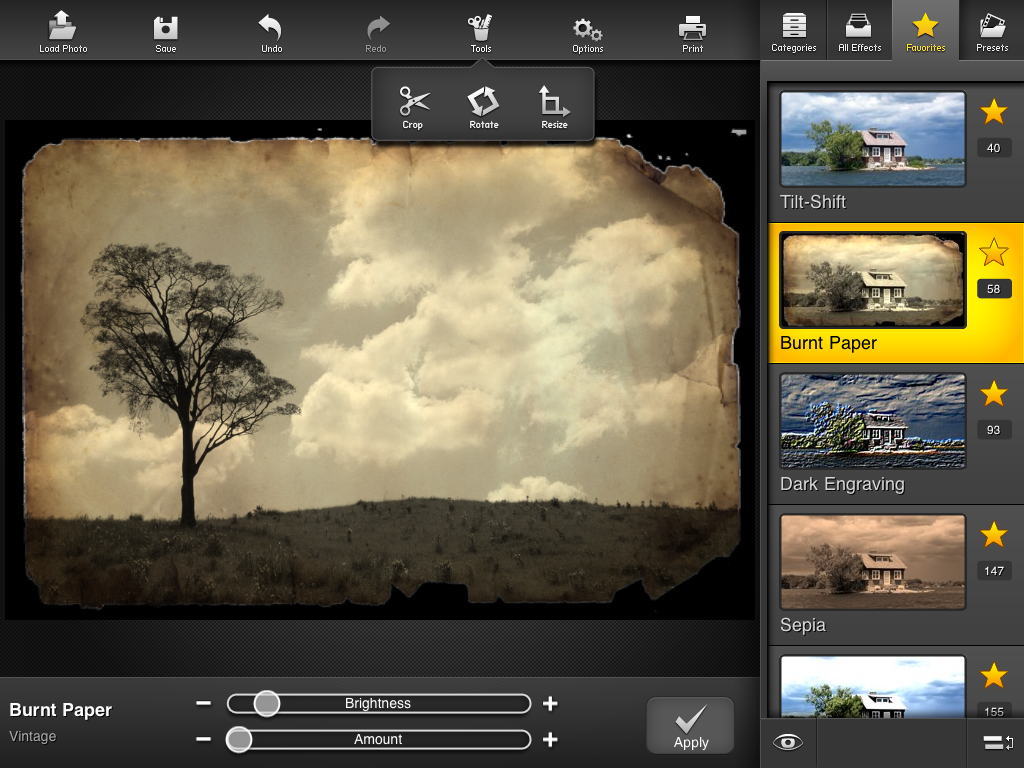
Normally this app is $4.99, but today (03-16-11) it’s on sale for just $0.99. It currently has 181 effects and filters and has some tools like rotate and crop. You can also combine effects for even more vacations. Some of the better known effects include Sepia, TiltShift, Posterize, Blur and the list goes on and on. I also like the many options you have in sharing your photos. Not only can you save it to your iPad but you can share it via Flickr, Tumblr, Facebook, Twitter or email. Check out the screenshots and video below and make sure to grab it quick before the sale ends. [Read more…]
PhotoProtect – Prevent Photos from Being Deleted
March 14, 2011 by
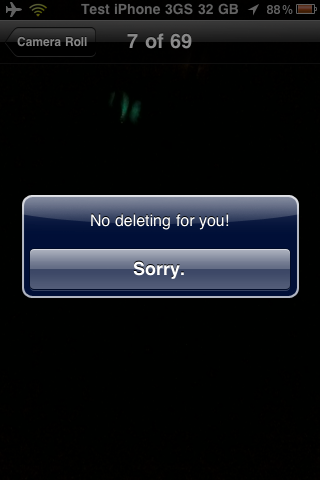
PhotoProtect is a cool little hack that allows the ability to keep the photos and/or videos in your Camera Roll from being deleted. This is a great way to prevent kids from accidentally deleting your photos! Once installed, the hack is automatically activated. If you go into the Camera Roll and select the trash button you will get a pop-up that says, “Don’t delete my photos! It’s a trap!” When you select OK, it will do nothing. The photo will not be deleted and will stay in the Camera Roll.
[Read more…]
iOS 4.3 Untethered Jailbreak [Video]
March 10, 2011 by
As I mentioned yesterday, the Dev-Team had informed us that i0n1c had a 4.3 untethered jailbreak ready for when the new iOS was released. Today, i0n1c posted a video demo of the iOS 4.3 untethered jailbreak. There has been no word from the Dev-Team on when the jailbreak will be available. For now, it is being labeled an “alpha” release. Below is the demo video done on an iPad running iOS 4.3.
[Read more…]
iOS 4.3 Now Available
March 9, 2011 by
As suspected, the iOS 4.3 update was released today. If you are looking to upgrade to 4.3… you can plug your device into your computer, head over to iTunes and select the “Check for Update” option. This will allow you to update your device to iOS 4.3. Below is Apple’s official changelog for 4.3.
Remember: If you are jailbroke and want to keep your jailbreak… hold off on updating to iOS 4.3. We will let you know when there is a new jailbreak out. The Dev-Team says that the wait shouldn’t be too long because @i0n1c has a 4.3 untether ready. We’ll keep our eye out. [Read more…]
iOS 4.3 To Be Released Today – Should You Upgrade?
March 9, 2011 by
During the iPad 2 event, Apple announced iOS 4.3 and it’s release date of March 11th. However, rumor has it, that iOS 4.3 is going to be released today. The upgrade will be available for the iPad, iPhone 3GS, iPhone 4 GSM model (meaning the AT&T iPhone and not the Verizon iPhone) and the iPod touch (3rd & 4th generations). Below is a list of a few the features we will see with iOS 4.3.
Note: Like with all firmware updates, if you have a jailbroke device, you will want to hold off on updating when the new iOS is released… especially with the upgrade to iOS 4.3. Below is a warning from BigBoss.
[Read more…]
WeatherIcon for iPad Hack
March 8, 2011 by
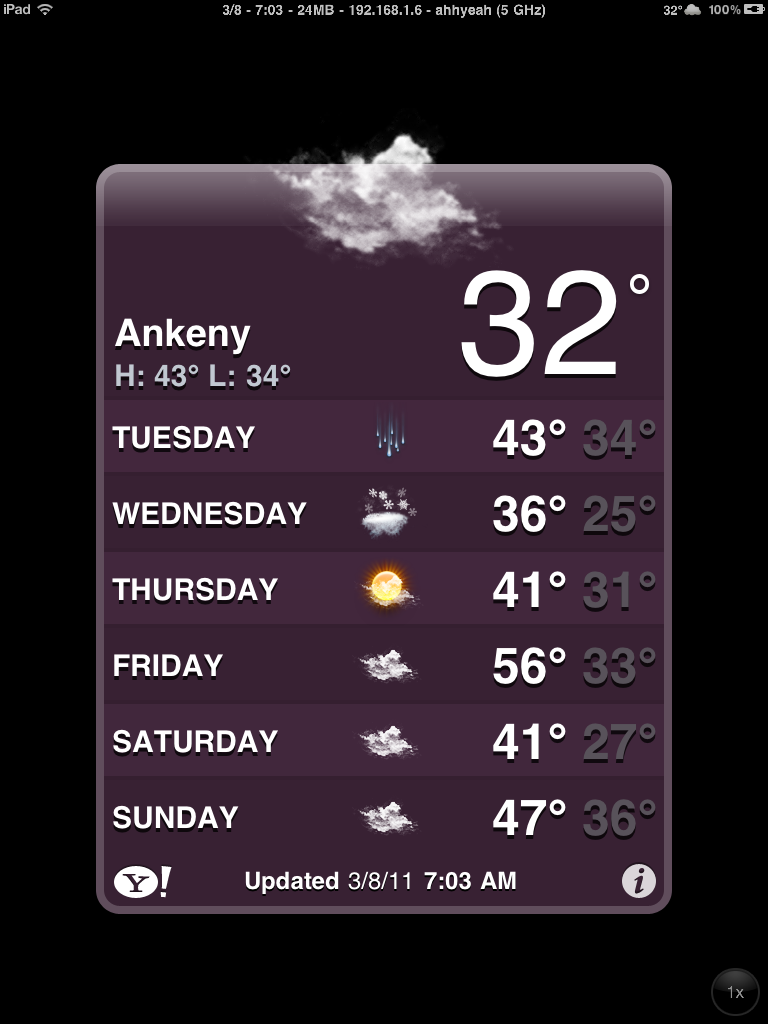
I’ve always wanted the WeatherIcon hack for my iPad but it never works. I looked into it again and found that part of the problem is that the iPad doesn’t have the Weather app from Apple like the iPhone does. After looking around in some forums I found out how to get it working. Here’s the steps I took using an iPhone 4 and a 1st gen iPad. [Read more…]


 Loading ...