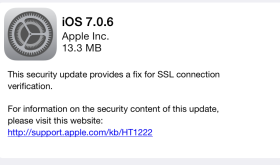
Apple has recently released a security update to iPhones, iPods and iPads. Running this update will remove Cydia and your jailbroken apps if you have them. If you really want to update but want to jailbreak again, there is a fix for evasi0n over at idownloadblog.com that you can download. It’s the same evasi0n tool that has been modified to work with 7.0.6. This is a trusted source. [Read more…]
When Will The New Firmware (iOS 7) Come Out?
July 27, 2013 by
Here I answer the question everyone wants to know right now. When is the new firmware coming out? I’ll share my predictions of when the firmware will be released and about the new iPhone 5S. [Read more…]
Should I Update My iPhone & iPod touch Firmware?
July 25, 2013 by
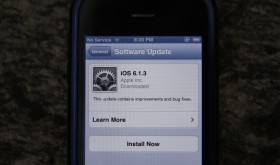
In this video I share why or why you would not want to update to firmware 6.1.4. If you have anything to add or correct in my answer, just leave it in the comments below. Thanks! [Read more…]
iOS 7 – Complete Redesign & New Features
June 11, 2013 by
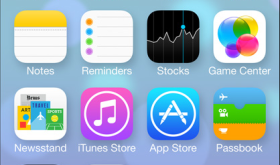
Yesterday, Apple announced a new version of iOS firmware, iOS 7. The biggest change is that the look of the whole software has been changed. Not the way it works or where things are but the colors, icons, lock screen, and just the way it moves as you open and close apps. iOS 7 will be available on the iPhone 4, 4S, 5, iPod touch (5th Gen), iPad 2, iPad with Retina & iPad mini. [Read more…]
High Cellular Data Usage? Try Updating to 6.0.1 Firmware
November 14, 2012 by
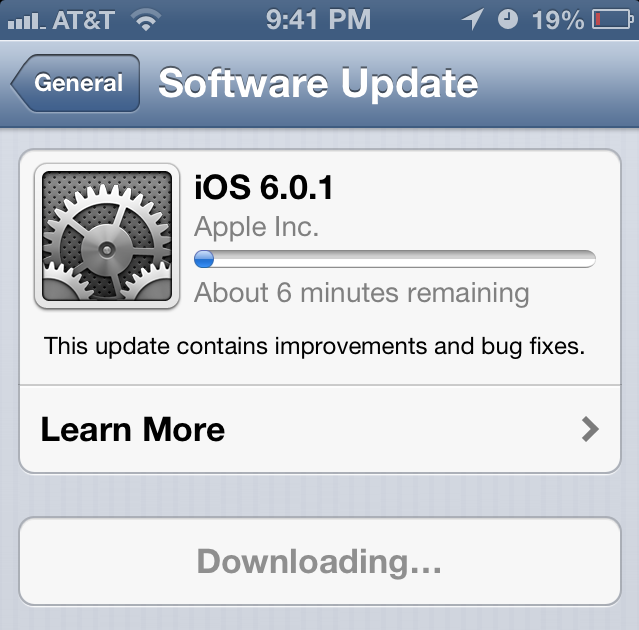
Today, I had two friends ask me about recent high cellular data use. They received an overage text and both seemed like it was pretty early in their plan and they didn’t think they were doing anything to cause it. Both are on Verizon and both have the iPhone 5. I didn’t really think much about it until I read this article. It seems on firmware 6.0, programs are downloading audio files or audio streams over and over thinking there is an error. You can check the article for more details if you think you are having this problem. I just thought I’d try and help spread the word and let you know you’re not the only one if you’re having this issue. Again, to solve the problem, try updating to iOS 6.0.1. Read our article about that here. [Read more…]
iOS Firmware 6.0.1 Update for iPhone, iPad & iPod touch
November 3, 2012 by
I was recently training someone on their new iPad and noticed a red badge on the Settings app with a number 1. This means there is an update for the firmware on your device! Just tap the gear icon titled Settings. Then tap General, then Software Update. [Read more…]
Get iOS 6 on Your Device Right Now!
September 13, 2012 by
If you want to get iOS 6 on your device right now without waiting you can get it from a bit torrent. It’s really not too hard. I’ll guide you through the steps. This will put the same exact software Apple is releasing to the public. [Read more…]
Apple’s Newest Firmware iOS 6 for the iPhone, iPad & iPod touch Preview
June 12, 2012 by

Apple recently announced new firmware to be released in the fall for the iPhone, iPad and iPod touch. There is no specific date yet. They have stated on their website that the firmware will work with the following devices: iPhone 3G, iPhone 4, iPhone 4S, iPod touch (4th generation), iPad 2, the new iPad (iPad 3). [Read more…]
Firmware Update 5.0.1
November 15, 2011 by
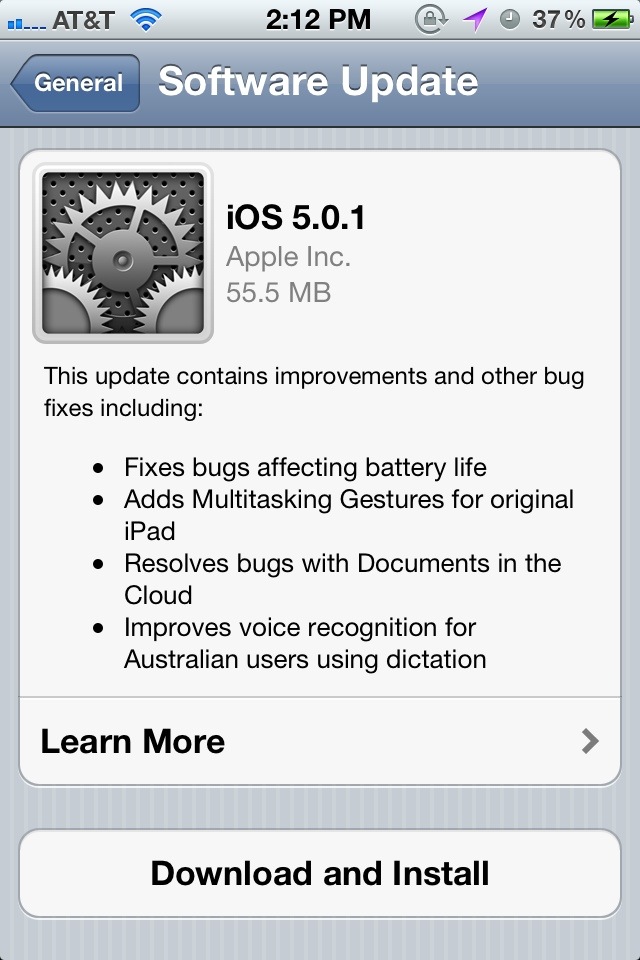
Apple recently released an update to the 5.0 software. The first issue they tried to address is battery life. I was defiantly having this issue on my iPhone 4S (AT&T) as my battery would be drained by about noon every day. I am a heavy user but my iPhone 4 always made it all day on one charge. This recent update did help and now I’m up to about 5:00pm each day. Apple has stated they are still working on more battery issues. [Read more…]
Apple Invites Press to October 4th iPhone Event
September 27, 2011 by
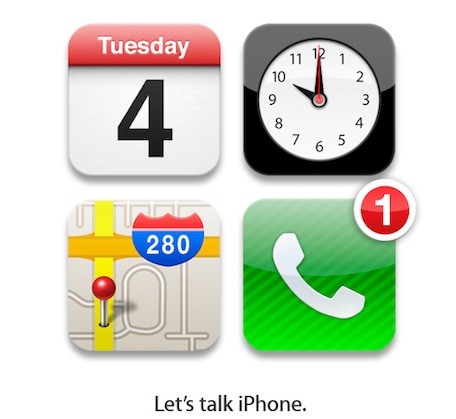
Most likely, Apple will be announcing both the iPhone 5 and the new iOS firmware at their October 4th event. The invitation to the press is titled, “Let’s talk iPhone.” This leads me to believe there will be voice to text built into iOS 5. I’ve tested it out a little using the updated Target app. It seems to recognize what I say really well. It would be great to have it integrated into the software as an option when typing in all apps. [Read more…]
iOS 4.3 Now Available
March 9, 2011 by
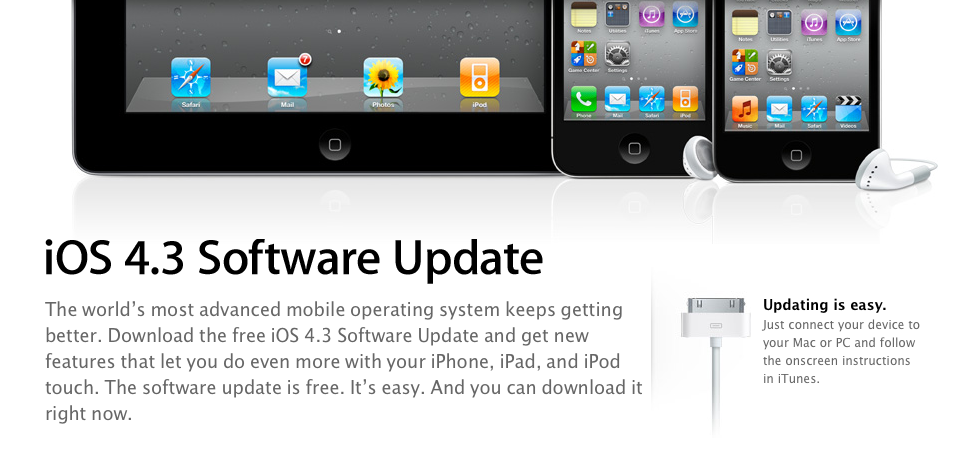
As suspected, the iOS 4.3 update was released today. If you are looking to upgrade to 4.3… you can plug your device into your computer, head over to iTunes and select the “Check for Update” option. This will allow you to update your device to iOS 4.3. Below is Apple’s official changelog for 4.3.
Remember: If you are jailbroke and want to keep your jailbreak… hold off on updating to iOS 4.3. We will let you know when there is a new jailbreak out. The Dev-Team says that the wait shouldn’t be too long because @i0n1c has a 4.3 untether ready. We’ll keep our eye out. [Read more…]
Upgrade to 4.2 on Any Device Early & Jailbreak
November 4, 2010 by
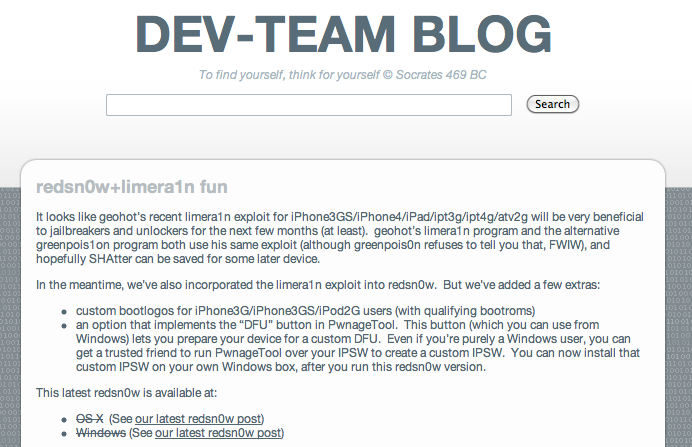
Apple has released the new version of firmware for all devices (besides first generations of course), version 4.2, to developers. The final, gold master file is ready. This means it will install even if you’re not a developer. This is the firmware that brings folders and backgrounding to the iPad and printing to all devices! The firmware will probably be out officially from Apple via iTunes within a week or so but if you want it early, follow the directions below. If you want to jailbreak, see the instructions following the update instructions.
As of the writing of this article, Cydia isn’t ready for 4.2 and I’m also not sure that this will work on the iPad for sure. Please correct me on this. The dev team blog says to point redsn0w at firmware 4.1. The iPhone runs 4.1 but not the iPad. You may be able to point it a previous iPad firmware but I haven’t tested this yet. I’m honestly waiting to jailbreak myself once Cydia is ready. We will update this article once we can confirm. I recommend syncing your device before starting this. [Read more…]
iOS 4.1 Now Available
September 8, 2010 by
 It seems that iOS 4.1 has indeed been released today as speculated. Below is the change log for the new iOS. Some of the major features of the firmware include; Game Center, HDR Photography, iTunes TV show rentals and a bug fix for the iPhone 4 proximity sensor (which we know many will appreciate… including Doug’s grandpa!).
[Read more…]
iPhone 4 Firmware Updated to 4.0.1, Doesn’t Fix Antenna Issue [video]
July 15, 2010 by
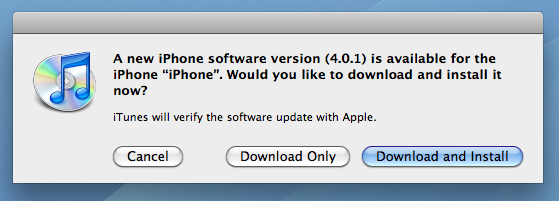
 Apple has released the firmware promised to fix the signal bar issues with the new iPhone 4. To make this clear, the problem, for me, seems to be a hardware issue. When I hold the iPhone in any way that covers the gap between the two antennas, I lose signal strength. I’ve demoed this in the video below. Now, does the firmware fix the problem? Let’s find out! I’ve also recorded what happens when holding the iPhone in the same way on the new firmware, 4.0.1.
iOS 4 is Available, List of Features
June 21, 2010 by
iOS 4 is now available in iTunes. You must upgrade iTunes to 9.2 to sync with iOS 4.
This update is for the iPhone 3G, iPhone 3GS & newer iPod touches (not 1st Gen). Some older devices will not get all updates such as backgrounding. See details below.
Here’s a list of apps that support running in the background. [Read more…]


 Loading ...