Hi! Welcome to Friday Favs… this is where I will talk about some of my favorite mods and hacks from the week. Since the Evasi0n jailbreak was just released on Monday, this post is going to be primarily made up of the must-have mods and hacks I install as soon as I jailbreak my iDevice (in this case my iPhone). [Read more…]
SBSettings in Notification Center
February 6, 2013 by
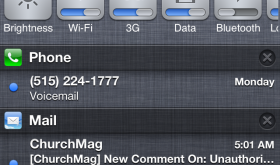
One of the first applications I install after jailbreaking my iPhone is SBSettings, an application that allows you to quickly toggle settings on your device. It allows me to do some of my favorite hacks (see screenshots below) and it also allows me to quickly adjust my brightness, toggle my WiFi and Respring my device… things I do fairly often. Plus, I’m an old school jailbreaker and it has sentimental value. :) [Read more…]
SBSettings Updated to Version 4.2.1 – Fix for 4.2.1 Firmware
November 23, 2010 by
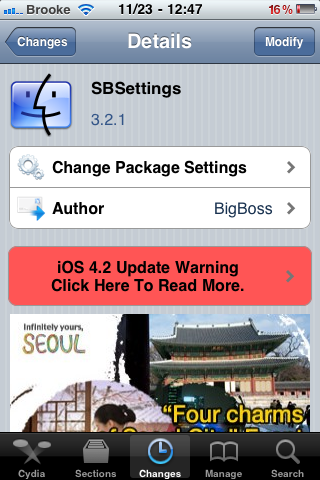
SBSettings, an application that allows you to quickly toggle settings on your device, has been updated to version 3.2.1. The update contains three bug fixes including a fix for the 4.2.1 firmware. Check out the full change log below. You can get SBSettings via the BigBoss source.
[Read more…]
Quickly Clear Cache, History and Tabs in Safari
November 1, 2010 by

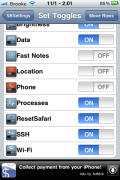
Reset Safari for SBSettings is an SBSetting toggle that allows you to quickly clear Safari’s cache, history and remove all tabs. Once the app is installed, you will need to go into SBSettings and then the More option and turn the toggle on. Once it has been set as one of your toggles, it’s pretty simple to use… just tap the ResetSafari toggle and it clears everything. It does not actually toggle on or off… you just tap it and it instantly deletes everything. If you use the toggle while Safari is open, it will close the app in-order to reset it.
When I tested the app… it worked just as I expected. All my Safari history and tabs had been removed and my cache cleared. I didn’t catch any glitches with the app… let me know in the comments if you did. You can get Reset Safari for SBSettings via the BigBoss source.
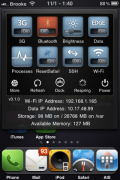
ScreenShots:
 |
Available In: Cydia |  |
Price: Free |
Tenuis Matte – SBSettings Theme
October 30, 2010 by
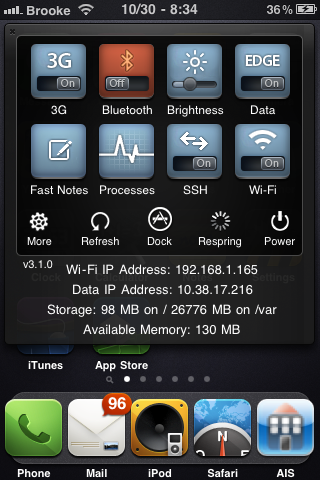
Today, while we were in the Apple store, I happened to look over at Doug’s iPhone while he was using SBSettings and to my astonishment saw a beautiful SBSettings theme. Tenuis Matte is a clean SBSettings theme that just happens to go nicely with my favorite WinterBoard theme… Smoog. I think I may actual prefer it to the Smoog SBSettings theme. Anyway, what I then realized is that Tenuis Matte is actually a theme that comes with SBSettings (who knew!)… here I am installing themes when the best one comes with the app! So, if you are looking for a nice SBSettings theme, you may want to check out Tenuis Matte… if you haven’t already! Screenshots below. [Read more…]
Sleek Elite HD – SBSettings Theme
September 10, 2010 by
|
Available In: Cydia | |
Price: Free |
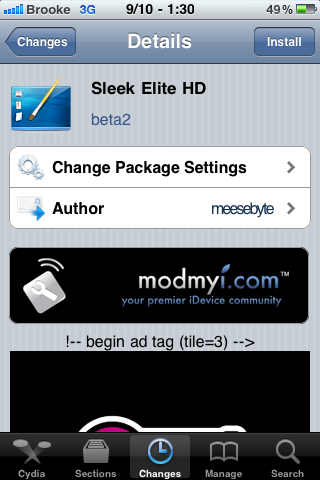
 Sleek Elite HD is a theme for SBSettings (an application that allows you to quickly toggle settings on your device). There are two things I really like about this theme; it’s well designed and it has 31 icons. I’m pretty sure that covers about ever toggle available for SBSettings! Check out the screenshots below. You can get Sleek Elite HD via the modmyi source. [Read more…]
SBSettings Update for 4.0
August 7, 2010 by
|
Available In: Cydia | |
Price: Free |
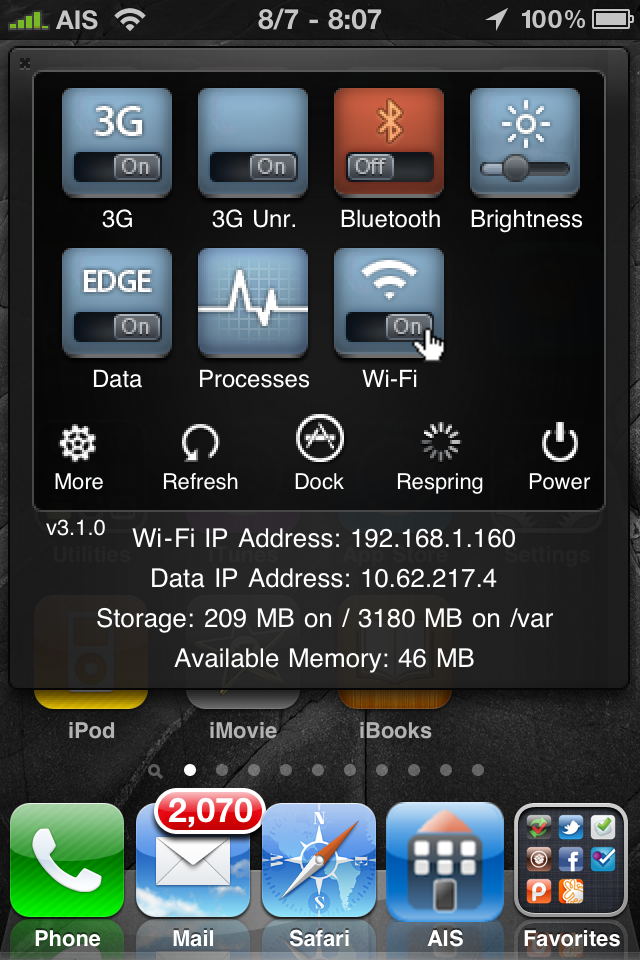
One of the best hacks for the iPhone, SBSettings, now works with firmware 4.0. This hack let’s you swipe the status bar and a drop down menu pops out with all kinds of quick settings like brightness adjustment and toggles for wifi, bluetooth and 3G. There are different themes, all kinds of info like running processes, IP address, & memory. Best of all, it’s free. This is a must have app!
See our past reviews of SBSettings for more detailed descriptions.
Note: there is a small bug for 4.0.
ATTENTION 4.0 USERS: Currently an activator bug prevents the SBSettings window from appearing in some apps. For the time being, load settings, activator, and set SBSettings also to short hold home so you can hold home button to also bring up sbsettings in apps.
SBSetting 3.0.9 – Rotation, iPad Integration & New Features
May 7, 2010 by
|
Available In: Cydia | |
Price: Free |
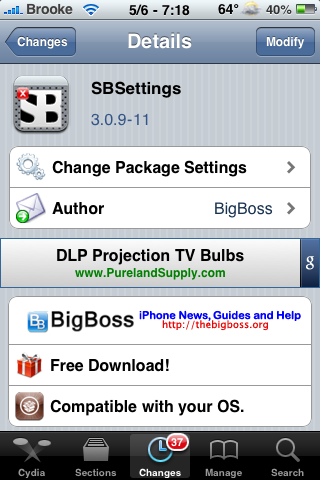
Yesterday, SBSettings was updated to version 3.0.9-11 and released in BigBoss’s main source. Below is a full change log for the update but, a few of the major changes include rotation, better iPad integration and a few new options.
I was pretty stoked when I heard about the new rotation feature however, it was mostly created for iPad users. When your iPhone or iPod touch is in landscape mode and you swipe to launch SBSetting, it hangs off all weird. You are still able to use the toggles however, you are unable to get to the other options such as More, Refresh, Dock, Respring and Power. BigBoss has said that he does not plan to fix this issue due to the fact that it was basically created for iPad users. However, it can be disabled.
[Read more…]
SBRotator SBSettings Toggle
April 17, 2010 by
|
Available In: Cydia | |
Price: Free |
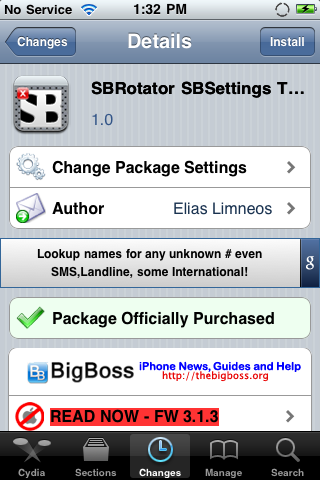
As I mentioned yesterday, the SBRotator mod (a hack that allows your iPhone to rotate in all 4 possible orientations) now has an SBSettings toggle. The toggle is free if you have already purchased the SBRotator mod. I honestly have been trying since yesterday to get the toggle to install and was finally able to get it today. So, here we go.
[Read more…]
SBSettings Update – Firmware 3.1 Compatibility Fixes
September 21, 2009 by

|
Available In: Cydia | |
Price: Free |
SBSettings, a mod that adds was updated to version 3.0.5. The update fixes a bug in which the Reboot and Power Off featured did not work on the 3.1 firmware. Check out the full change log below.
Version 3.0.5 Change Log:
– Fixed more app trying to toggle off last dylib in mobile substrate screen clicked an invisible ad.
– Fixed reboot and power off for 3.1 iPhone firmware. [Read more…]
Push Notifications SBSettings Toggle
August 9, 2009 by

|
Available In: Cydia | |
Price: Free |
Push Notifications SBSettings Toggle allows you to quickly and easily toggle on/off your Push Notifications via SBSettings.
If you toggle Push Notifications off in SBSettings, it will turn off all Push Notifications. It would be like going into your stock Settings application the Notifications option and turning it off. [Read more…]
BigBoss’s Steps to Disabling Edge on 3.0 Firmware
July 27, 2009 by
 BigBoss recently posted an article on how to disable Edge on the 3.0 firmware. The steps below are still in the testing phase but, if they work, he will be integrating it into the Edge toggle in SBSettings. Below what he has to say and the steps. [Read more…]
Inspell SBSettings Toggle
July 24, 2009 by
|
Available In: Cydia | |
Price: Free (once Inspell has been purchased) |
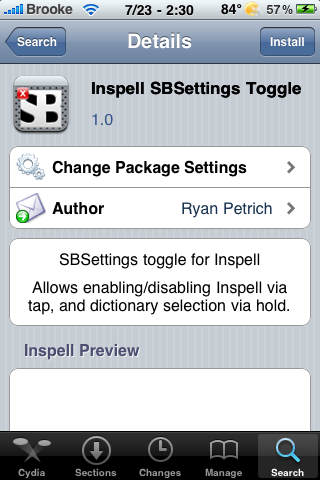
Yesterday I did a review on Inspell, a spell check application. There is also an SBSettings toggle available for the Inspell application. The toggle allows you to quickly and easily turn the app on or off. Another cool feature of the toggle is that it also allows you to toggle through the dictionaries you have installed for Inspell. To toggle through the dictionaries, just tap and hold the Inspell toggle in SBSettings. It will then bring up a list of all the dictionaries installed allowing you to choose one. [Read more…]
SBSettings Update
July 23, 2009 by
|
Available In: Cydia | |
Price: Free |
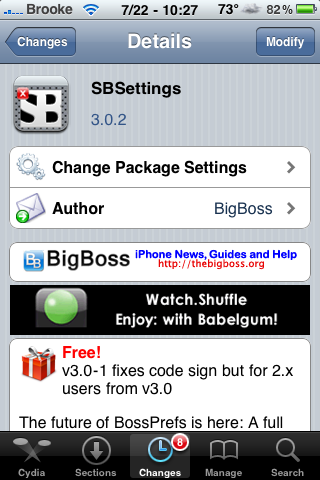
SBSettings has been updated a few times since last night. The 3.0.2 update fixes the Free Memory feature that apparently was not working due to a copying error when packaging the file (and I thought I was crazy this whole time!). I did test this and it does work now. The 3.0.2 update also makes the app a little harder to open. This is implemented to help from accidental opening of SBSettings. You now need to swipe at least 50 pixels in order to open the app. I personally liked this change however, it seems that not everyone was as thrilled about it as I was so SBSettings was updated to version 3.0.3. [Read more…]
QuickShottr SBSettings Toggle
July 14, 2009 by
|
Available In: Cydia | |
Price: Free |
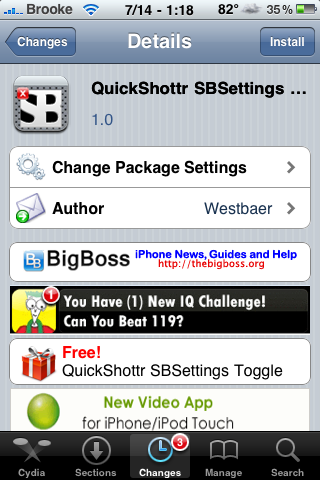
 This SBSettings toggle allows you to turn on/off the QuickShottr mod. QuickShottr is a mod that; “As soon as you take a screenshot of your iPhone screen using the home/power quick tap method, QuickShottr uploads it directly to ImageShack and copies the link to the image into your clipboard, so you can paste it in any application you want.” However, the toggle seems to be stuck toggled off. Every time I go into SBSetting, the toggle is off and even if I toggle it back on, it automatically toggle off as soon as I close SBSettings. Thus, I am unable to use the QuickShottr mod at all because it is always toggled off. [Read more…]


 Loading ...