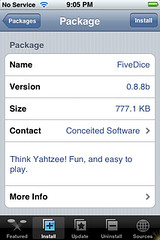
 Developer’s description of game: Think Yahtzee! Fun, and easy to play.
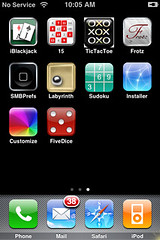
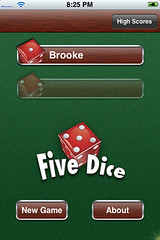
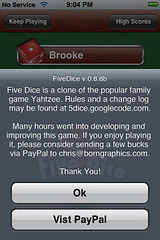
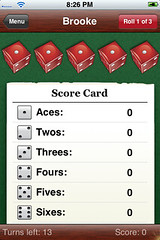
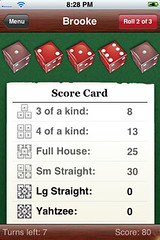
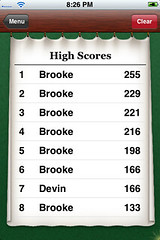
If you know how to play Yahtzee, you will have no problem with FiveDice. The game opens to a main menu where you can put in the player’s name, check the high scores, start a new game and learn more about Fivedice. Once you have entered the player’s name just tap “New Game” to begin. You will have to click on the “Roll” button in the top right corner to get your first roll (it also shows you how many rolls you have left). There is a “Menu” button on the top left that will take you back to the main menu screen. The amount of turns you have left and your score are on the bottom of the screen. To select a die and keep it from rolling just tap it. Once you have a combination of dice that you would like to put on the score card just tap on the category you want it to be in. When all the categories have been filled or you run out of turns, a screen will appear that tells the score of the game and gives you an option to play again or cancel. This is another one of my favorites and it is available through the Conceited Software source. Here are some screenshots.

 Loading...


 Loading ...