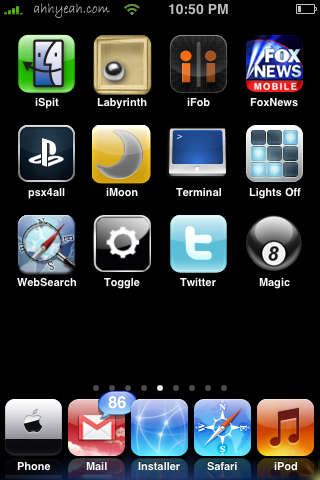
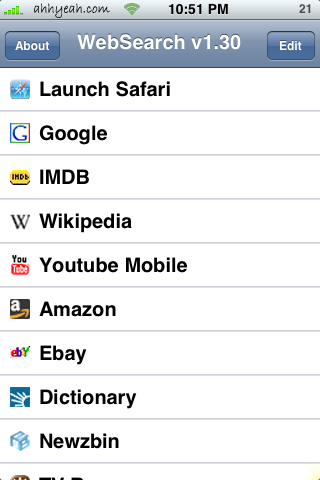
 Searching within websites is now much easier on the iPhone thanks to WebSearch. It allows you to create a list of sites to search from and search within one of those selected sites. It’s really that easy. To add a site to the already great list just use Safari and visit the website you’d like to add to the search list. Use that site’s search feature and search for Asdf. The A must be capitalized and the rest lowercase. Once you’ve performed your search close Safari return to the WebSearch app. Just click edit, then add, then ready. Finish by adding a custom title for the search. Now you can search within sites quicker than waiting for the site to load and then searching within the site. Here’s a list of the sites already in the list:
Google
IMDB
Wikipedia
YouTube Mobile
Amazon
Ebay
Dicitionary
Newzbin
TV Rage
Anidb
Newegg



 Loading...


 Loading ...
how can i add send song to my iphone it doesnt seem to be working any help???
One of the Best apps. Most useful. Can directly search sites without opening the website. Added loads of extra websites on my list !!!