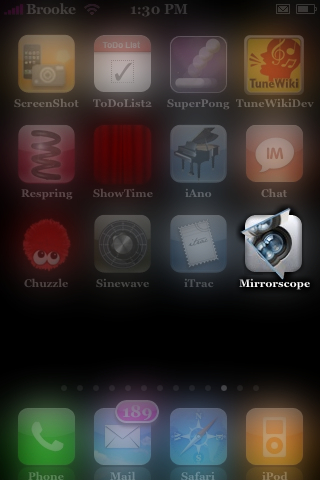
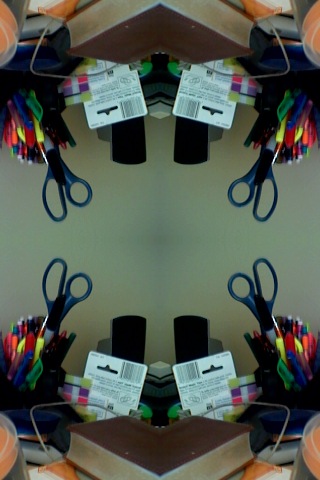
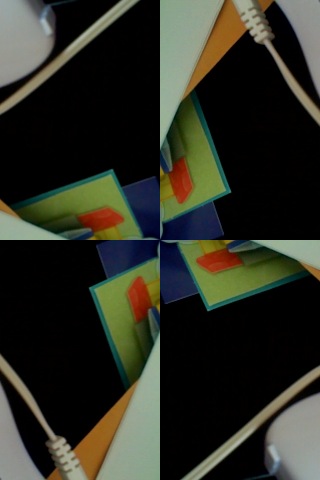
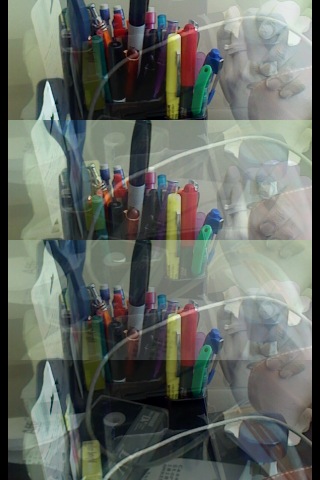
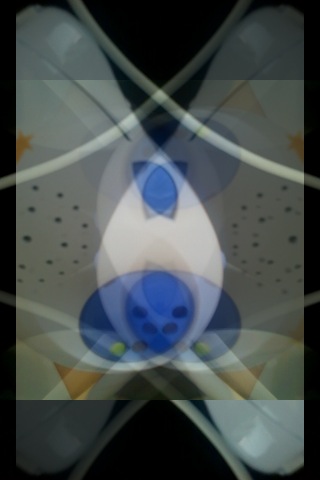
 Think kaleidoscope for this app. It actually turns the iPhone’s camera into a kaleidoscope. What is SUPER sweet is you can give your iPhone a shake and it will change the way the image is displayed. The app opens to the typical kaleidoscope but, give it a shake and you will see a new arrangement…there are eight different arrangements. You can also tap the screen to pause the image…just tap it again to unpause it. It is actually pretty cool, you should totally check it out! I am running this app on 1.1.1 and it is also compatible with 1.1.3. It is available through the ModMyiFone.com source. Below are a few screenshots.




 Loading...


 Loading ...
i hope they make it so that u take images
Yeah that would be cool…like snap it to your Camera Roll!
yea i hope they could do that soon
I hope to save the image too!!
All you have to do is once you pause the image you want and do a screen shot of it. It saves to your camera roll.
Sure someone could use another tool to take a screenshot, but I also think it’s a natural feature to an application like this to be able to store the picture from within the app. Otherwise this app makes no sense at all to me. Waiting for the next update :)
I think it’s pretty cool though.
Mine keeps freezing.
Any one knows why?
My iphone is 1.1.1
I would try uninstalling and reinstalling it. I am on 1.1.1 too and mine is working perfectly.
*******Crashing when i click on the icon it doesn’t even start up
works very fine!
I used with ScreenShot and got crazy photos!
*** take your image w/ ScreenShot! ***
Amazing app!
All the best!
Thnx Brooke!
No problem!
hello!
thanks for your informative site!
i agree with all the comments regarding this cool app and the woeful lack of on-board image capturing, but in the meantime i’m wondering…
what did you use to take the above screenshots? i’ve tried a couple apps but none of them seem to work with 1.1.4…??
thank you!
rodger
how can i save the pix?? mine is the latest version,, it doesn’t make sense at all if i cant save it, but its so cute..:)
i have iphone 1.1.4 and i don`t how can i do screenshot the tap only stop the screen but don`t save it!! :(
hello! I have the application on my iphone and it is very funny but I have the first version. I want to know if the new versions can keep the photos on the phone. Thanks