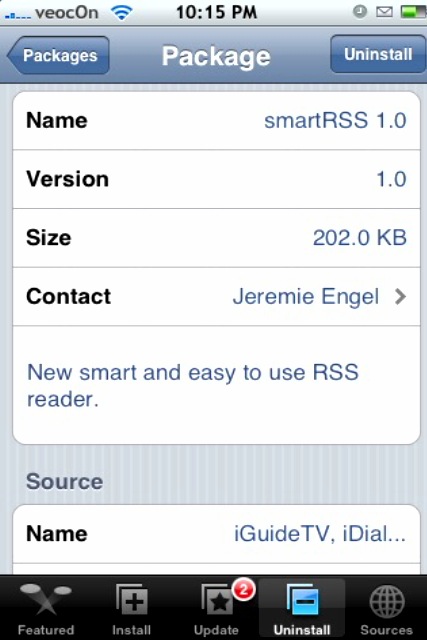
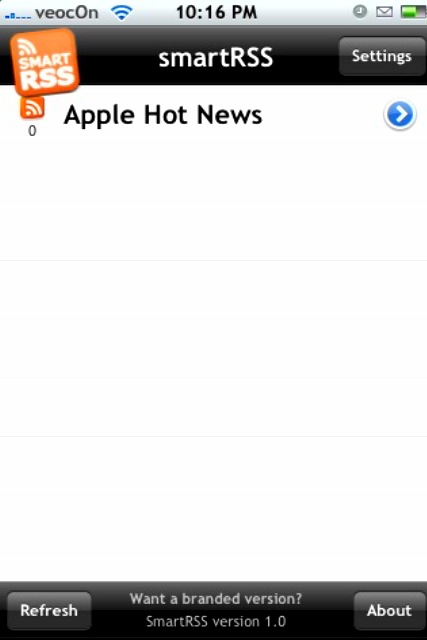
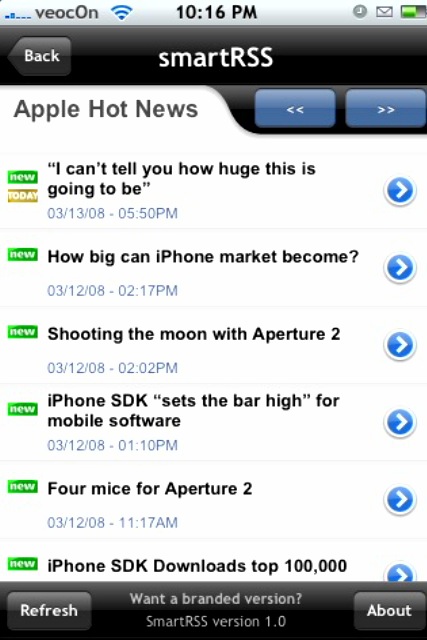
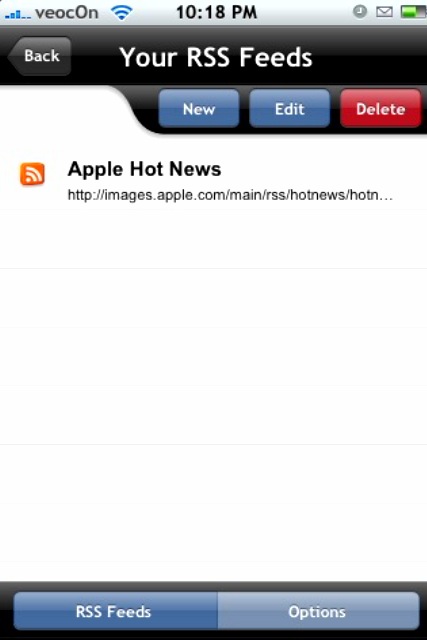
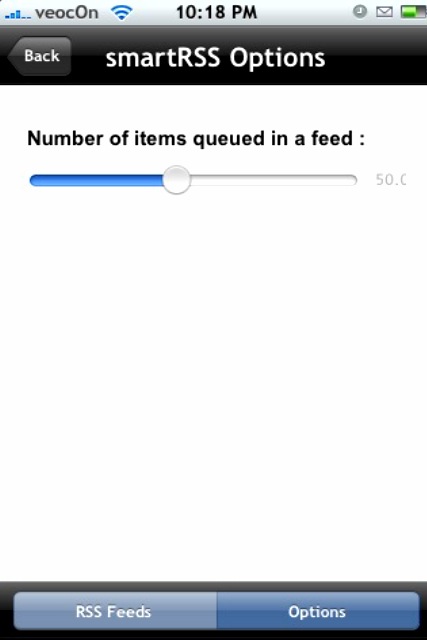
 Another great app this week! smartRSS is an RSS reader and is far better than MobileRSS both aesthetically and functionally. You can get this app from Jeremie Engel’s source and find it under the category “smartRSS, iGuideTV…” (he really needs to name his source differently). Open up the app and you can find the ‘Apple Hot News’ feed already added, tap it to open it to an article list, tap the article to read it. To add more feeds tap Settings>New. You can also edit and delete feeds in this section, or tap the Options button at the bottom and change the number of items queued in a feed. Back at the home screen you can tap Refresh to get the new feeds, or tap About to see the app info or the developer’s contact info. The one thing that drives me crazy about these apps is typing in the feed address, Copy/Paste Apple! Make it happen! I tried to find the feed file through SSH and no luck, seems they are compiled files and is impossible to read/edit. Practice makes perfect they say, so typing is the way to go. Screenshots below, and give us your feedback! Enjoy!



 Loading...


 Loading ...
doesn’t seem to update news feed once it hits maximum number of items queued in a feed.
Thanks again Jacob!
I have upgraded from MobileRSS to smartRSS! Seems to be way better :)
can you ssh an xml/opml file? it would be way too tedious to enter addresses manually. if you cant, then this is really not better than mobilerss.
How do I delete posts after reading them? It gets too messy with too many posts inside a feed.
Any good Techy RSS feeds???
Please reply to this comment with a couple of Software/iPhone/Mac RSS feeds. Would be great.
Here’s a few that I subscribe too that are iPhone:
appleiphoneschool.com – http://feeds.feedburner.com/appleiphoneschool
ericasadun.com – http://ericasadun.com/?feed=rss2
Into iPhone – http://www.intoiphone.com/feed
iPhone Alley – http://www.iphonealley.com/sitewide
iPhone Atlas – http://www.iphoneatlas.com/feed/
iPhones Talk – http://www.iphonestalk.com/feed/
iPhoneskinning.com – http://www.iphoneskinning.com/feed
Ste Packaging – http://blog.psmxy.org/feed/
Zibri’s Blog (ZiPhone) – http://zibree.blogspot.com/feeds/posts/default?alt=rss
Thanks Douglas!
this rocks
Please help!!! How do I delete posts after reading them?
I don’t see a way to delete individual articles…only to change the number of articles so once it goes past that number they will automatically delete. I really like this RSSReader…it is very clean and I really like the interface. Plus, it’s kind of fancy like! I also like the New icon next to new articles. There are a few things that could be improved like ability to see images, deleting individual articles, the new icon would stay until you have actually read that article so you know which ones you have and have not read. A few things like that…but, this is the first version…I’m excited to see what updates bring!
SaWEEEEET.
This one is way better than the MobileRSS….
I have a feed that it just kept reading in over and over…but there is only 17 posts in it all together….
With this one…it only reads them in once.
This is missing an auto update every 5 minutes ..
Looks awesome, with some great effects, but is still missing a couple of things:
1. Auto update
2. Mark all as read
3. Keep unread
That sort of thing. Basically everything Google reader has and more.
Also it doesn’t show any embedded pictures or graphics. Sure its prettier and more stable than MobileRSS, but its lacking a lot of features. I’ll keep it though in case they decide to upgrade it.
Alex,
The Engadget feed showed all the embedded images for me. Seems like some feed work.
I agree if they add a “read” flag and the ability to auto update at a designated interval this is a clear winner!
They need to update there TVGUIDE so that it does USA tv and not just FRENCH
UPDATE: Now TimeCapsule will have a feature to backup all the smartRSS feeds!
What i really need is importing feeds via opml or xml…
it takes to long typing 100 feeds…
Is there a way to sort them alphabetically? Can this be done with any othe RSS reader?
SmartRss was sweet until i got an error saying “unexpected quit: Reset or Continue”. Whatever I chose, it returned to home screen :( I tried to uninstall and then reinstalled but no use.
I have the same problem likr JT when i start smart RSS got an error RESET OR CONTINUE
need help
Smart RSS is not so Smart … doesn’t fully support Atom feeds and you have to refresh manually.
this add was great untill somewhere along the line, when i launched SmartRSS it would just glitch and return me to the main dock. I uninstalled and reinstalled and it worked fine, i then re-entered all my links (painful process tbh) and about a month later, same thing happend. The application seems to just randomly “die” for some odd reason, anyone have any idea why? aside from this mess i really liked this addon.
Needs to have bigger font (or option of changing font size). It is messing with my eyes. =/