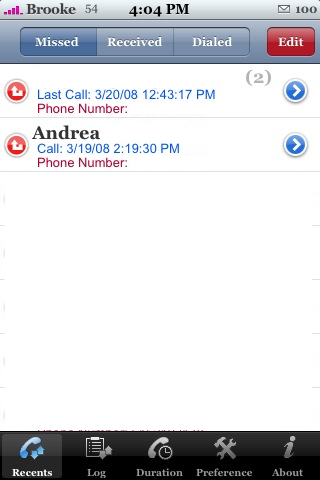
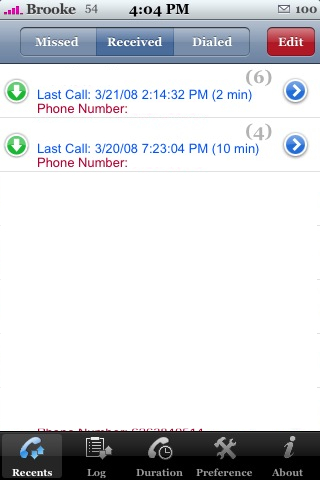
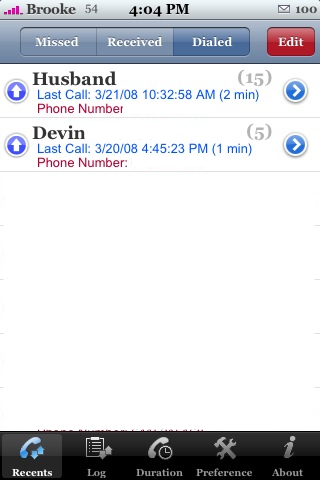
 iLog is an app that keeps track of your recent calls and texts. When you open the app you will see a lower menu bar with the options; Recents, Log, Duration, Preference and About. When you are on the Recents option…you have the option to view your Missed Calls, Received Calls and your Dialed calls. It gives you all the information about that call…the name of the contact, the date and time of the call and the phone number. You can also tap on the entry to view that contacts information. Edit in the upper right corner allows you to delete individual entries. The next option, Log, shows you all of your calls and texts on one list. You can see all your missed calls, received call, dialed calls, received texts and sent texts. These start with your most recent entry. One cool thing is that you can tap on a text and it will show you the what the text message was! You can also filter what goes into this list by tapping the Filter button in the upper left corner.
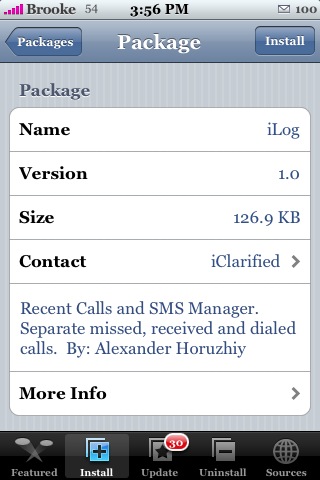
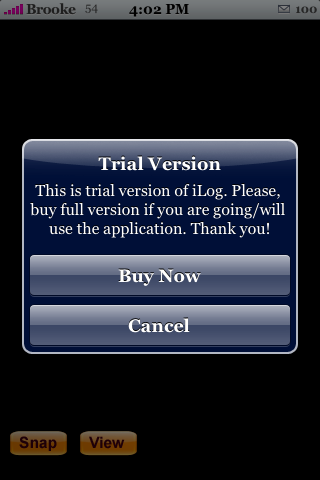
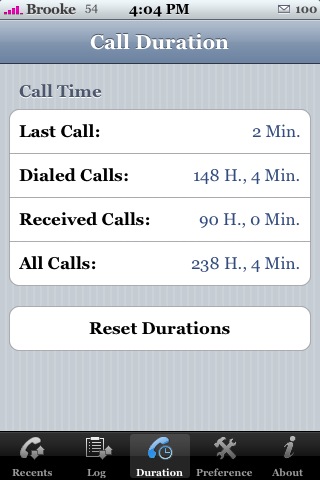
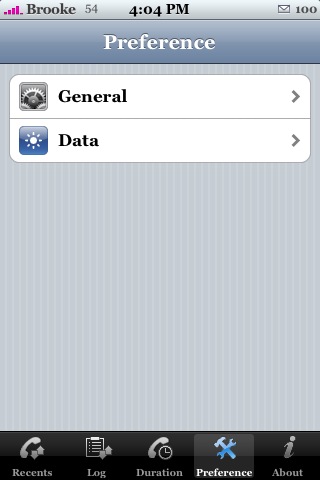
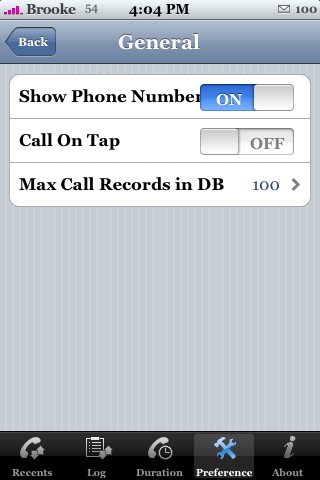
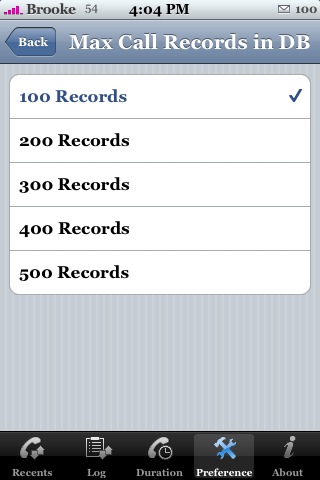
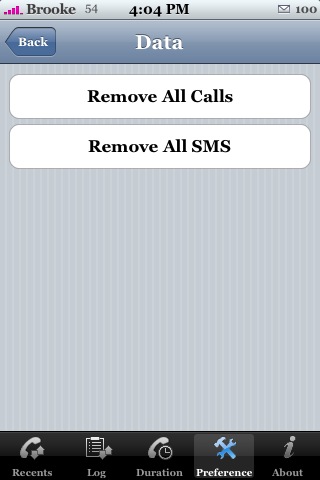
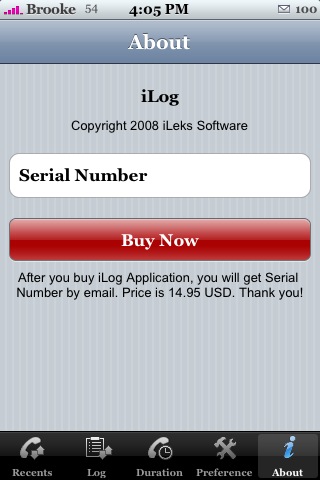
The Duration option gives you information about the duration of your last call, the total duration of all your dialed calls, total duration of all your received calls, the duration of all your calls together and the option to reset the durations. The Preferences option give you some set-up options for the app such as the ability to turn on/off Show Phone Number and Call On Top and the option to change the amount of records it displays. Also in the Preferences is a Data option which allows you to Remove All Calls and Remove All SMS. The only annoying thing about this app is that if you do not purchase it, you get a pop-up every time you select something in the app…it is totally annoying!! So, unless you are going to purchase the app for $14.95 or are extremely patient…you will probably only use this app a few times before you uninstall it! iLog is available through the iClarified source. If you want to see screenshots…scroll down! :)




 Loading...


 Loading ...
Why would someone buy this apps, when there is WeTool, which is free? The only thing that wetool doesn’t have is the duration log, but thats something the iphone has itself. Or am i missing something? (Sorry for my bad english)
lately theres a lot of apps you gotta pay for, like this one, caterpillar, and others i cant remember now.
This app need BSD which is a long time that cannot download it(package download failed). is there an available source for BSD subsystem?
No reason to buy this except the “duration log” infos that I canf find anyware.
Hi yall!
WeTool, iLog, ICalls, iSMS, … Being a Wetool user, I was wondering if there are better alternatives to manage Calls and SMSs?
See you!
What I like about iLog is that if you purchase the app you can then choose for it to become, or replace, your recent list in the phones phone log.
That way you really don’t need to open iLog, or any secondary app.
Not sure it iCalls, iSMS, WeTool offers that
iLog was working for me perfectly until I decided to purchase this app. Now that I have a serial number for the app it will no longer open up. Any help with this problem would be greatly appreciated.
it was to good to be true… suddenly iLog won’t replace my recent list any more.
Hi there.
I upgraded ti 2.0 and… I can’t find iLog anywere or any way to download it and use it. I have bought it and it was working perfectly on 1.1.4.
Please anyone, I’d love to use it on 2.0 too.
Cheers.
hey guys..
I hope i didn’t understand all wrong.. in every country they have different services and apps on sale on apple store…. like where i live( in Fin) there is no wetool or not any other app to replace ilog.