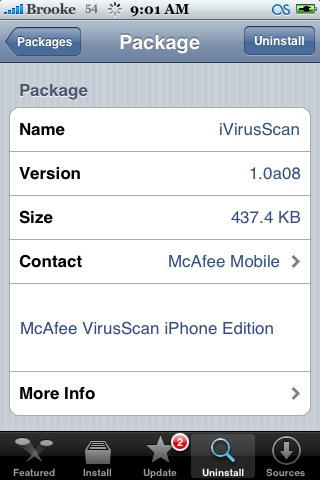
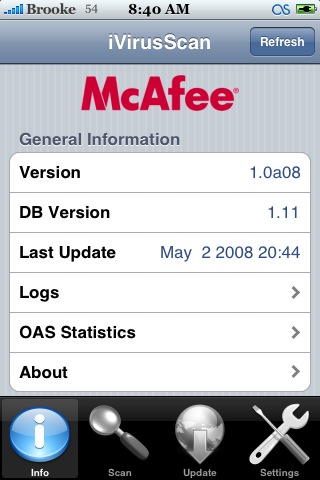
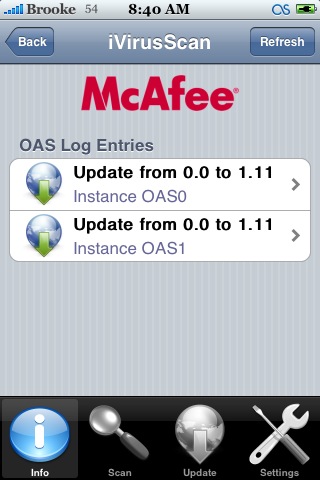
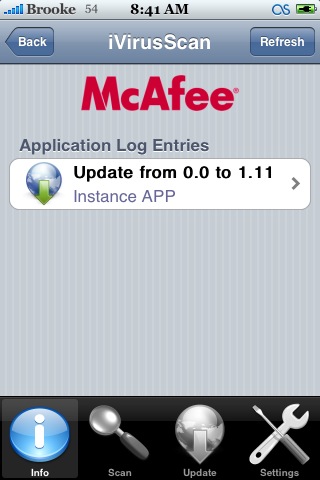
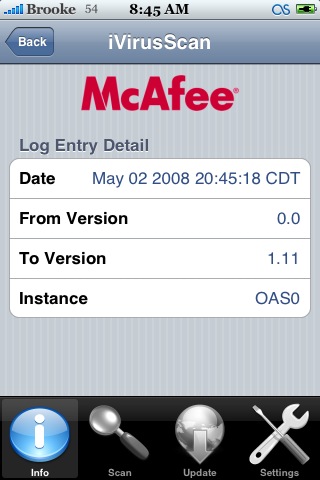
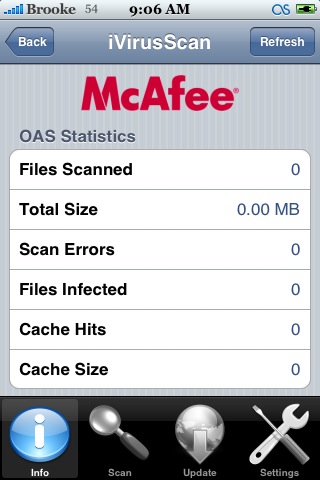
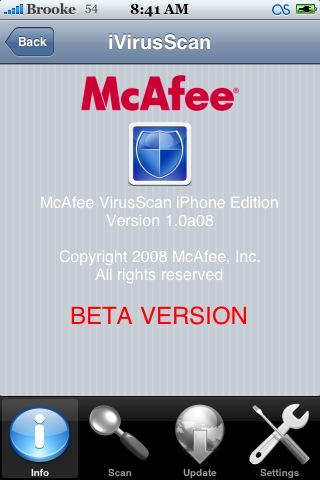
 iVirusScan is an app created by McAfee (though leaked to the public) to scan for viruses on your iPhone. When you open the app, you will get a splash screen letting you know that this is a beta version of the app. From here you will be brought to the main info screen. There is information about the Version of the app, the DB Version, Last Update date/time, Logs, OAS Statistics and more info about the app. Inside the Logs options you will see two logs, OAS Logs and Application Logs. Inside each log you get the log history, you can select an entry to get even more specific information about that entry. The same goes for the Application Logs. The OAS Statistics option gives you the following information; Files Scanned, Total Size, Scan Errors, Files Infected, Cache Hits and Cache Size.
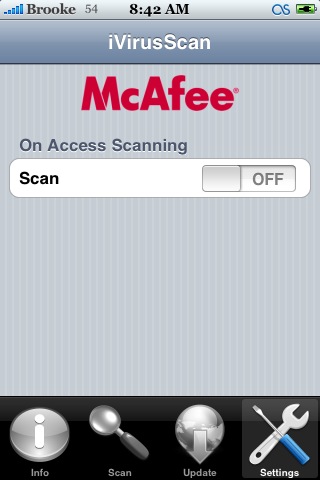
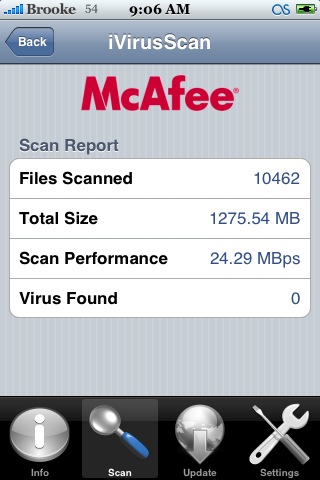
On the lower menu bar you will see four options. Info (which the app opens to), Scan, Update and Settings. The Update option…I’m going to guess….updates the virus list. The Setting option only has one setting, the ability to turn on/off the virus scan. If you select the Scan Option you will get a screen with a Scan button. If you tap the Scan button, it will begin to scan your iPhone. At anytime during the scan you can select Cancel to cancel the scan. Once the scan is complete you will get a screen displaying the number of Files Scanned, the Total Size, the Scan Performance and the number of Viruses Found. Honestly guys…I see no need to install this app. There are no known viruses on the iPhone so, I’m not really what it is scanning for. I found that when I had iVirusScan on, it massively ran down my battery because it was running in the background though, you can shut that off in the settings. Install at your own risk. iVirusScan is available through the McAfeeMobile Dev Repository.





 Loading...


 Loading ...
Hey Brooke ,
I’ve read earlier about the leaking of this beta app by McAfee and i really don’t understand why you shuld promote this app if it not so needed to iPhone ??! the only thing that cross my mind is .. ” Money – Buckz and lot of them ” !
I really think that McAfee do see the future potential of iPhone virues in coming term , but .. there is no need for them cuase’ there are no virues in the iPhone until now and i do believe that there will not in the upcoming future only for the reason that the iPhone Community true devs based on the Hackz and they really love wat they have in their hands :
= iPhone + Steve Jobs – Bill Gates
This is my theory reasoning of McAfee iVirusScan !
Have a nize day :)
Jayjay
Does anyone know what the Stinger program is?
I noticed it while checking this out.
You are correct though that there is no virus’s “at this time”.
I assume they will be a big sell once the App Store launches though.
With 3rd party apps being offered the possibilities for virus’s will increase even though I have not seen it with my MAC products, but who knows.
The fact of running in background means nothing for battery life, if the background daemon just sleeps waiting for events. OSX (and Unix in general) have quite a few of them.
If there’s no user activity, there’s no battery use.
Apps will be able to run in the background in legal 2.0?
Apple will not screen programs through their site for viruses?
The only threat of attack is web based or email. and i don’t think web based would be a problem. so just email.
I have tried this a few times and I have yet to complete a scan fully.
It stops over 3/4 of the way.
Now I can the scan and I get a Scan Report which does not r cancel eveal any problem.
It does not show a partial scan or scan that looks to be abnormal.
Is this just happening to me?
Thanks
Antivirus for the iPhone?
Has anyone seen a virus so far?
Suspicious, suspicious…
Hey, you should delete that, right away, it is a virus and has no relation to McAfee, if gives u the spinning ring of death
Hey guy´s
Do not install this app, I did and now my iPhone eill not start up, it just gives me the apple logo on startup and stays there. Now I don´t know what to do and feel (bad word) stupid…… Any one out there who knows what I can try?
Stay away from this app!!!!!!!!
I installed it yesterday on my 1.1.4 firmware, and I still have it there. I noticed the boot time is a little longer (maybe because it verify all files?), but after that I don’t even notice it.
McAfee is nothin but ram hoggin spam anyone who uses this on their pc obviously hasn’t done much research on the program. If you don’t belive me check out prevx.com. Just my opinion :)
I have read that this is fake, and screws up your iPhone/Touch, DO NOT INSTALL ;)
I Totally Agree !!!
Hey Brad
How long did it take to boot up? After 30min I just turned my phone off thinking that it is broke…… I’ve got firmware 1.1.4 16gb and it´s got huge amount of music and movies on it.
But say that it is not the case that this is it, that it really is not going to boot up again, what do I do? Any one
Bad experience with AV: SWOD (spinning wheel of death) after installing McAffee (?) antivirus (?). Had to rebuild the whole system.. 1.1.4, Pwnage-d.
Bjorn, I didn’t take any measure of time different between w/ and w/out. I guess it’s in the order of 5-10 seconds.
It’s noticeable, but definitely not 30 minutes :)
I have no idea how it works, but music and video files are usually not a problem for AV apps. I’ve many video and lots of music myself in my 16GB iPhone.
It is possible that McAfee uses some interception method that is also used by other applications you installed, and these may not live well together at the moment. Things like SMS and calls firewalls, for example, are VERY intrusive in the system.
It’s working fine on my iPod Touch. I noticed a slower boot time (is it checking files at boot?), but after that I’ve seen no problems at all.
Music playback seems normal. I uninstalled it for now, but it’s good to know that there’s one ready in case the Windows plague will hit the iPhone/iPod.
Boot time is about 8 seconds slower on my iPhone 1.1.4. This is IMO OK, since the whole point of having an AV is that the AV itself checks startup file when booting. Also, the first time I run the apps, the startup time looks slower, but only the first time. They may be using a cache or something like that, because after the first time, I can’t notice any difference from my iPhone w/out the app installed.
User interface looks pretty nice, although the background image is stolen from the iPhone settings :)
What about the rumors that this app messes up your phone? Why do we need an anti-virus program on OSX? Very suspicious! :-)
This has been confirmed to be from McAfee. There was a link somewhere else.
My iPod seems to behave as normal as before with this app installed.
Same as Rick, I get a slower boot time (a matter of a few seconds). And same as Rick, app startup seem a little slower, but only the very first time.
It did not detect any virus on my iPod! :)
please do you know where can i download iVirusScan?
I did not know that Apple and Microsoft worked together to create software.