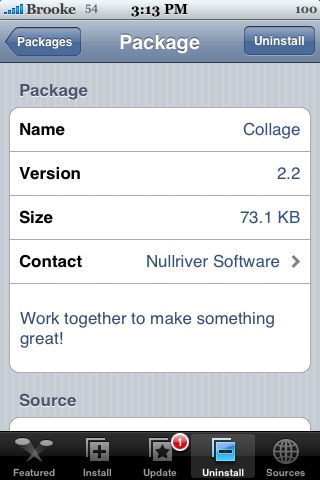
 Ok, so you thought adding comments on Wallpapers was cool…now you can add comments to the photos in Collage! When you tap on a photo in Collage, you will see a new Comment option. If you already signed up for a username in Wallpaper…it will automatically sign you in and you will be able to view and leave comments. If not, you will need to enter a username, password and email address to register. Another cool new feature is that if you hang around in the app long enough, looking at the images people are adding…you will get a Today’s Challenge screen. It will explain Today’s challenge and will give you a few favorites from the day before. Very cool! Collage is available through the AppTapp source.





 Loading...


 Loading ...
Not sure when the today’s challenge was added, but it was there before this update :)
Huh…I don’t remember this app having challenges. But, I totally could have just missed it in a previous version. I know his Quest app was based on challenges and then people added their photos of those challenges.
So I registered with college but didn’t add photo, now there is no option to add it and I cannot find where to edit my profile. Also, I was never sent a conformation email when signing up. Any idea where to edit profile?
Thanks all.
Same problem here. I registered and I can comment, but I can’t tell who comments on my photos and I can’t figure out how to add a profile icon for myself (like other people seem to have done).
Does this app have a website or manuel or any other information about how it works?
yes i have the same issue. Tell me if you find solution, thanks
A really fun way to pass the time while uploading to ftp servers too many files!
How to delete files?
Where are the naked girls?? ;-)
Sent in a lot of nice pictures, but i keep getting back the same stupid dogs and cats. Who supports this app and what happens to the pics you submit?
Hi, is it possible anywhere in the application or on a website to view the comments that people make on pictures that you’ve uploaded?