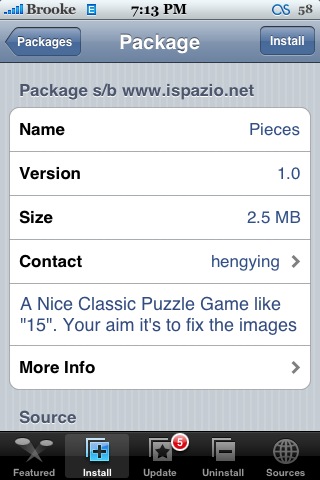
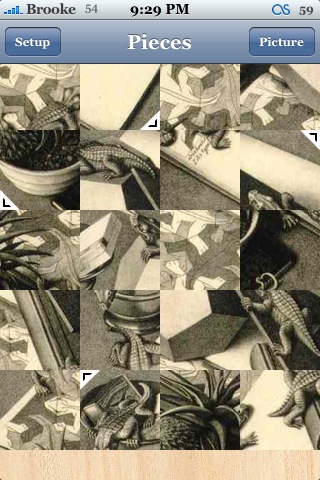
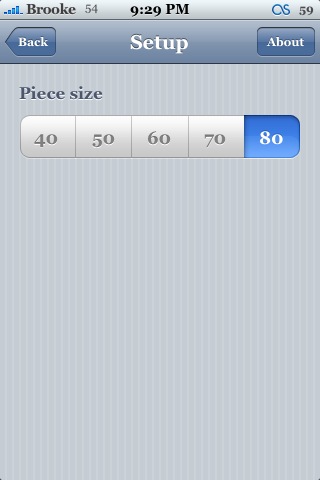
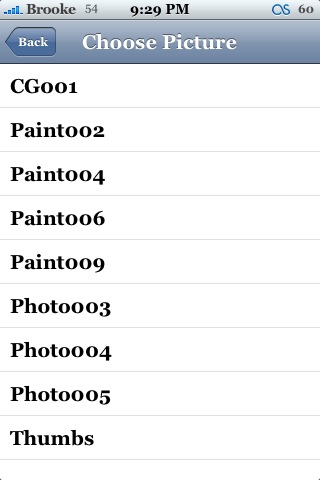
 Pieces is a puzzle game. The object of the game is to move the pieces around to unscramble the image. The app will open to the main play screen. Here you will see scrambled puzzle pieces. The pieces with the arrows indicate which corner they belong in (so, you get four hints right off the bat!). From here, you need to move the rest of the pieces to unscramble the image. If you tap on the image, you will get a menu bar with two options; Setup and Picture. Setup allows you to change the size of the puzzle giving you the options; 40, 50, 60, 70 and 80. The Picture option will bring up a list of what look like picture files. However, they do not do anything. No matter which option you choose is just shows the same image. Once you have solved the puzzle, you will get a pop-up saying Congratulations. To play again, tap Ok. I think this could be a fun game, especially when you are looking to kill some time. However, it desperately needs different picture options! Hopefully we will see that feature in the next update! Pieces is available through the iSpazio source.



 Loading...


 Loading ...
I was hoping it wasn’t just me that couldn’t open any other pictures. I hope they add more soon. I also hope we are able to choose our own pictures in the future. I don’t know how difficult that would be to implement though.
That would be sweet! If you could pick an image out of your Camera Roll or something!
there are more pictures… all you have to do is fix permissions with ssh so mobile user can write in /Applications/Pieces.app/current_game
regards…
@netroach…
ssh’d and permissions are correct. Where can I get more games? Or how do I access the ones in the folder? Thx
all i’ve done was set /Applications/Pieces.app/current_game to 777
there is a folder “Games” with some png in the application folder.
i guess, you can copy more png inside :)
This works for me. Tip though – don’t click on the picture called ‘Thumbs’ as it’s not a picture and will crash back to the Springboard repeatedly, requiring you to manually replace current_game.png via ssh.
Setting the rights to 777 worked for me too.
To avoid the crash just delete the file “Thumbs” in the directory “games”, it’s just a thumbnailfile from windows.
You can upload your own pictures via SSH in the “games” folder, too! Just convert them to png with size 320×427…