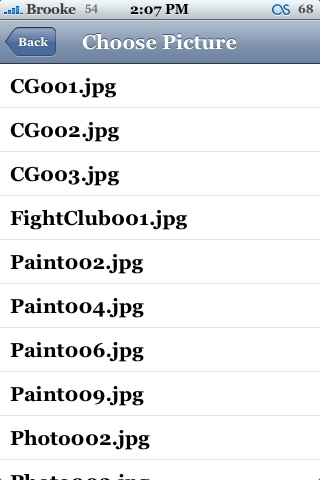
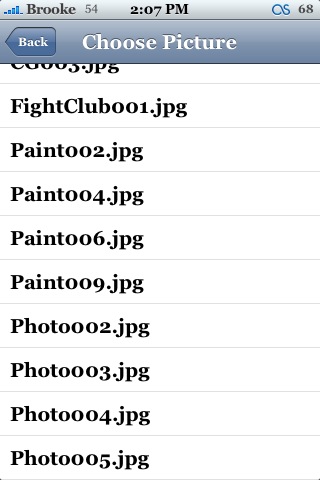
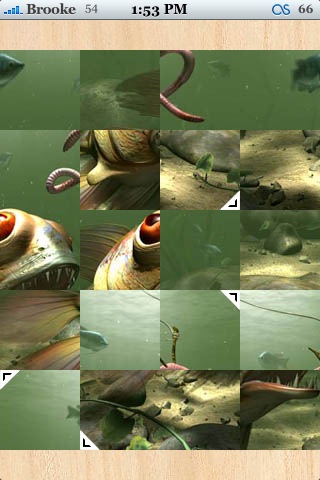
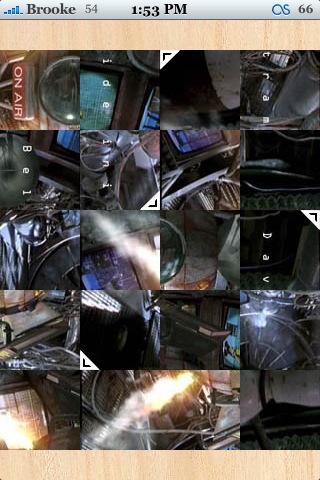
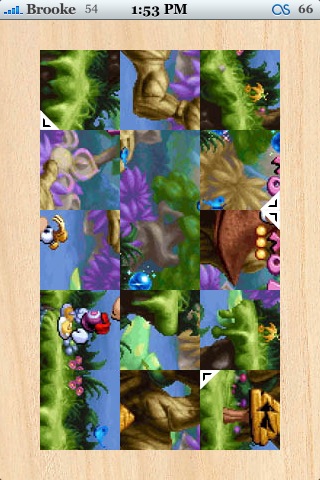
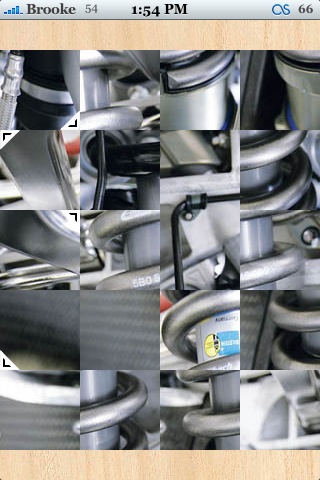
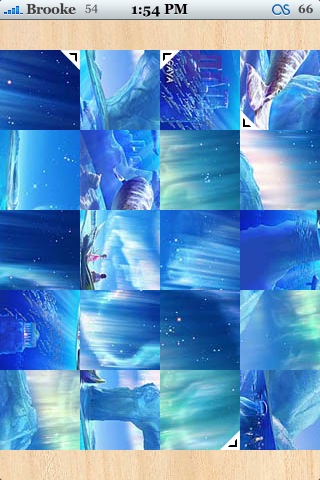
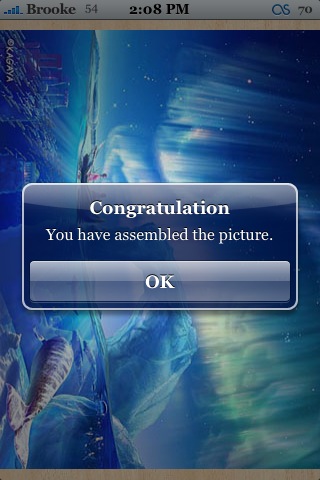
 The update to version 1.1 of Pieces does exactly what I was hoping it would do!! You are now able to choose from a list of pictures to unscramble. If you go into the Picture option, you will find 12 pictures to choose from. To select one, just tap on it. I did notice that the pictures are now displayed in Landscape mode. In the previous version, the picture was in portrait mode. I’m not sure what I think about the new layout. Maybe it should be an option to choose from…either portrait or landscape mode. Overall, the update makes this app much more fun! Pieces is available through the iSpazio source.


 Loading...


 Loading ...
cool…. a game i’ve always wanted… thanks!
Great…yes that’s it
How come I am not getting the updated version?? I turned off my iphone, I added the link again … and it is not updating to the new version?
I’m able to change the picture seen ver 1.0, so i don’t find anything new in this ver ??
maybe it fix the bug that some phone can’t change pics
Exactly what I needed :)
Thanks ! It so good
I’m getting some pictures in landscape and some not. I think it depends on the picture you choose.