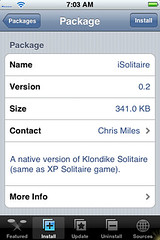
 Today…a new game was released in the Installer.app…iSolitaire.
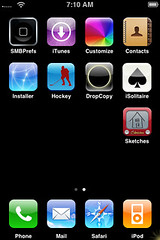
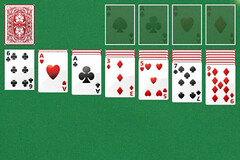
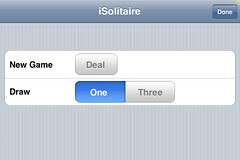
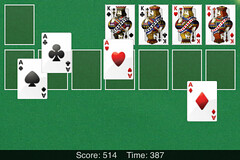
This app is exactly as it sounds…solitaire for the iPhone! After tapping on the application it will open to a basic “solitaire” screen. There are a few options in this game. To see the options, just double tap on any green area of the screen. You can then select to have a one card draw or a three card draw. You can also choose to deal again if you get stuck (just a quick note…you have to tap deal and then tap done for it to redeal, it will not bring you back to the main screen automatically when you tap deal). To deal a card, tap on the deck and to move a card where you would like it, just drag it and let go. When you get all the cards in the ace piles, therefore winning, the aces come out from the bottom of the pile and move and bounce around the screen based on how the iPhone is tilted. It is kind of fun! Here are some screenshots:

 Loading...


 Loading ...
Perfect. Just perfectly executed.
thankssssssssssssssssssssssssssss