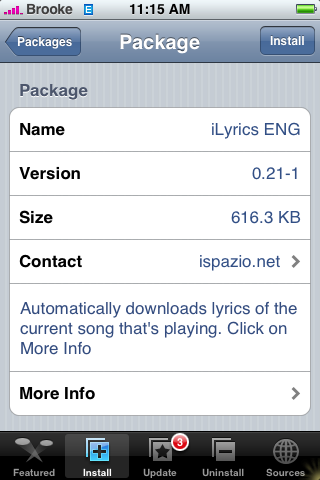
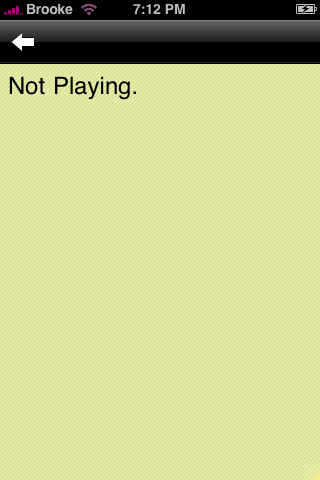
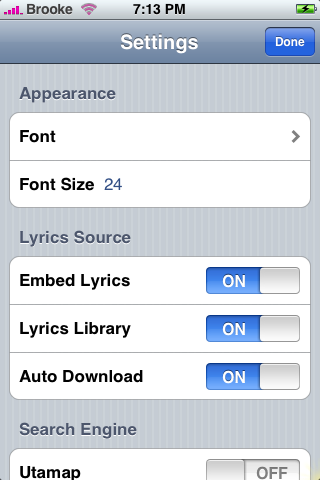
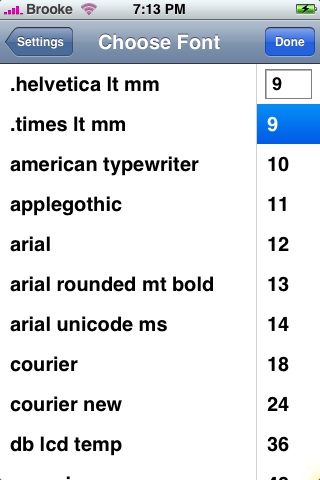
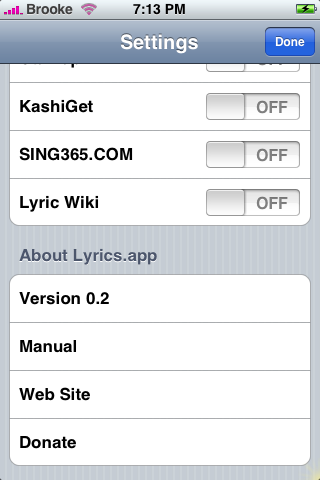
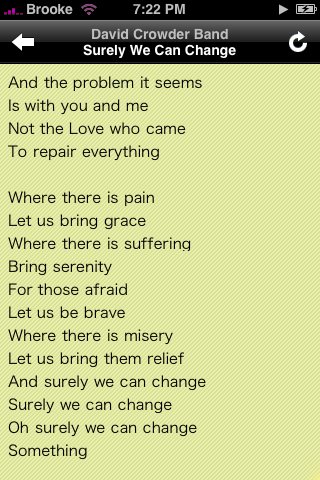
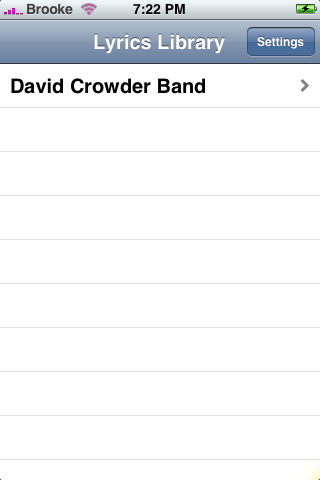
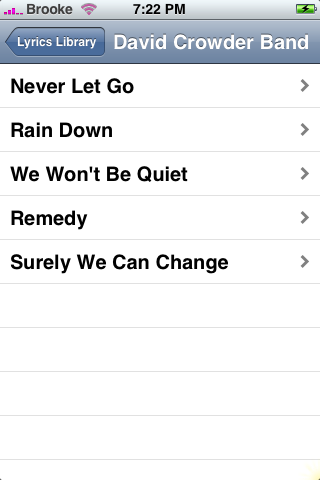
 There was an update today to iLyrics…available in the Installer.app through the iSpazio source. This actually turned out to be a pretty good update! When you open the app, you will notice it has a new background…you will also see a new arrow icon in the upper left corner. If you tap on the arrow it will bring you to your iPod where you can choose the song you would like to find the lyrics to. The Settings also have some changes…there is a now a Font option that allows you to change your font and the font size of the lyrics that are in your lyrics library (the Font Size option on the main Settings menu changes the font size of the lyrics when you are searching for lyrics). Manual is also a new option which brings you to the Google code info for the app. But…the best part of the update…it now pulls lyrics from Lyrics Wiki! Which is SWEET! It found way more lyrics then it did before the update! Now that this app works better, I really like it. I love that it keeps the lyrics in a nice neat lyrics library that you can go back and look at!
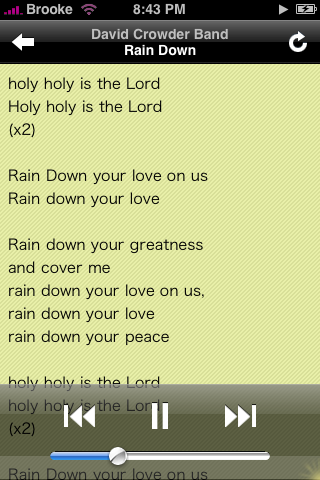
iSpazio has also pointed out that while you are searching for lyrics you can tap on the screen and it will bring up the multimedia buttons. You can then tap on play to have it shuffle through your songs, pause the song or go to the previous/next song! Very cool!
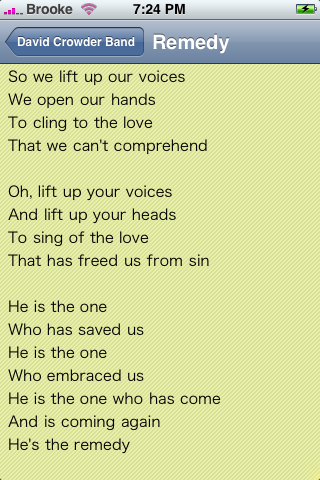
Here are the screenshots:

 Loading...


 Loading ...
thank you brooke. there is another thing in add. if you tap one time the screen, it will show the multimedia buttons , so if you tap on PLAY, songs in shuffle mode will start, you can also chenge song and control the volume. a screenshot it’s here: http://farm3.static.flickr.com/2115/2184673442_3dca92e749_m.jpg
Oh sweet…I didn’t even notice that!! Thanks for the info! I will add a screenshot of it!
I think you need to properly credit the japanese developer for this app. http://code.google.com/p/lyrics-app/
I have added iSpazio as an source using the complete url listed on the Sources page, double checking the url. BUT I do not have iLyrics showing up as a option. I have refreshed, even cut the phone off and then loaded installer.app again. Any suggestions ?
THANKS!
Donnie
donniesolomon@gmail.com
Yes…I was having the same problem so I contacted the developer and he gave me a different url…try using this – http://www.ispazio.net/ispazio.xml – that one worked for me…I think I will add it as a 2nd url for that source on our sources page.
Thanks Brooke, that solved the problem.
Donnie
Good…I changed it on our sources page too. I should have changed it yesterday when I got it…sorry about that!
Hi brooke.. whre can you find the settings?? all i have is the arrow on the upper left corner. and all songs i played, not found. how come?? i am on fw 1.1.4..
same here. Lyrics doesnt show up… It says “not found”. Im on iphone ver 1.1.4…
ya even i wanna know dat..can anyone help us ;)