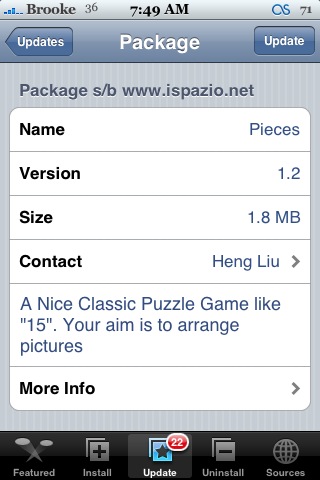
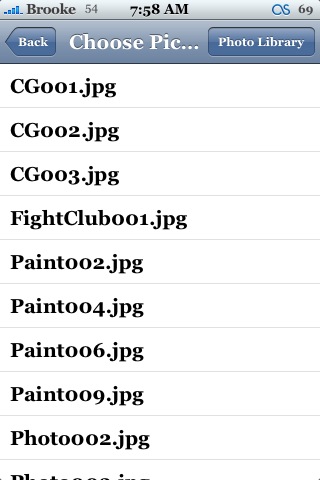
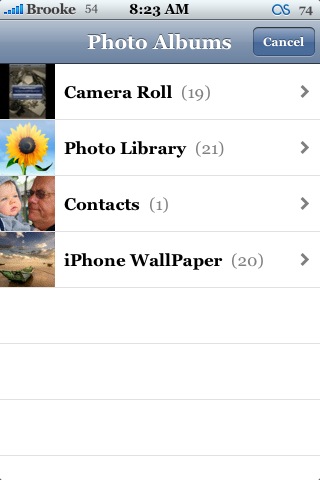
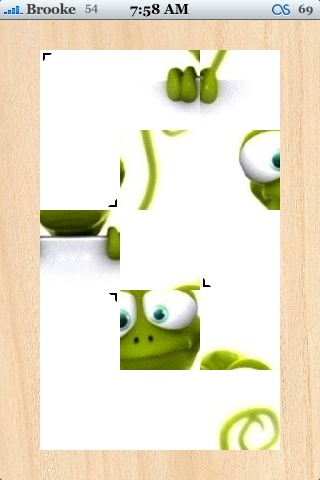
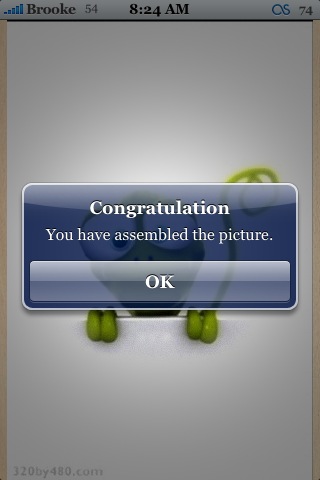
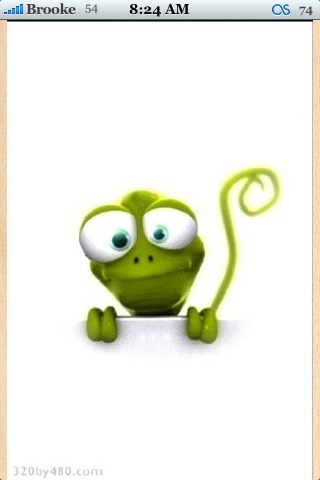
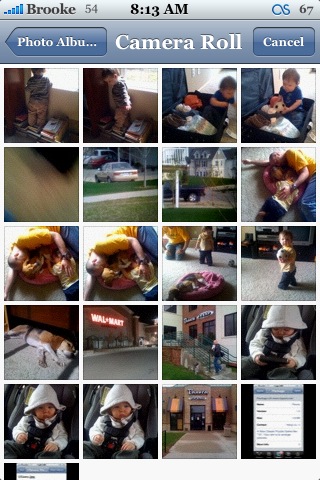
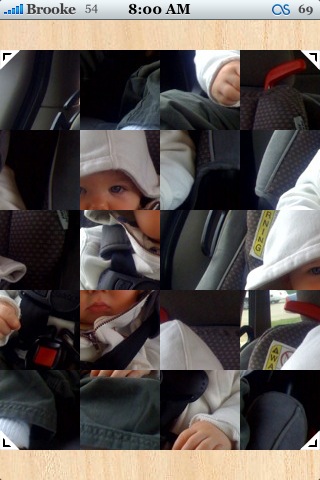
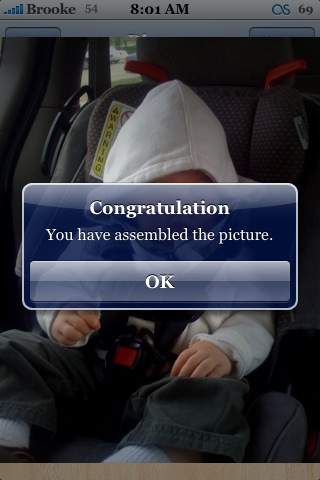
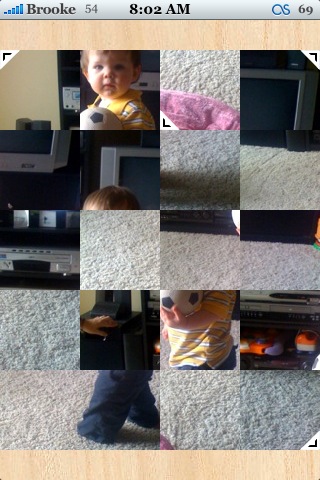
 Version 1.2 of Pieces adds a really cool new feature! You are now able to choose any image out of your Photo Library as an image to be unscrambled in the application. It can be any image in your Photo Library meaning a wallpaper, a photo, a screenshot…whatever is on your iPhone. I did find that there were few times when I selected Photo Library, it left the file list and I had to touch the screen for it to switch to my Photo Library, a slight glitch. However, this app just got a whole lot more fun!! Pieces is available through the iSpazio source.


 Loading...


 Loading ...
I really love this game!! Thanx Brooke for the review!!! I still like you~~~ (am afraid to use the word ‘love’ or else my comment will get deleted)
Doesnt work with 1.1.4 for me when i want install everytime my phone go in the dashboard,dont understand why.
Really crazy i delete the app category and now i can download this fine app
When I click on Photo Library it just goes to my Camera Roll and nothing else. I’m on 1.1.4. Is anyone else having this problem?
When I click on Photo Library all I get is my camera roll and nothing else! Is anyone else having this problem? I’m on 1.1.4
When I click on photo library all I get is my Camera Roll and nothing else, I’m not sure why this is happening when I have the new update.
When I click photo library all my folders and camera roll come up. When I click on a picture it exits to the home screen. Any ideas for a fix?
my children love this little application.
but since i’ve upgrade to 2.1 (installer 4.0b11-4), it is no longer avail through isparizo source.
has anyone found an another source for this application.