 |
Available In: App Store |  |
Price: $4.99 |
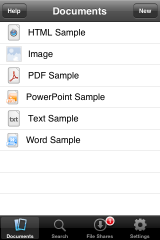
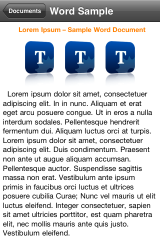
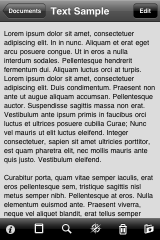
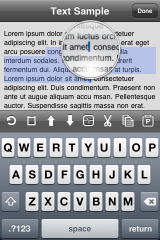
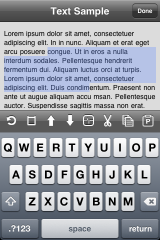
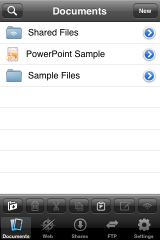
 TextGuru is a pretty sweet text editor. It included features like cut, copy and paste within the app. It can also read Microsoft Word, Excel and PowerPoint files along with PDFs. Don’t be mistaken like others, this app only READS the previously named file types, but does not edit them.
What’s nice is you can install a program on your computer from their download page that allows synchronization of documents to your iPhone. This works with OSX Leopard or Tiger and Windows Vista or XP.
The application has a higher price of $4.99 but has a lot of features:
– Cut, copy and paste
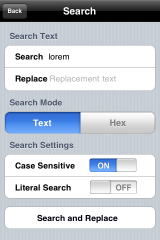
– Find and replace
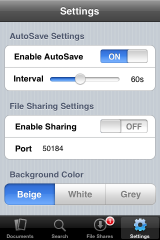
– Autosave
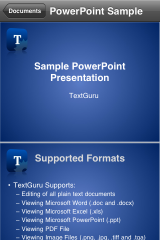
– Read Microsoft Office Documents (Word, Excel, PowerPoint) in both landscape and portrait modes
– Read PDF Files in both landscape and portrait modes
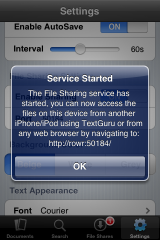
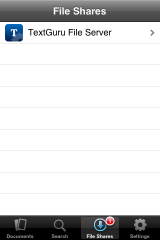
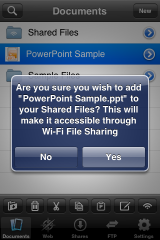
– Integrated file sharing
– Search within the text of your entire document collection
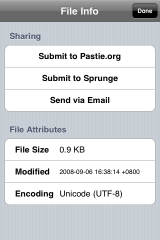
– Pastebin support with Pastie and Sprunge
– Email entire documents or share pastebin links with anyone
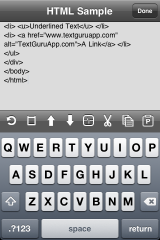
– On-demand web preview of web documents
– Display documents in any of the 22 fonts available on the iPhone
– View binary files using either hex or ASCII representation
Upcoming features of Version 1.1 (via steventroughtonsmith.blogspot.com)
• Proper file/folder management
• Quick file sharing
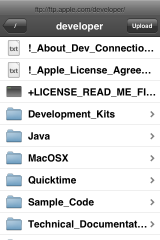
• A full FTP client
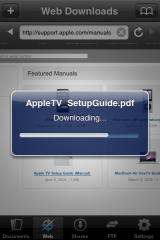
• Web file downloading


 Loading...


 Loading ...
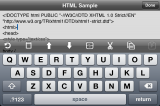
I love this APP to death!!! I learned how to write HTML on it!!!