 |
Available In: Cydia |  |
Price: Free |
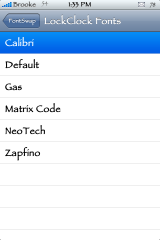
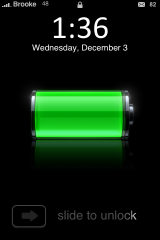
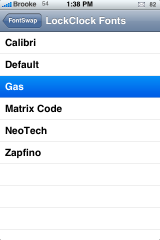
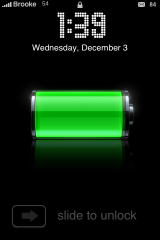
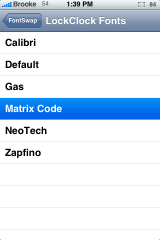
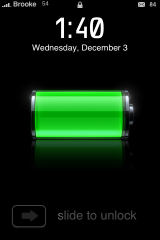
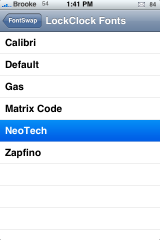
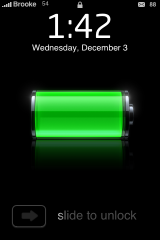
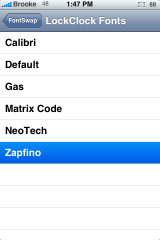
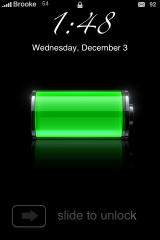
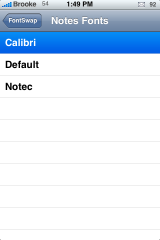
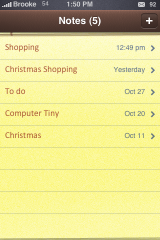
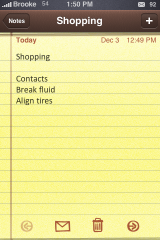
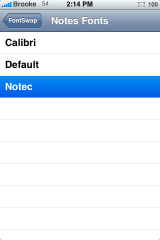
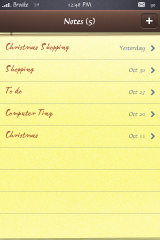
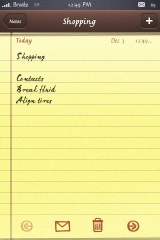
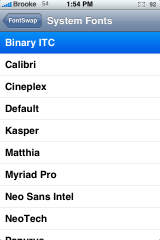
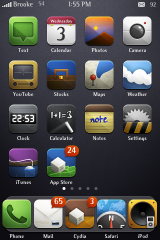
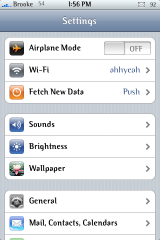
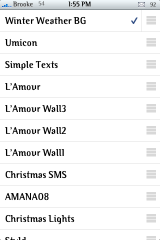
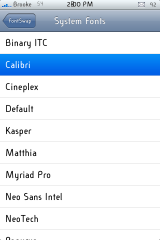
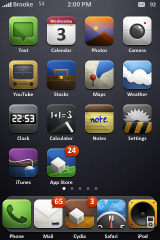
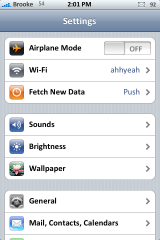
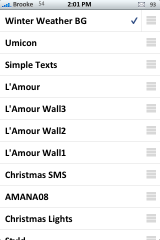
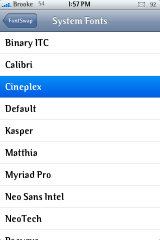
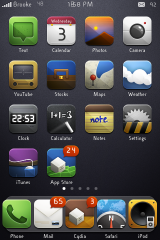
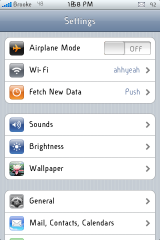
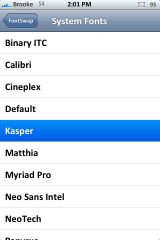
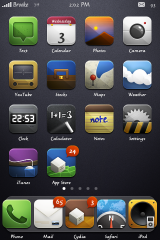
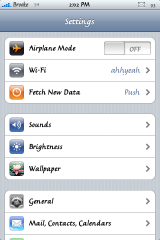
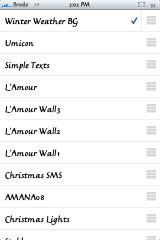
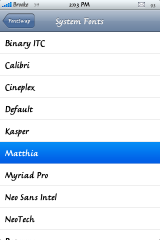
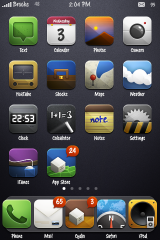
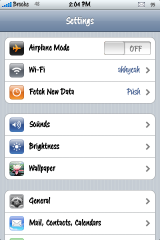
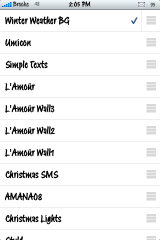
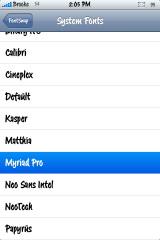
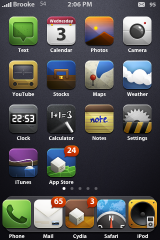
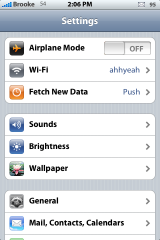
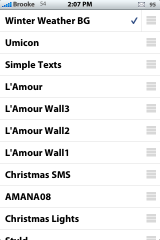
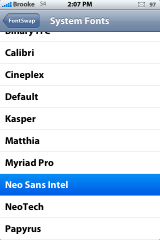
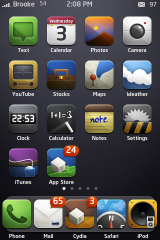
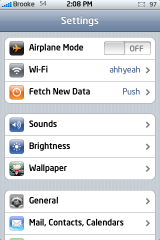
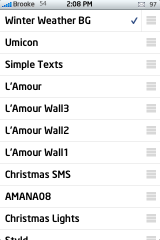
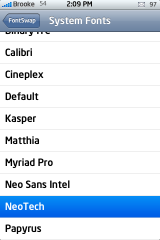
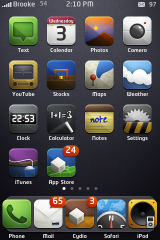
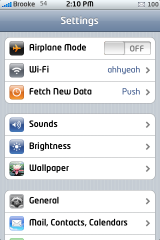
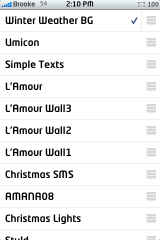
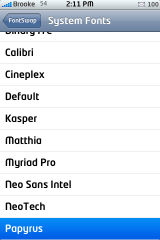
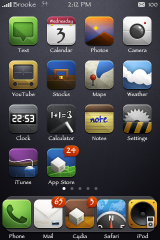
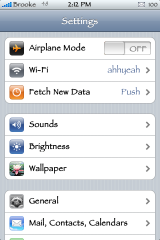
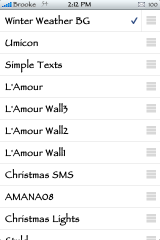
 Below are screenshots of all the LockScreen, Notes and System font options that come stock with the FontSwap 1.0b application. The first screenshot will show the title of the font highlighted in blue…the screenshots following that are in that font. This can get a little confusing in the System Font screenshots. Just remember…blue highlight then screenshots of the font.
Screenshots:

 Loading...


 Loading ...
What theme is that on your springboard
Never mind I found it in earlier post.
Smoog
Looking good Brook, question what theme is that?
Smoog…one of my favorites!
I can’t get FontSwap to work. When I select a category like Notes font I get the Alert and push the button, but nothing happens?
Any suggestions?
Huh…did you try restarting your iPhone. Turning it all the way off and then all the way back on? If that doesn’t work you could always try uninstall and reinstall the app. Once I had it installed, it worked fine for me.
Thanks Brooke, that did it.
im using Calibri, best font and most classy. :P
oh, and i love Smoog too! I’m using it along with the NY Giants theme.
Yep this is a sexy looking font with illumine and 5row & column… fits nice
I’ve been waiting for this app since they took Font Swap away back in 1.0…….im the happiest boy in the world right now!
Hey what’s the theme that’s being used on the springboard pictures?
I was reading around you could add your own fonts, just create a xxxx.font folder and include the two ttf inside and add your own…thing is I’ve tried to add some of my own (ttf and otf ) whithout any luck. Suggestions?
Hey that was a great effort Brooke. It must have taken ages to do all that, well done! Thanks.
Hey I am unable to use fontswap do the the error messge at start up “the application “fontSwap” cannot be opened. Please help. I have uninstalled installed and rebooted. What should I do
Dear James – I have the same problem . Did u get a solution to it ? Please let me know
Regards
Rajesh
No I havent Rajesh, I wish I could have some help soon. I have the app on my 2g but I use my 3g for everything now. sorry
hi brooke, i am having problem to install the fontswap app, in the mid way of downloading encountered a error ” source error POSIX : broken pipe ” . i tried twice already, problem still persist, pls advice
hope to hear from you soon cant wait to install tis app… :)
Installation went smooth. And THANKS for putting the guide together. Very helpful!
Sweet!
Please update if any sources/repos with extra fonts
Need A Huge Update For IPHONE 3G 3.0 ,.,,,,, Please Do It ASAP
Any update yet for 3.0?
Do any of the FontSwap fonts increase the size of SMS messages? My eyes are getting old so a larger font is necessary.
Anyone have a suggestion?
Heyy, does anyone fonts that like graphitti like?
i am unable to install fontswap using cydia!!pls help..
i tried restarting the fon but still i get the POSIX: Broken pipe. i have an iphone 3g version 4.1. i tried installing the megapack because it has a fontswap installer with it but i get the same error message. how can i fox this.
Dont use font swap……. Get bytafont from cydia (it must in blue colour) after downloading u’ll see a icon on your screen …… Now go to cydia again dear fonts (example Disney ) From iphoneruler.net only …. Go back to bytaFont icon n set it from there….
Try bytafonts
What’s the one in the settings?
Does this program work for 3gs . ive tried to uninstall and re install no luck , any idea ?
When I load fontswap I see antiquities font (from tv show stargate) on the load screen but I can’t find it in the app any help on how to get it for font swap