 |
Available In: Cydia |  |
Price: Free |
 The update to version 1.5 of FontSwap does a few things. First off, it adds a new Restore Default Fonts option which allows you to change all fonts back to default at once (instead of having to go into each option and change them back to default one at a time). It also fixes the default alignment issues. Now, when you go back to the default system font, the badge, time…etc are all aligned correctly. YAY! [Read more…]
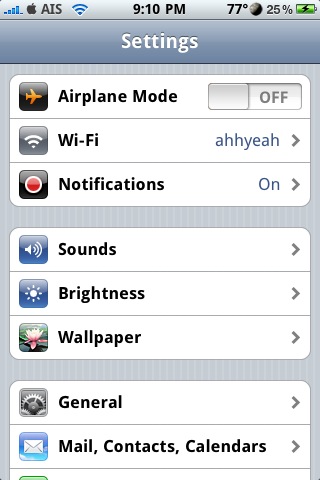

 Below are screenshots of all the LockScreen, Notes and System font options that come stock with the
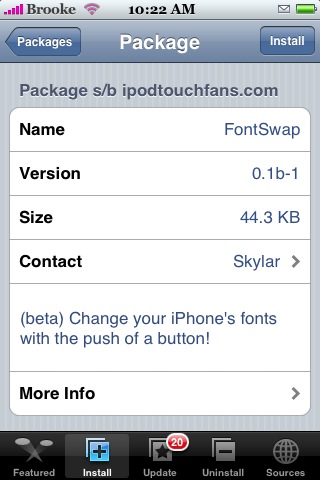
 FontSwap is an app that allows you to change your Lock Clock font, your Notes font and your System font. When you install FontSwap you will get a pop-up just before it finishes installing…it is a very important warning…please be sure to read it before you tap Ok (see screenshots below). The app opens to a menu with the three options of fonts you can change; Lock Clock Font which changes the font of your clock when your iPhone is locked, Notes Font which changes the font in your Notes app and System Font which changes pretty much all other font…including the font on your Spring Board, in the Installer.app, in your Settings app…pretty much every where. Just tap on one of the three options and it will bring you to a list of fonts you can choose from…there are quite a few options. Scroll through until you find the one you would like


 Loading ...