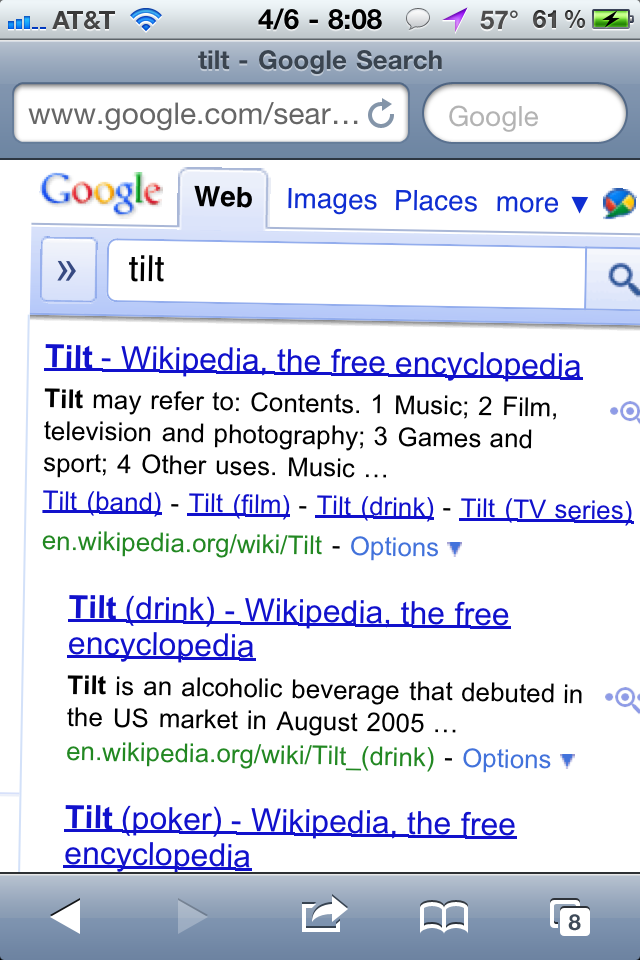
If you search for the word “tilt” in the Safari browser for the iPhone your search results page will be tilted slightly to the right. This also works for the word “askew”. Not sure if this is something Apple did or Google. This works on any iPhone even if it’s not jailbroken. Try it! Here’s some screenshots of what it looks like: [Read more…]
Google Rolling Out Ability to Edit Google Docs via Mobile Browser [Video]
November 17, 2010 by
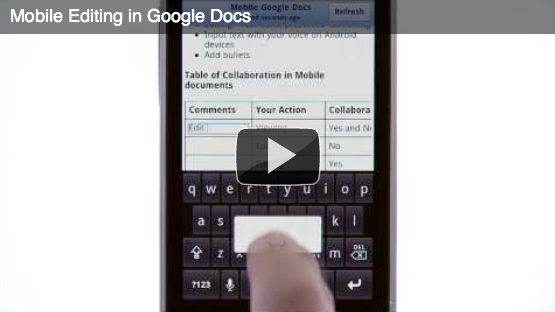
When I heard that Google had announced that, in the next few days, they will be rolling out the ability to edit Google docs from the mobile browser… I have to admit that my ears perked up. I know this might seem totally old school but I use Google docs for my grocery list (I know! There are a ton of apps in the App Store for grocery lists but I can’t help it… I always go back to Google docs). Anyway, I would LOVE (LOVE, LOVE… did I mention LOVE) to see an easier way edit my Google docs while out and about. Though, after checking out the demo video, I’m not sure if this is going to be the improvement I was looking for. I guess I will have to wait and see what I think about the new feature. Honestly I would just like to see an official Google Docs app in the App Store. Below is more info about the new Edit feature including a demo video (done on a droid!!).
[Read more…]
Official Google Voice Application Available in App Store (Again)
November 16, 2010 by
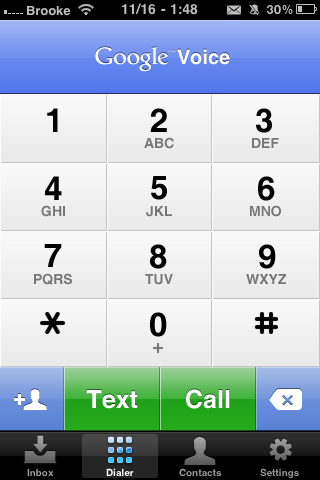
The official Google Voice application has hit the App Store (again). The app, created by Google, allows you to;
• Access your Google Voice account right from your iPhone.
• Receive push notifications for new text or voicemail messages.
• Send free text messages to U.S. numbers and make international calls at cheap rates.
• Listen to your voicemail, read transcripts and manage your Google Voice inbox.
• Display your Google Voice number as caller ID when making calls.
• Call contacts from your iPhone Address Book or enter new numbers on the dialpad.
[Read more…]
‘iPhone Apps’ Category Added to Google Mobile Search
October 28, 2010 by
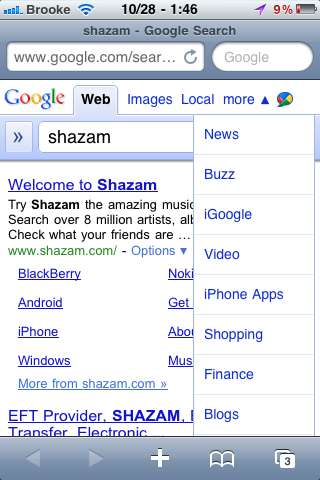
 It seems that Google has added a new “iPhone Apps” category to their mobile search. When searching for something in Google, using Safari on your device, you are now able to select an iPhone Apps option in the More drop down menu. When you select the iPhone Apps option, it displays a list of iPhone apps relevant to your Google search. The icon, price, star rating, number of reviews, and short description are displayed for each app result. If you select one of the apps, it brings you directly to that application in the App Store on your device. Pretty cool. Check out the screenshots below.
[Read more…]
Friday Night Movie Night: Apple iPhone 4 vs Motorola Droid X
July 23, 2010 by
 Intomobile is doing a comparison of the iPhone 4 and one of the most powerful Android phones on the market today, the Droid X. From what I can see, it has an extra mic and extra flash, otherwise I’ll keep my iPhone. I do like the notification system better on the Android software, but even with this high power of a device, the software is still laggy and glitchy. This is part 1 so as more videos are released, we’ll try to get them here.
Byline – RSS Reader – Two-Way Syncing with Google Reader
May 10, 2010 by
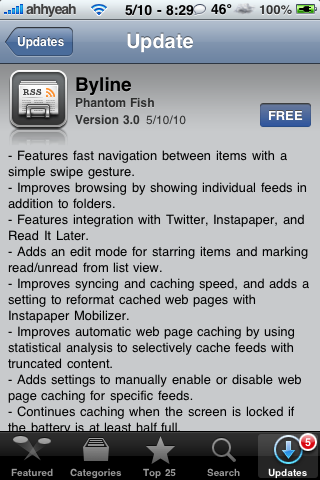
As you can imagine… I love blogs. I not only love my informational, news, iPhone, hacking blogs but I also love my mom, cooking, baking, decorating blogs. I know… it can be a strange combination at times. So, like every blogaholic, I need a good RSS reader application. I have found Byline to nicely suit my needs and after today’s update to the app (version 3.0)… I just had to pass it along.
I’m not going to walk you through every feature and detail of this app (you can check out the below App Store Description for that) but, I will point out a few things that I like about it. [Read more…]
Android OS Working on iPhone 3G
May 6, 2010 by
 Recently we wrote about Google’s Android OS working on an iPhone. This is really kewl and I can’t wait for it to be released as a stable package. Right now a few things don’t work and it’s a tedious task to get it installed. What’s new is that it’s now running on an iPhone 3G. Before it was running on only the 1st Gen iPhone.
The hope is that you should soon be able to carry around your first-generation iPhone or iPhone 3G running Android and use it just as normally as you would any other Android phone.
Google Updates Mobile Search Page
May 5, 2010 by
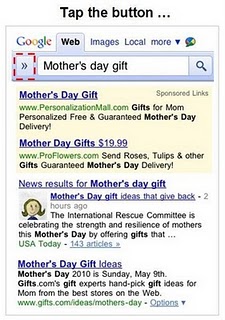
Google has updated their mobile (and desktop) search to incorporate a few more features. Now, when searching via Google on your device, you will notice a little arrow icon to the left of the search bar. When selected, you are given additional search options allowing you the ability to narrow down your search. These includes; the ability to view only News, Updates or Products for your search results as well as the option to view search results by time (Latest, Past 24 hours, Past week, Past year or Specific date range).
There is also an option to switch between ‘Standard Results’ and results that include ‘Images from the Page’. If you switch to the ‘Images from the Page’ option, the page will load displaying images contained within each search results. However, if you tap on an image, it will bring you to that webpage… it does not display the image larger.
[Read more…]
Official Meebo App Now Available in the App Store
February 16, 2010 by
 |
Available In: App Store |  |
Price: Free |
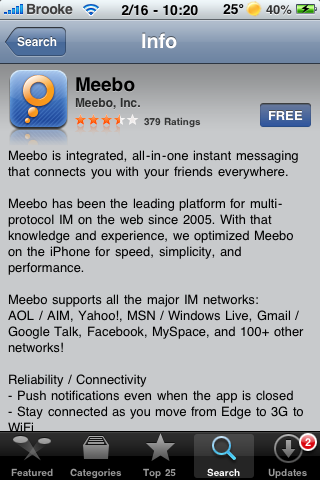
 Meebo has released it’s official app in the App Store. If you are not familiar with Meebo, it is a web based Instant Messaging client that allows you to connect to just about any IM service.
Sticking to Meebo’s simple and sleek style, the iPhone app is just that… simple and sleek (and not to mention pretty quick!). Once you have signed in, you can quickly navigate through your buddy list. Chatting is easy and totally awesome with push notifications!!
[Read more…]
Waveboard – Google Wave iPhone App Now Available in App Store
November 5, 2009 by

|
Available In: App Store | |
Price: $0.99 |
 We first told you about Waveboard, a very simple front end for Google Wave, a few weeks ago while it was still in review. It has now hit the App Store and is available for $0.99.
The application in itself does not have push notifications but Waveboard has been integrated into Prowl and you can get push notifications that way. For more info on setting up push notifications check out http://www.getwaveboard.com

Waveboard – Google Wave iPhone App
October 19, 2009 by
 There has been some talk lately of a Google Wave iPhone application (not the current web app) titled Waveboard. Waveboard is being developed by Dirk Holtwick and is, “a client software for Google Wave for both Mac OS X 10.5+ and iPhone OS 3.0+.”
Currently, the app has been submitted to the App Store (a few times) and is waiting approval. Below is a video demo of Waveboard for the iPhone. You can follow the progress of the app on the developer’s blog – www.getwaveboard.com
[Read more…]
Google Wave Web App Now Working
October 9, 2009 by

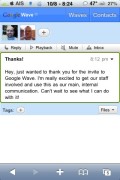
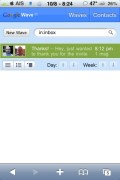
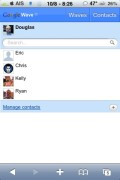
I recently received my invite to Google Wave. The recent video we posted showed a preview of the web app but claimed it wasn’t available yet however I was able to get it to work. I was using a laptop on a data card and my iPhone on EDGE and it only took a couple seconds for it to update both ways. Here are a couple screenshots from the iPhone.

Google Adds Options to Web Search
October 8, 2009 by
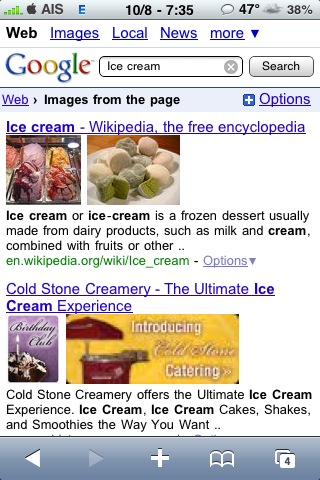
Google has done a simple but very effective update to it’s mobile search for the iPhone. In Safari, going to google.com takes you to an iPhone optimized website. New to the page is the word “Options” on the top right of the page. Now you have access to searching forums & reviews; search the past 24 hours, past week or year or a specific date range; and images from the page or more text. [Read more…]
Google Wave iPhone Web App
October 3, 2009 by
Google recently started to release Google Wave. During their demo video a few months ago, they tried to show the iPhone web app but it wouldn’t work. Engadget recently made a video showing a little bit of the app. Here’s the video. [Read more…]
Google Adds Gmail Support to Google Sync
September 22, 2009 by
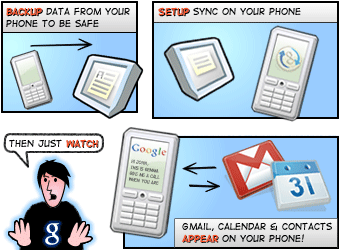
 Today, Google announced that they are adding Gmail support to Google Sync. This will allow users to get push notification for their Gmail emails on both the iPhone and iPod touch.
Using Google Sync, you can now get your Gmail messages pushed directly to your phone. Having an over-the-air, always-on connection means that your inbox is up to date, no matter where you are or what you’re doing. Sync works with your phone’s native email application so there’s no additional software needed. Only interested in syncing your Gmail, but not your Calendar? Google Sync allows you to sync just your Contacts, Calendar, or Gmail, or any combination of the three.


 Loading ...