 |
Available In: Cydia |  |
Price: Free |
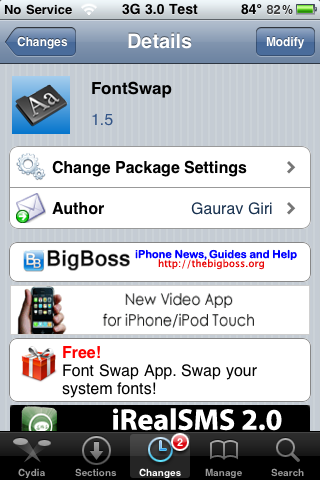
 The update to version 1.5 of FontSwap does a few things. First off, it adds a new Restore Default Fonts option which allows you to change all fonts back to default at once (instead of having to go into each option and change them back to default one at a time). It also fixes the default alignment issues. Now, when you go back to the default system font, the badge, time…etc are all aligned correctly. YAY! [Read more…]

 Below are screenshots of all the LockScreen, Notes and System font options that come stock with the


 Loading ...