 |
Available In: Cydia |  |
Price: Free |

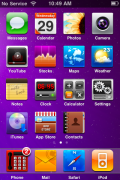
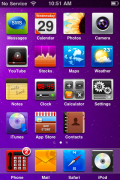
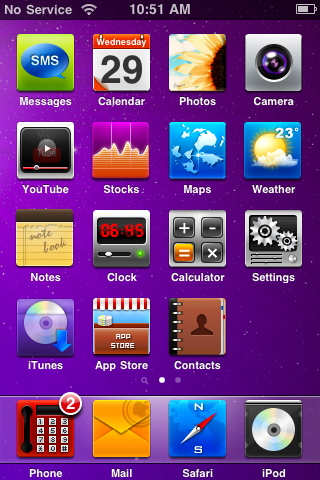 Ip_Vez is a colorful WinterBoard theme that contains 20 square icons, a dock and a wallpaper. It isn’t packaged for the 3.0 firmware so, you will need to ssh in to the Library/Themes/Ip_Vez/Icons folder and change Text.png to Messages.png. Also, the iPod icon is named incorrectly so, you will also need to ssh in and change Music.png to iPod.png. Other than that, a decent theme… it makes me feel cheerful and summery.
How to Install
1. Your device must be jailbroken. (how?)
2. Make sure you have WinterBoard installed via Cydia.
2. Make sure you have the MacCiti source installed in Cydia.
3. Search for Ip_Vez in Cydia, run the install.
4. Open WinterBoard and activate the Ip_Vez Theme.

 Loading...


 Loading ...
its really nice but theres not enough icons available for me to actually download it