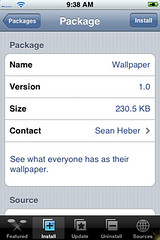
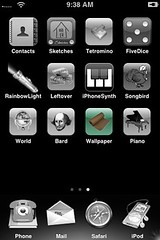
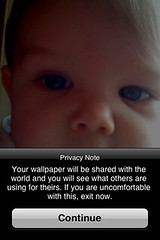
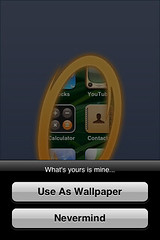
The app for November 27th is “Wallpaper”. Dude this app is SWEET!! When you first open the app is gives you a little warning that your wallpaper is about to be shared with everyone. If you decide to continue, a copy of whatever your wallpaper is when you tap continue is put into a pool with everyone else’s. This is where is gets really cool, it then scrolls through everyone else’s wallpaper showing a new one every 5 seconds or so. But, it gets even cooler (if that is a word)…if you see a really sweet wallpaper that you want to put as your wallpaper, just tap on the image and select “use as wallpaper” and it sets it as your wallpaper!! However, it does replace your current wallpaper so if your wallpaper is a picture you took that is no longer in your photos make sure you really want to replace it. There are a few things I can think of that would make this app even better…the ability to scroll though the wallpaper yourself so you don’t have to wait and the ability to save the wallpapers to your phone. Other than that, it is pretty cool to see everyone’s wallpaper! There are some really sweet ones! Here are some screenshots:








 Loading...


 Loading ...
I have this application and i have added wallpapers to my library and they work fine and it is really kewl, but how do i delete some of the wallpapers i have added to my library, because now my disk drive is getting full and this is a problem any help or advice would be great thanks!
@Benjamin….check out the comments in THIS post. It will tell you how to do it!