 |
Available In: Cydia |  |
Price: Free |

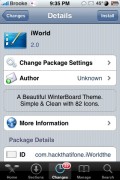
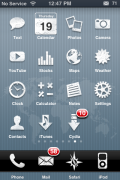
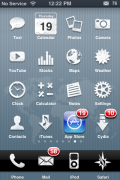
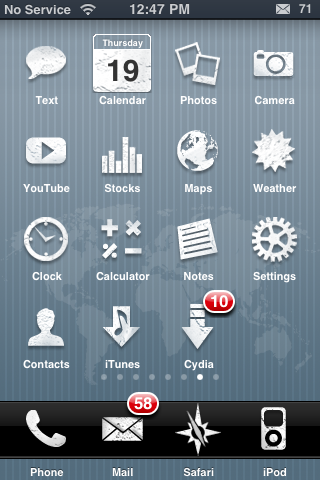 iWorld is a simple theme that includes 83 icons (though, no App Store icon!), a dock and a wallpaper. This is the type of theme I use when I am looking for something simple, clean and easy to read. And for some reason this theme makes me feel calm…might be a good theme for those stressful days! :) You can get iWorld via the iSpazio source.
How to Install
1. Your device must be jailbroken. (how?)
2. Make sure you have WinterBoard installed via Cydia.
2. Make sure you have the iSpazio source installed in Cydia.
3. Search for iWorld in Cydia, run the install.
4. Open WinterBoard and activate the iWorld theme.

 Loading...


 Loading ...
hi.please help me out seeing as i’m relatively new to apple.I recently downloaded a couple of iphone themes but would like to know a step by step way to get in onto my iphone.thanks