 I’m really hoping that the new firmware is released in just a few days at the WWDC event. Until then, I’m going to jailbreak my iPhone again. I’m currently on the newest firmware, 3.0 Beta 5. QuickPWN is able to jailbreak it so, here we go:
Download QuickPWN
You can get QuickPWN here on quickpwn.com. (mirror)
Sync
I always sync my iPhone before jailbreaking. That way, in case there is a problem, I can always go back to the way my iPhone was before.
Run QuickPWN
Now that everything is ready, it’s time to run QuickPWN. QuickPWN only works on PCs. There is no Mac version at this time. Also, make sure to use only your USB cord. I’ve had problems jailbreaking when using a dock.
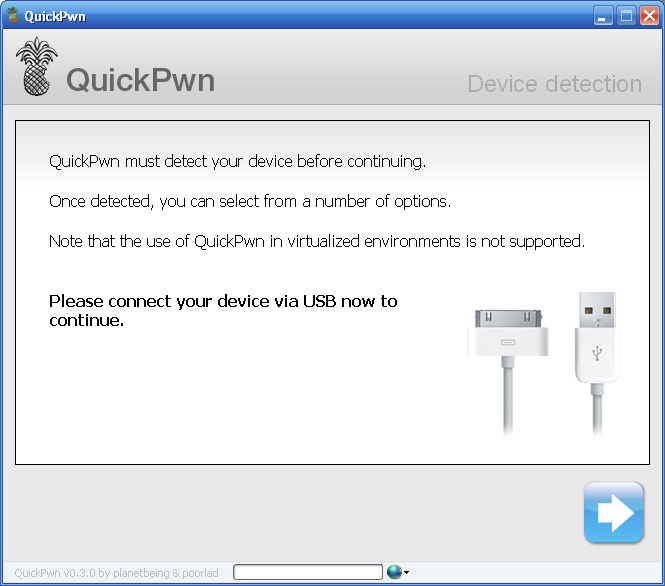
Find Firmware
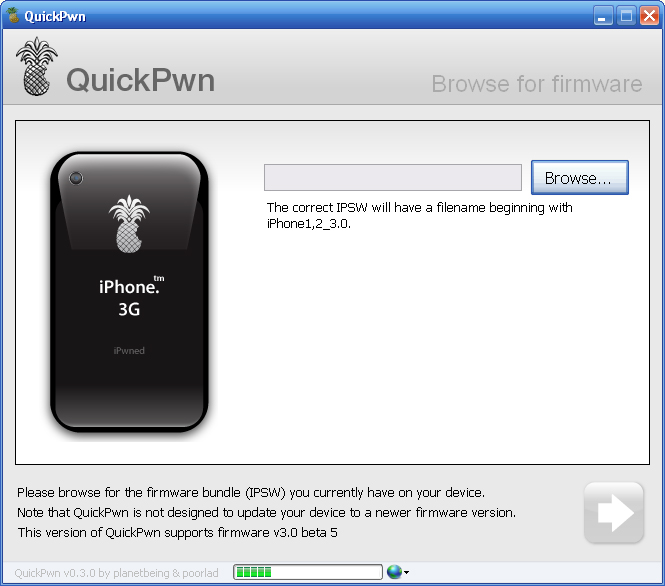
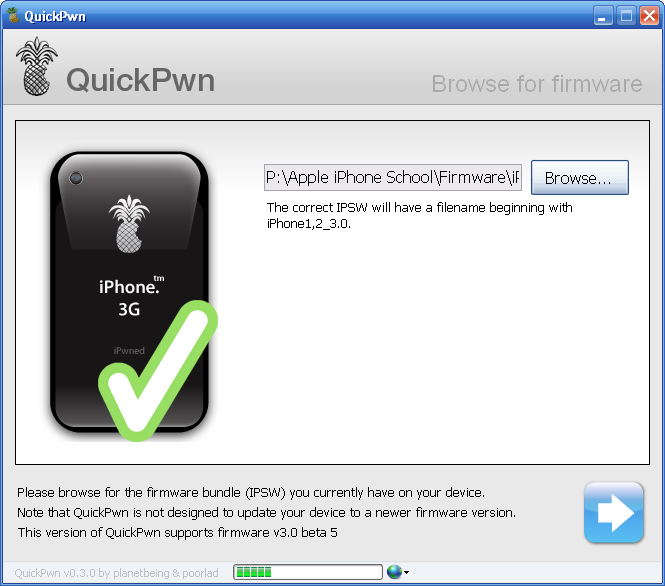
After connecting your iPhone, you will need to browse for the firmware. You are looking for this file: iPhone1,2_3.0_7A312g_Restore.ipsw
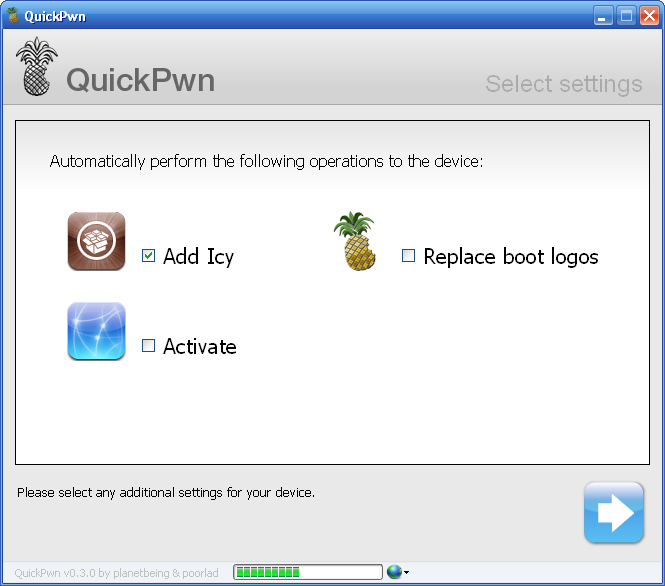
Select Operation Settings
Here you can select if you want to install Icy Cydia (menu says Icy, but after you’re done, you’ll have Cydia) change your boot logo, and activate your iPhone. You definitely want Cydia. It lets you install apps, hacks and mods on your iPhone. You can change the boot logo if you’d like, but I think all it does is change the Apple logo to a pineapple logo. I’d rather not, so I unchecked this. I don’t think you can pick your own boot logo with this version like in others. Last, activation. If you are an A&T customer, you do not want to activate though QuickPWN. iTunes has already done this. If you aren’t, then choose activate. This let’s you use the iPhone without service like an iPod Touch.
Recovery Mode
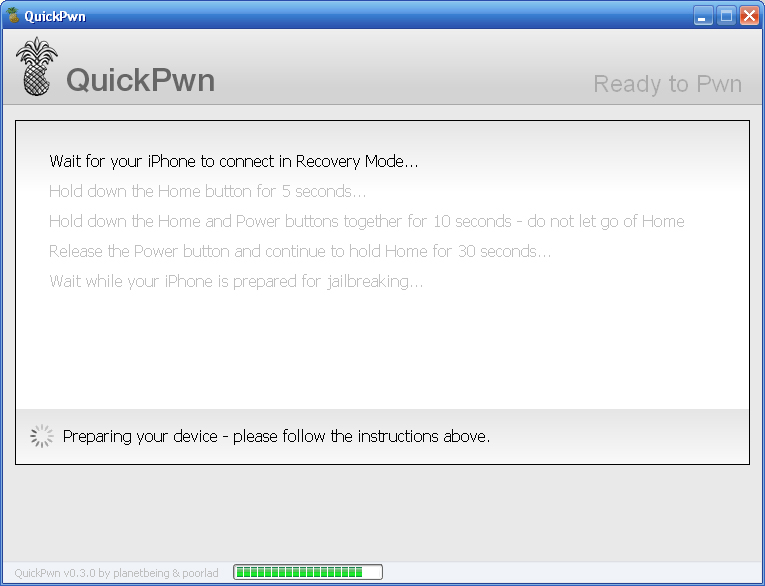
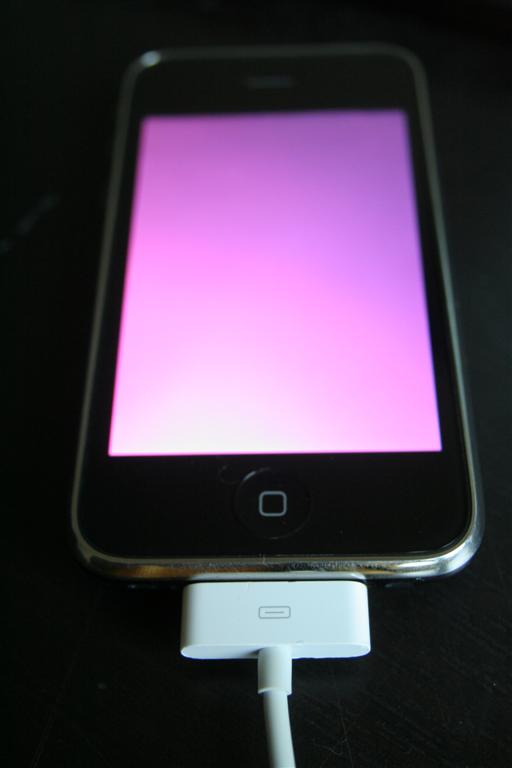
The iPhone now needs to be put into recovery mode to run the jailbreak. Follow the onscreen instructions. You will have to hold down the home button, then also the lock/power button, then let go of just the lock/power button. See the onscreen instructions for exact info.
Wait…
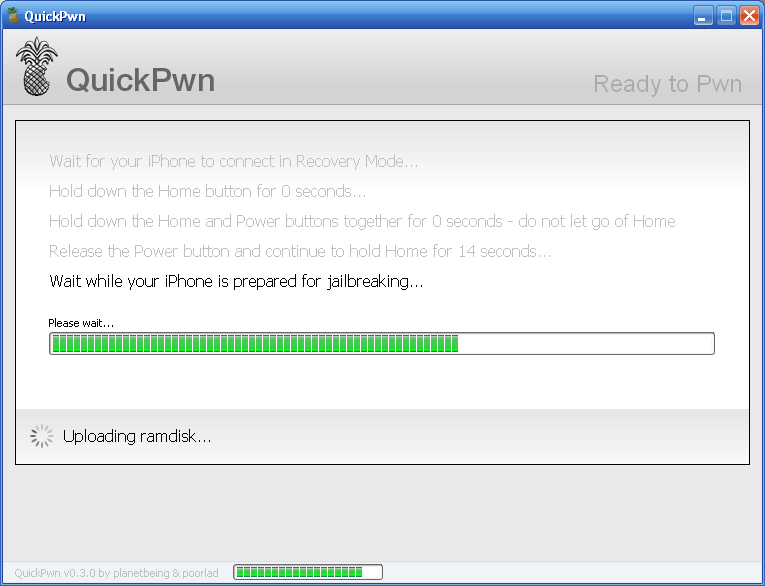
Now you just wait why the app does it’s work. Soon you will have a jailbroken iPhone with Icy Cydia :)
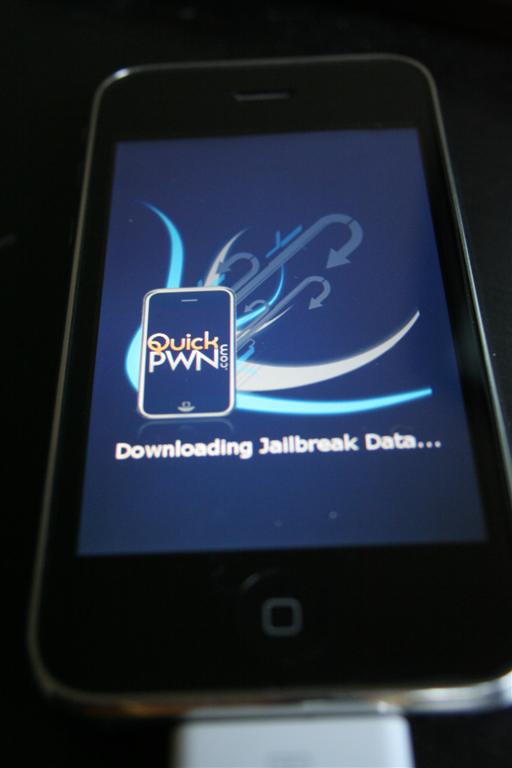
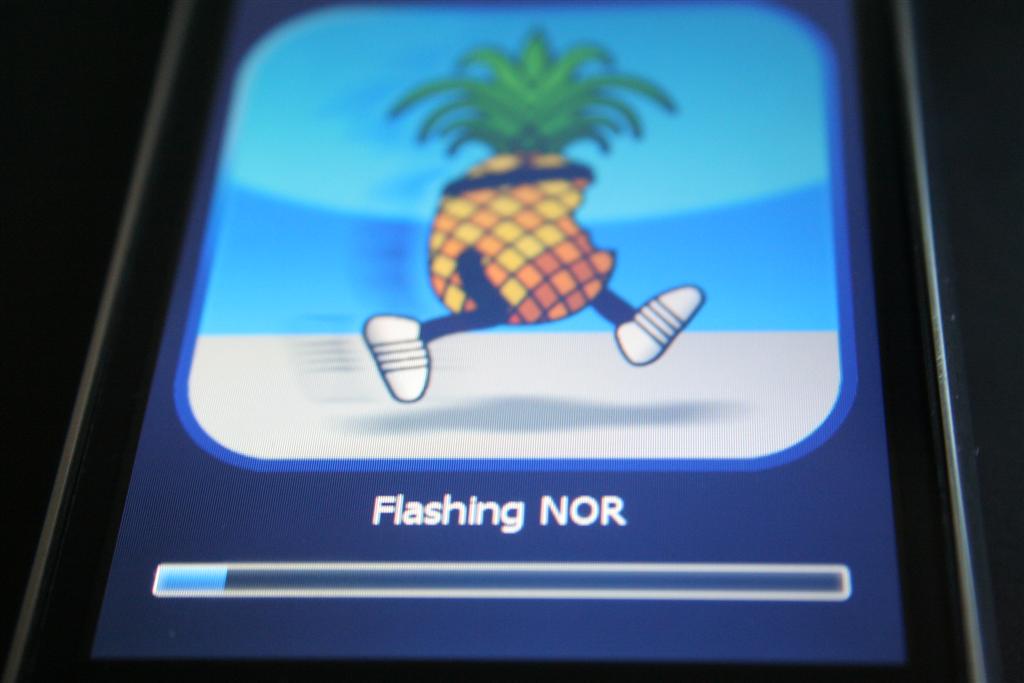

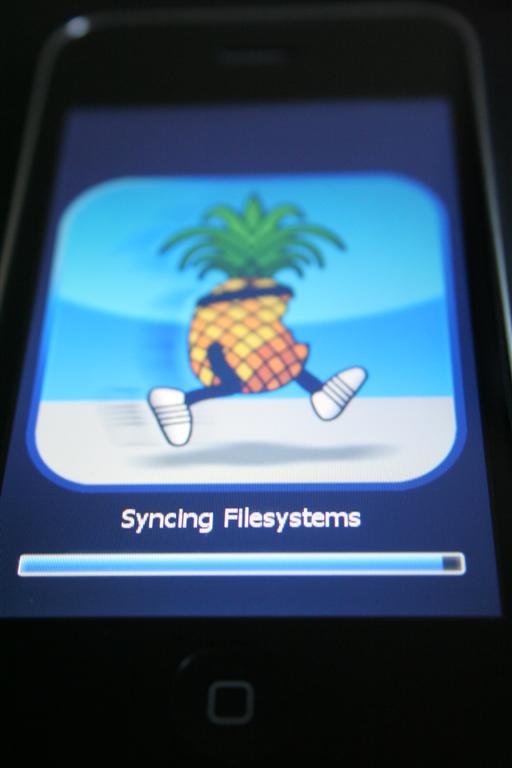
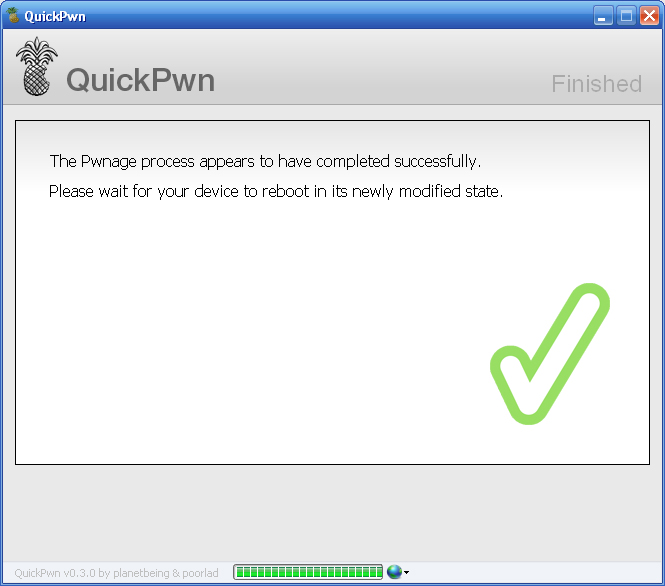
Cydia, not Icy
After the jailbreak, you’ll notice we now have Cydia and a web link to QuickPWN’s blog. Former jailbreaks for 3.0 included Icy, but this one has Cydia. Be careful, some apps don’t work with 3.0 yet. We’ll let you know what does and doesn’t…
Note: My Cydia doesn’t have an icon, it’s just blank. How about yours? (after a respring, it’s just fine)

 Loading...


 Loading ...
MMS activated yet?
Nope, It’s not available on 3.0 yet.
How about Qik?
No video yet, guys? I love your videos of ‘how to.’
I dont understand y we should jailbreak 3.0 beta 5 since most of the things from cydia is not compatible with 3.0 for right now, i did jailbreak beta 3 but later on i found it was just waste of time since almost nothing work with it from cydia ??????????????????????????????
hey is there video recording on the 3.0, i saw a screen shot but didn’t know if it was true
Questions:
1) can it activate my iphone 3g if i am using it in not supported country (i use TurboSim)?
2) does quickpnw allows u to roll back into older OS versions?
3) will it preserve my OS 2.1 baseband (for future pwnage tool)?
Hey Doug,
What system did you perform the jailbreak on? PC or Mac?
Cheers,
Jared
Read the post… “Run QuickPWN
Now that everything is ready, it’s time to run QuickPWN. QuickPWN only works on PCs. There is no Mac version at this time”
i download quickpwn version 3.0 but i didn’t find firmware 3.0 .
someone can explain about firmware 3.0 please ????????????
thanks
Hi
I didn’t uncheck the checkbox “Activate” by mistake and now i cannot use the iphone like a phone. Is there any precedure of return ?
thanks a lot
What you need to do is restore it via iTunes. NOT to 3.0. then rejailbreak but UNCHECK that “ACTIVATE” option when your doing that. *Use EXPERT MODE on jailbreaking so you can have the option to uncheck ‘ACTIVATE’.
Then viola that should do it as far as making calls goes.
If you change your operator file, MMS will appear
Does this Jailbreak the latest official firmware 3.0 released on 17/6/2009 for Iphone 3G ?