 |
Available In: Cydia |  |
Price: Free |

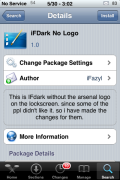
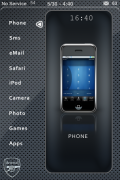
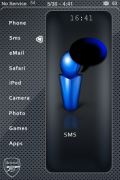
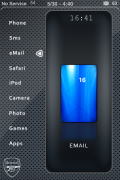
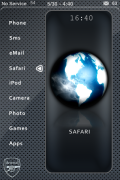
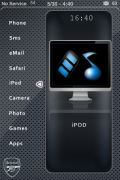
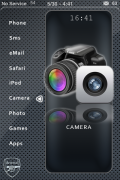
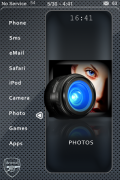
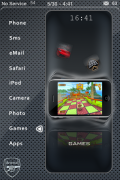
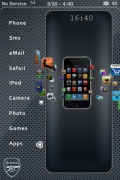
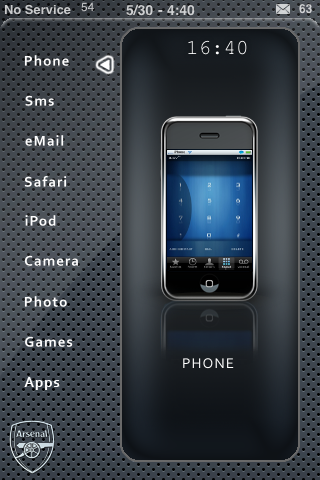 IFDark No Logo is an iNav inspired theme, actually it is basically like a skin to the original iNav theme. It is definitely one of the easier iNav themes to set up. To do so, you will want to have all your application in an Apps and Games folder except the following; Phone, SMS, Email, Safari, iPod, Camera, Photo, Games and Apps.
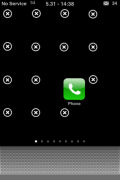
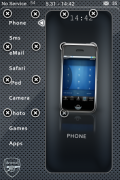
You will want one icon on each page of your SpringBoard (in the same order they are listed in above). The icons need to be in the third row, the third icon in (see screenshots below). Once you have all nine icons arranged correctly, you can go into WinterBoard and activate the theme.
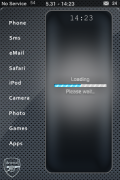
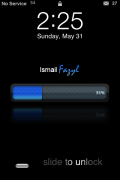
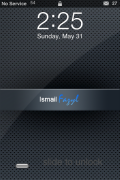
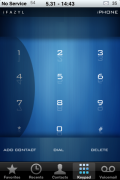
The theme contains a wallpaper, lockscreen background/battery, dialer, loading screen, SMS theme, 36 icons, status bar…etc. This particular theme is not supposed to have the Arsenal logo on the wallpaper (hence the “No Logo” in the title) but, the developer must have packaged it incorrectly. I also noticed that some of the icons are a little off center and some of the arrows don’t match up exactly perfectly but, not a huge deal.
You can get IFDark No Logo via the iSpazio source.

 Loading...


 Loading ...
I see that this was the iNav theme you were talking about earlier.. thats too much, i was once you installed it through cydia it rebooted in the way that it should be..Although i love these themes I change them like every other two days or so
only thing i like is the battery
Yeah, I like the battery too…you could steal it and add it to your own theme! :)
Where do the apps and games folders need to be? are they to be moved via SSH?
how do u move the apps on to the third row
does it require a program?
i need help
i did all that but my sms picture didnt change still the same green little box
any help
Does this work for the iPod touch also?
I just installed this on my iPhone 4. The message icon did not change nor did the battery. I like the look alot. I found that when you slide to lock a voice says “locked”. If you get a text message a voice says “SMS Received”. I am not so much worried about the battery. I changed it in winterboard to a blue battery theme. i would like the SMS (Message) icon to be correct. Any help with the SMS issue would be greatly appreciated.