 |
Available In: Cydia |  |
Price: Free |

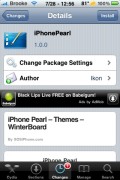
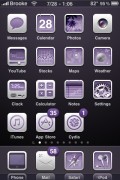
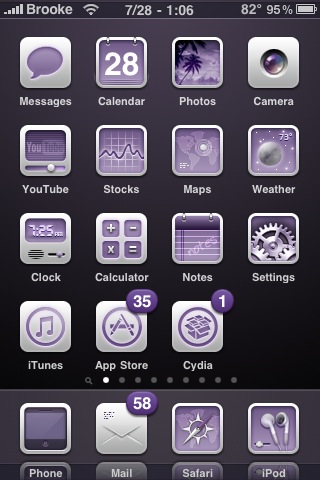 iPhone Pearl is a purple WinterBoard theme (I know, a little on the girly side but hey, we don’t want boy themes on our iPhone all the time!) that contains a dock, wallpaper, status bar, badges and 172 icons. It is a nicely designed theme that doesn’t need any sshing or changing… it just works. You can get iPhonePearl via the SOS iPhone source.
How to Install
1. Your device must be jailbroken. (how?)
2. Make sure you have WinterBoard installed via Cydia.
2. Make sure you have the SOSiPhone source installed in Cydia.
3. Search for iPhonePearl in Cydia, run the install.
4. Open WinterBoard and activate the iPhonePearl Theme.

 Loading...


 Loading ...
i loooooooooooooove this theme. they’re all nice, it’s just a matter of personal preference, but this one is clean and most importantly…PURPLE! thanks for a great iphone experience…well, after learning how to add all this stuff, it’s been great. before i figured it all out, not so much! there’s still a ton of stuff that’s over my head, but i’ll get there…about the time something new comes out i’m sure!
hej…
i really like this theme, but my icon dosnt change like in the pic.? i know thats its not all icons there changes.. but my message and calender hasnt change at all.? iam i miss something.?
thank you C:
Sandra