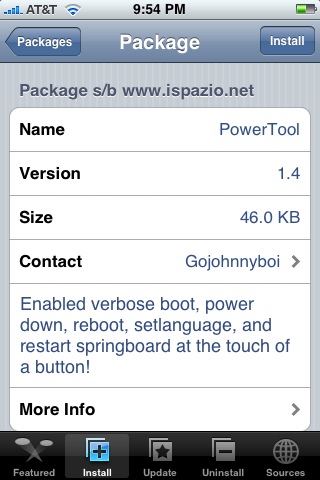
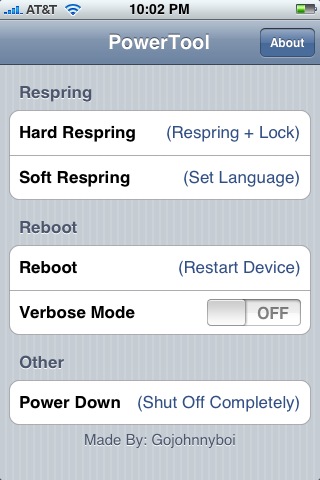
 The update to PowerTool changes the app quite a bit. Not only are there new options, the previous options have been renamed. When you open PowerTool you will see the following options; Hard Respring, Soft Respring, Reboot, Verbose Mode and Power Down. Hard Respring will restart the SpringBoard to the lock screen, Soft Respring will restart the SpringBoard without going to the lock screen, Reboot will bring your iPhone to the boot logo screen, Verbose Mode will show the Linux code on your iPhone’s screen during the reboot – showing you what your iPhone is doing (which is actually pretty cool though, it totally freaked me out the first time…I thought I broke my iPhone again) and Power Down will turn your iPhone completely off. All of the options worked great for me! You can get PowerTool via the iSpazio source.
Update: I noticed that if you do not go back into PowerTool and turn Verbose Mode off, it will display Verbose Mode every time you reboot your iPhone even if you do not do it through the application.

 Loading...


 Loading ...
nice update
Verbose Mode is a kewl hack. We were writing this article while on vacation at Brooke’s Dad’s house and he works for IBM. He had to tell her what Verbose Mode was :)
cool
I worked hard on this. hope u guys like =D