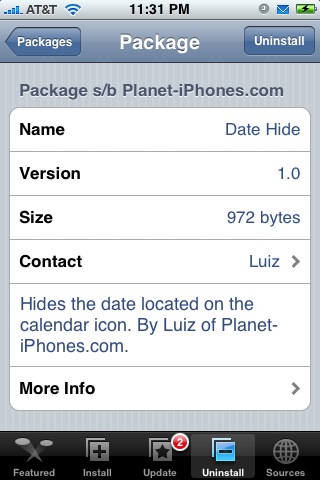
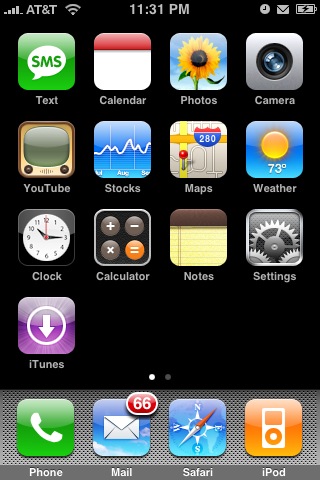
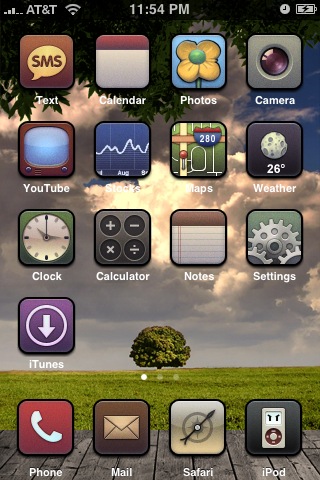
 When Date Hide is installed, it will remove the date from the Calendar icon on your iPhone’s SpringBoard. It will remove both the day (Friday, Saturday…) and the number (13, 14…) from the Calendar icon. This is great for themes in which the date does not fit correctly on the Calendar icon. I was able install and uninstall this application with no problem. You can get Date Hide via the Planet-iPhones source.
Note: When you install Date Hide…it will not add an icon to your SpringBoard it will just automatically take off the date on the Calendar icon.

 Loading...


 Loading ...
The only downside to this is that all themes will need to remake their calendar icons!
Thanks for the write-up :)
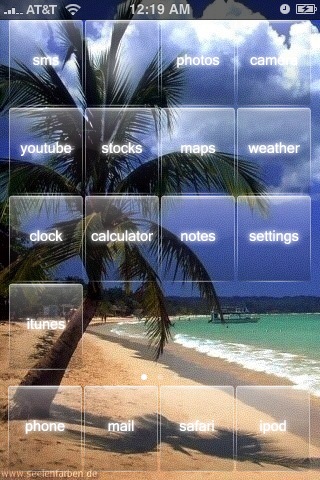
Where can I get that awesome theme in the third pic?