 |
Available In: Cydia |  |
Price: Free |
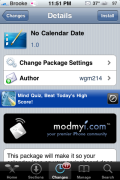
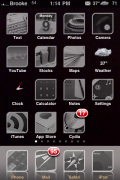
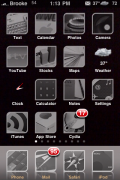
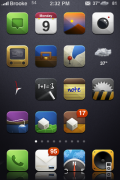
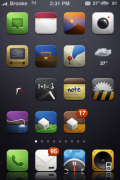
 The No Calendar Date application is a mod that will remove the date from the calendar icon on your SpringBoard. As the developer mentions in the More Info, this is nice for themes that have smaller icons…most likely for those of you using the FiveIrows mod or the FCSB mod.
When you install the No Calendar Date application, it will be added into WinterBoard where it can then be activated/deactivated. In order for it to display correctly, you will want to move it above your theme in the WinterBoard list. Screenshots below.

 Loading...


 Loading ...
woahh haha I was just checking appleiphoneschool as i normally do, and suprisingly(very), theres an article on my theme:D I was getting worried because modmyi is telling me i have no downloads yet ik u guys downloaded it at least:)
Good job wgm!!
Nice. Just another iPhone mod. People don’t see if its useful, they just make all posible mods just because they can be made.
Anyways, great development !
What theme is on Brooke’s phone( the last two screenshots)?
boooo this mod suxx
newbbb i could develop this with my eyes tied behind my back
Very helpful!! I know nothing about the coding side of themes and I am working on a theme and when i sshed it to my ipod i was like “on no! it still shows the date over the top of my icon” and this helped fix the prob, jsut incorporated the info.plist of no calendar date into my theme