 |
Available In: Cydia |  |
Price: Free |
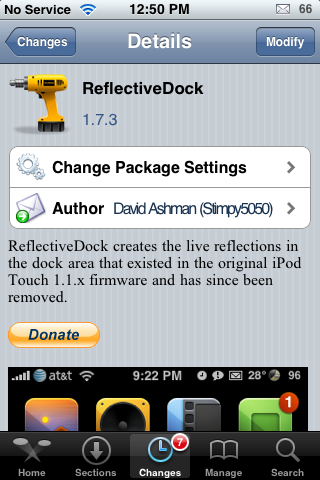
 The Reflective Dock mod is a mod that allows the icons on your dock to have reflections. Well, it seems that Mr. David Ashman has updated the mod adding all sorts of new settings.
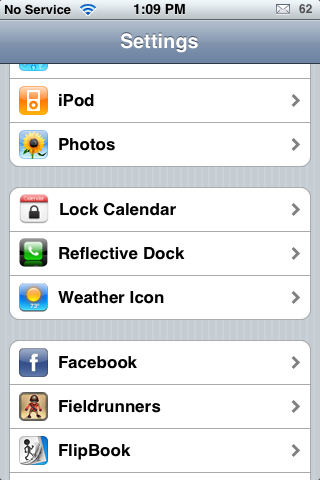
Once installed, you can now go into your stock Settings application and you will see a Reflective Dock option. Here you are able to Enable/Disable the application (no more need for WinterBoard), turn on/off the Reflect All Icons option, turn on/off the Use Gradient options and adjust the Opacity, Reflection Gap, Reflection Length Factor and the Horizontal Shift.
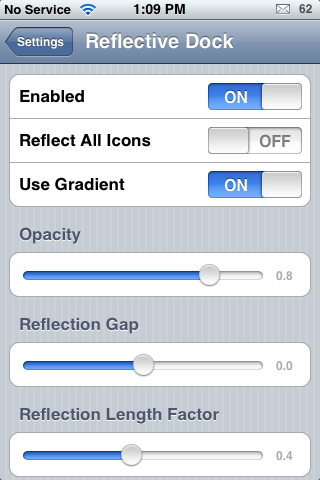
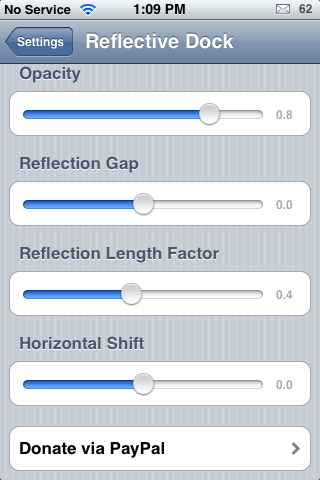
I’m going to briefly describe what each option does. The Reflect All Icons option, when turned on, will reflect all icons on your SpringBoard and not just the icons in your dock.
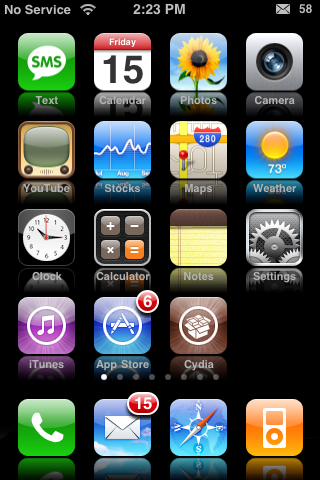
The Use Gradient Option, when turned on, will add a gradient (fading out of the reflection) to the reflection. If you turn off the Gradient Option, you will just have a solid reflection.
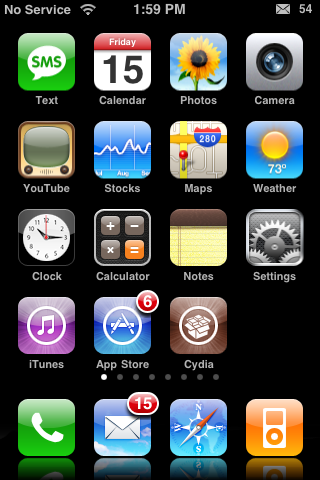
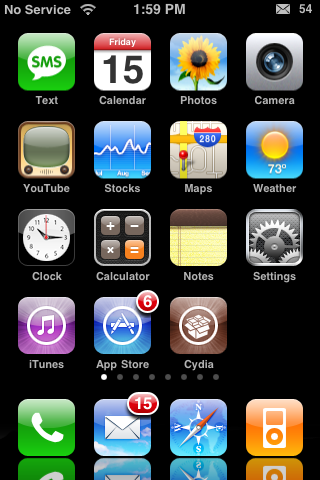
The Opacity adjustments will change how transparent the reflections are. The larger the number, the less transparent the reflections will be.
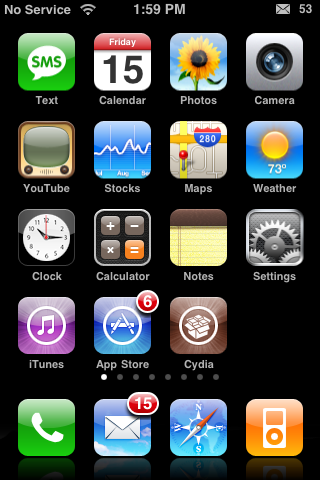
The Reflection Gap adjustments change the amount of space between the icon and the reflections. The larger the number, the larger the space between the icon and the reflection.

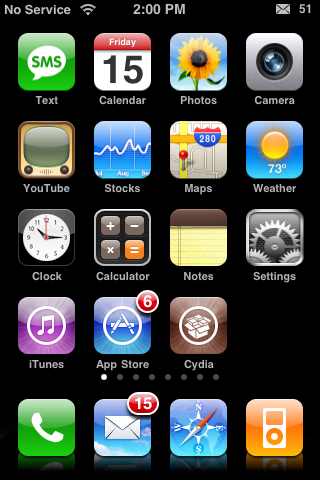
The Reflection Length Factor adjustments will change how long the reflection is. The larger the number, the longer the reflection will be.

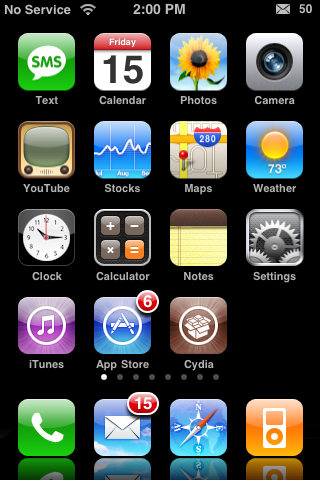
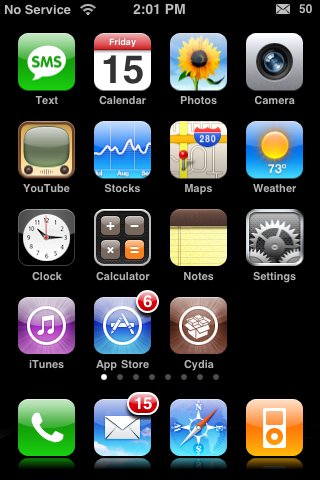
And, I’m not sure what the Horizontal Shift does. I don’t notice any changes when I adjust the number! Let me know in the comments if this option works for you and what it does!
Overall, a nice update. I like the new features and the new customization ability. I also like that WinterBoard is no longer needed in order to use the mod. However, I did notice that any time I enable or disable the mod itself or the Reflect All Icons feature…I have to respring my iPhone for the change to take place. Not sure if this is just me or if it is a bug with the mod. A few features I would like to see are a way to disable the dock icon reflections but leave the All Icons feature enabled and a reset button that would reset all the options back to stock….that way if you do a little tweaking, you can easily go back to the stock settings. But, other than that…very nice!
You can get the Reflective Dock mod via the david.ashman.com source.

 Loading...


 Loading ...
The Horizontal Shift option works for me! It moves the reflection right and left. I really like the All Icons reflection, it looks very cool. :)
I figured that is what it was supposed to do…I wonder why it doesn’t work for me.
I haven’t a clue why it doesn’t work!! Hopefully David will release an update which will fix this for you. I have just emailed you a screenshot of what Horizontal Shift look like.
Wow, thanks for running QA on this! I definitely see a couple bugs in your notes, particularly around requiring a respring. I tried to get it so that a respring wasn’t needed, but I must have missed some code paths. I’ll work on that. I’ll also add some text to the screen to clear up the meaning of some settings.
I like the “reset” option too.
If you could make a left or right side reflection that would be cool. People could then make icons look really 3D. Nice work.
I am not able to install it.
In Icy, it says the DPKG returned error #1, during the installation process. I can see the console log, want me to transcribe it?
In Cydia, it gives me a “size mismatch” error then it crashes
The reflective dock works fine, but there is nothing new for me in the settings app. I’m on 3.0 beta 5.
EDIT: Nevermind. I downloaded the wrong one. I didn’t have David’s source in Icy.
Hey im trying to download the Reflective Dock but its keeps telling me “size mismatch” …any help :(
Im having same trouble “size mismatch” each time i try to installit…..