Categories Updates – Internal Rewrite of App
November 11, 2009 by Brooke
Filed under BigBoss, Categories, Cydia
| Available In: Cydia | Price: Free |
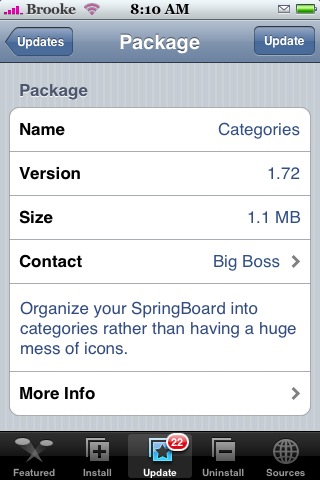
Yesterday, Categories, an application that allows you to organize the applications on your SpringBoard into folders, received a few updates. The update to version 2.27 was the major one which basically includes an internal rewrite of the app making the app perform much quicker. Updates 2.27.1 and 2.27.2 were basically bug fixes. See the complete change log below.
After updating, I definitely notice an improvement in the app’s functionality. It is MUCH quicker and just feels less bulky. So far, I have not had one crash… which is great! Normally, Categories will crash a few times on me. I also love that when adding an application to a folder, the apps are now in correct Alphabetical order! It makes adding applications so much faster and easier!
Overall, a great update… you will want to be sure to update to update this one. You can get Categories via the BigBoss source.
Read more
CategoriesSB – Integrate Categories App into SpringBoard
October 23, 2009 by Brooke
Filed under BigBoss, Categories, CategoriesSB
| Available In: Cydia | Price: $0.99 |
Yesterday, CategoriesSB was released in Cydia. CategoriesSB is an application that integrates Categories into the SpringBoard. This is done by loading the folders you create using Categories directly on the SpringBoard instead of loading them as a separate app. What this basically does is allows the folders that you create with Categories to load much faster. This also allows for things like badge support since the folder is directly on the SpringBoard.
You will still need to use the actual Categories application to create, edit, delete and rearrange the applications in the folders you create. You can get CategoriesSB via the BigBoss source. Read more
Categories and SBSettings Updated
June 21, 2009 by Brooke
Filed under BigBoss, Categories, Cydia, SBSettings
Some of you might not see the update for SBSetting and Categories based on when you jailbroke (because then you would already have the new versions) but, both apps were recently updated. They both currently worked on firmware 3.0 so, neither received a very signifcant update, mostly bug fixes. Below are the change logs for both.
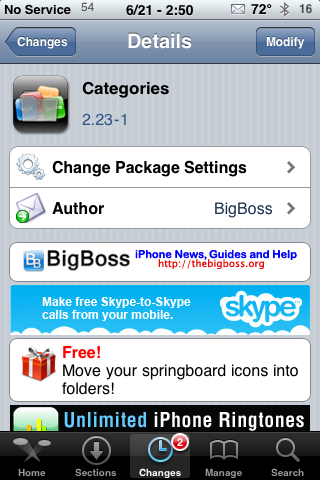
Categories 2.23-1:
• Added some debugging info for some crashing some folks are seeing
• Added some permission changes to some folders to “guess” what some crashing may be as a long shot Read more
Lost Apps After Upgrading Firmware When Using Categories – Fixed
March 24, 2009 by Douglas
Filed under Categories, troubleshooting
When recently upgrading to firmware 3.0 on my iPhone, I lost all of my apps that were in folders using the application Categories. Categories lets you make an icon on your home screen that opens up to more icons allowing you to organize your springboard. I don’t know all the coding details but I know when adding something to a category it makes it disappear from the home screen. This gets stuck that way when going straight to a new firmware. I tried reinstalling the app but the App Store shows it’s installed. I also removed it from iTunes, resynced and reinstalled and it would show up but disappear after rebooting. Read more
Categories 2.11
September 8, 2008 by Douglas
Filed under Categories, Cydia, System
| Available In: Cydia | Price: Free |
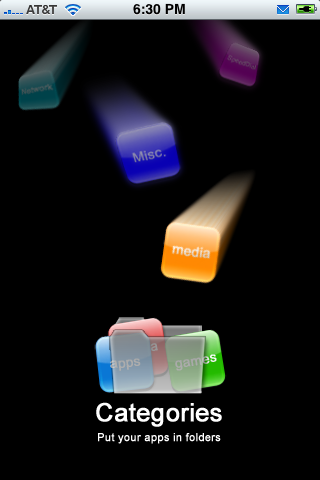
Categories helps organize your icons on your iPhone or iPod Touch into categories. This is yet another huge reason to jailbreak your iPhone. Instead of scrolling through pages of apps you can have one icon for games and then all your games show under one menu. You can pick the icon that represents your category or you can SSH some of your own icons in if you want. Just add them to /private/var/stash/Applications/Categories.app/icons. Today, a package came out in Cydia that adds the older icons from categories for firmware 1.1.4. I’m sure there will be more packages in the future. You can also go to our website, iphoneicons.com and get some to manually SSH in, that’s what I did. Gives you even more customizing options. Read more
Categories 1.72
March 1, 2008 by Brooke
Filed under BigBoss, Categories, System, updates
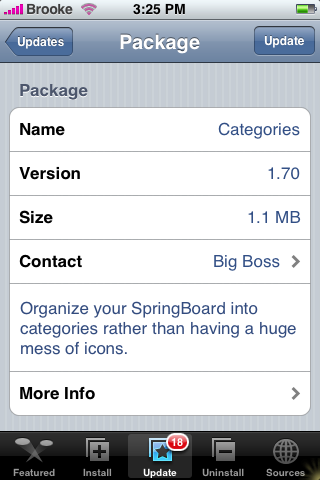
Version 1.72 of Categories does not have any visual changes but instead a bug fix. According to BigBoss, this is what was fixed, “fixes issue where camera and photos icon would be the default question mark icon when SummerBoard theme did not include camera or photo icons or the SummerBoard theme option was disabled in the Categories gui config.” So that is good! Categories is available through the BigBoss source.
Categories 1.64 & 1.70
February 24, 2008 by Brooke
Filed under BigBoss, Categories, System, updates
There have been two updates to Categories…version 1.64 and version 1.70. Both updates have a few additions and changes. The only visual change is the addition of some new icons in the selection of icons you can choose from for your category icon. However, there were a few important fixes…the SummerBoard theme bug has been fixed for all versions – 1.1.3 and below, additional support for camera and photos icons has been added as well as better compatibility with apps that have non-standard plist files such as iAno. I am still waiting for Read more
1.1.3 + Customize + Categories = ???
February 13, 2008 by Douglas
Filed under Categories, customize, firmware
I never could get Categories to install on 1.1.3 so I figured it wasn’t ready for 1.1.3. I later read in it’s more info in Installer that it was updated. An update came and when I tried it, my iPhone bricked. Now, after jailbreaking 1.1.3 again I noticed that whichever was installed first (Customize or Categories) is the app that works. The other is just absent from the Springboard. Sad
Categories Update 1.60 & 1.62-1
February 2, 2008 by Brooke
Filed under BigBoss, Categories, System, updates
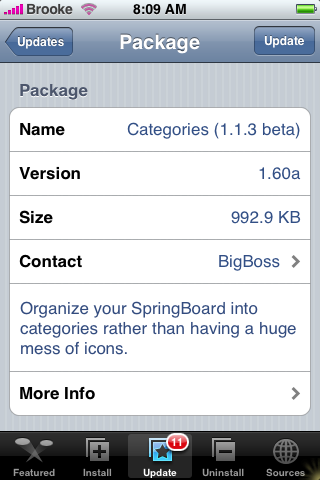
There have been some recent updates to Categories not only have they made the app compatible with 1.1.3!!, there are a few new features. You will find two new options in the Configuration settings, the ability to turn on/off Hide Title and Hide Icon Titles. If you turn on Hide Title…when you go into one of the categories you created it will no longer display the “Title” or menu bar that displays the Title of that category, the Screen option and the Edit option. I’m not sure why you would want to hide the title but, I’m sure there is a reason! If you turn on Hide Icon Titles and then you go into a category you have created…it will only show the icons of the apps in that category and will not display the app’s title (see screenshots below). There are also some new icons that you can choose from when creating a new category!! Read more