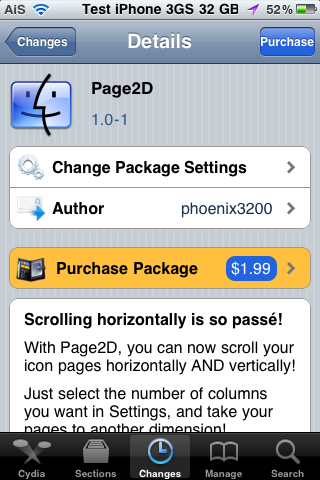
Page2D is a sweet hack that allows the SpringBoard to scroll both horizontally and vertically. This brings me back to the day (way before Apple came out with the scrolling SpringBoard) when we scrolled the SpringBoard vertically instead of horizontally. Anyway, this is a pretty cool hack that allows you to do both horizontally and vertically… allowing for A TON of page options. Check out the video demos below. Note the page dots on the bottom of the SpringBoard that help you keep track of what page you are on. I’m glad it adds the page dots because when I was watching the video, I was like, I’m sooo going to get lost in my pages!!
PageLock – Remove SpringBoard Page Scrolling Ability
January 12, 2011 by
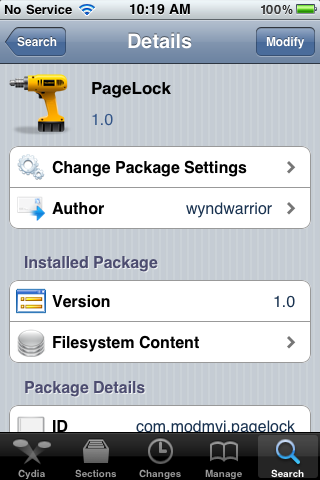
PageLock is a hack that removes the ability to scroll through the pages on your SpringBoard. I know what you thinking, “So how in the world am I going to get to my next page of apps?” I’ll be honest, I was thinking the same thing! So, I installed the hack and gave it a try. What I found is that it does indeed stop the ability to scroll between pages on your SpringBoard however, you are able to tap next to the page dots on the bottom of the SpringBoard to go to the next page. Tap to the left of the page dots to scroll left and tap to the right of the page dots to scroll right.
[Read more…]
Friday Night Movie Night: Graviboard [Video]
December 3, 2010 by
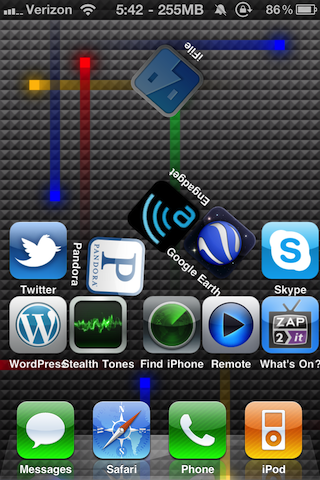
Tonight’s Friday Night Move Night is Graviboard, a mod that “brings gravity to the homescreen.” Once it is installed and activated, your icons are “affected by gravity”. Check out the video demo below. I personally have not installed this app. I just can’t bring myself to pay $2.99 for fun app. However, I am curious to know if you can tap on an icon to open an app while this mod is activated. I’m guessing you probably can not. If you have purchased this app… let me know in the comments what you think of it. You can get Graviboard via the BigBoss source.
[Read more…]
MultiIconMover Updated – Now Compatible with iOS 4.2.1
December 3, 2010 by
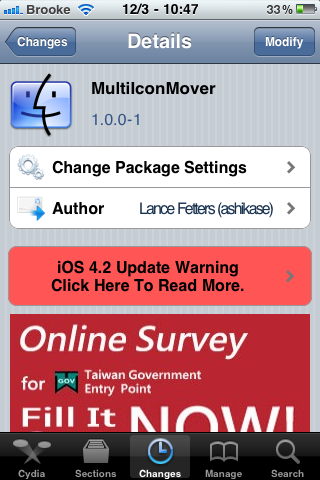
MultiIconMover, a hack that allows you to move more than one icon at a time, has been updated in cydia to 1.0.0-1. The major part of the update is that the app is now compatible with iOS 4.2.1 (full changelog below). I actually find this app quite useful, though I would love to see the ability to move multiple apps into folders! Maybe the next update! For a full description of the MultiIconMover app… check out our previous post. You can get MultiIconMover in the BigBoss source.
[Read more…]

SBRotator Updated – Improved Performance and New Features
April 8, 2010 by
 |
Available In: Cydia |  |
Price: $1.99 |
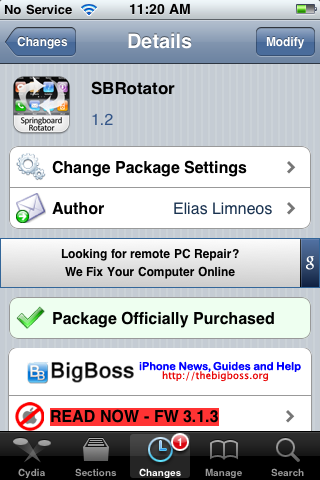
 SBRotator, a hack that allows your iPhone to rotate in all 4 possible orientations, was updated to version 1.2. The update makes a few improvements, fixes a decent amount of compatibility issues and adds quite a few new features (see below for full change log). The most noticeable change after the update is the improved performance. The hack is definitely faster and smoother.
In the Settings, you will find quite a few new features. In the basic features you now have the ability to choose from four Background Behaviors (Zoom, Crop, Stretch and Use Wide Theme), the ability to adjust the Animation Duration and the ability to choose between three Animation Themes. You can also choose to scale both the undocked and dock icons as well as hide the icon labels for both the undocked and docked icons. [Read more…]
SBRotator – Landscape Homescreen
April 4, 2010 by
|
Available In: Cydia | |
Price: $1.99 |
This has been a hack that many have been wanting for a long time. Now you can rotate your iPhone and the homescreen will rotate too. This was tested on a 1st Gen iPhone so it’s a little slow but not bad. I recorded a video of the mod using my iPhone 3GS:
Video
SpringBoard Rotator Preview
March 20, 2010 by
 Something the iPhone should have done stock from day one is rotate the homescreen icons when you turn your iPhone horizontally. Finally, Limneos has developed a mod that does just that. It’s not available yet but you can check out the video below for a preview.
Video
How to Get More Than 11 Pages of Apps (No Jailbreak)
January 28, 2010 by
 A while back a friend of mine text me these instructions on how to get more than 11 pages of apps on my iPhone. I now have 13 thanks to the hack so here’s the guide.
 From what I see, there is no jailbreak required to do this.
1. Create 11 pages of apps by dragging apps to all pages. There can be blank spots.
2. Fill the first page & last page full of apps.
3. Drag the Voice Memos app to the very last page and last location in the bottom right. (Not on the dock)
4. Move one app up from the dock so the Voice Memos app gets bumped off. Hit the home button so they stop wiggling.
5. Hold down power button and turn off. Turn back on.
That’s it! When iPhone boots up it should create a new page. It seems the best amount is 19 pages. That way you can still see all the dots :) I’ve also heard that it doesn’t work on older firmware. I’m using 3.1.2.
ScreenShot
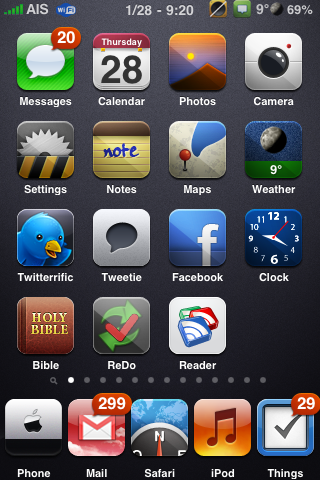
Update: I’ve updated the instructions for #2. I added that you need the first page to be full of apps also.
Overboard – View SpringBoard Pages Exposé style
November 21, 2009 by

|
Available In: Cydia | |
Price: $1.99 |
 Overboard, a mod that allows you to view your SpringBoard pages Exposé style, was recently released in Cydia. If you are thinking that this app looks familiar… it’s because it does. Overboard is very similar to Orbit, by Steven Troughton-Smith, which was released last month.
However, Overboard does provide a bit more functionality. It allows the user to choose the launch method for the Exposé view (Home Button, SpringBoard Icon or SpringBoard Pinch), it allows the user to choose the number of columns displayed, it supports WinterBoard themes, it allows you to search for an app while in Exposé view and allows you to turn on/off the Dock while in the Exposé view. Overboard also seems to perform better than Orbit.
You can pick up Overboard for $1.99 via the modmyi source.
[Read more…]
CategoriesSB – Integrate Categories App into SpringBoard
October 23, 2009 by
|
Available In: Cydia | |
Price: $0.99 |
 Yesterday, CategoriesSB was released in Cydia. CategoriesSB is an application that integrates Categories into the SpringBoard. This is done by loading the folders you create using Categories directly on the SpringBoard instead of loading them as a separate app. What this basically does is allows the folders that you create with Categories to load much faster. This also allows for things like badge support since the folder is directly on the SpringBoard.
You will still need to use the actual Categories application to create, edit, delete and rearrange the applications in the folders you create. You can get CategoriesSB via the BigBoss source. [Read more…]
BossPaper Beta Updated – Version 0.95
August 9, 2009 by
|
Available In: Cydia | |
Price: Free |
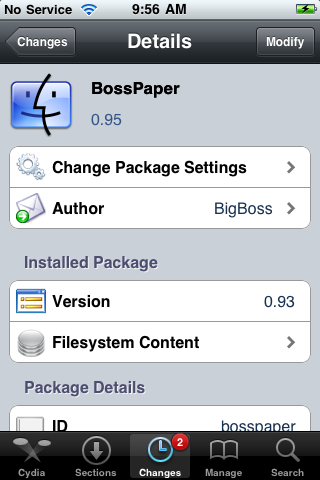
 BossPaper, a wallpaper application, has been updated to version 0.95. The update includes quite a few bug fixes but does add some new features. Some noteworthy new features include; you can now choose wallpaper from the stock Wallpaper category, the Single Image option is now available, you have the options to turn off the random feature and there is now a Delete All option in the wallpaper section. The full change log for version 0.95 is below. The application is still in the BigBossBetaRepo and has not been released in the main BigBoss repo but, hopefully we are getting close. It really is a very cool application. Remember, you can stay up-to-date on the apps progress HERE. [Read more…]
Install More Than 180 Apps, Then Launch From Spotlight
July 11, 2009 by
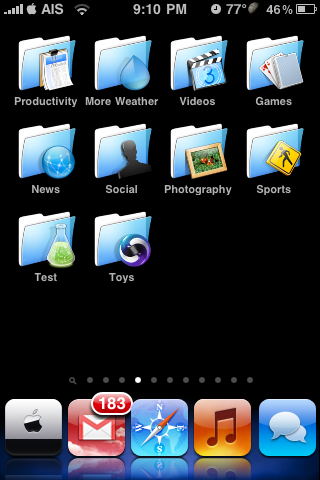
 David Pogue, the tech columnist for the New York Times, recent tweeted that you can install more than 180 apps on your iPhone and then access them via Spotlight search:
You can install UNLIMITED APPS! Only 180 show up as icons—but Spotlight can find and open all of them! (And yes, we tried. Stopped at 250!)
The only problem I see to this is that if you install your 181th app, you won’t be able to move it to a page to organize your apps since you can’t see it on any of your home screens. You’d also have to uninstall the app via iTunes on your computer because you can’t see it to tap and hold on it if you wanted to uninstall. [Read more…]
SpringBoard Clock Update
July 3, 2009 by
|
Available In: Cydia | |
Price: Free |
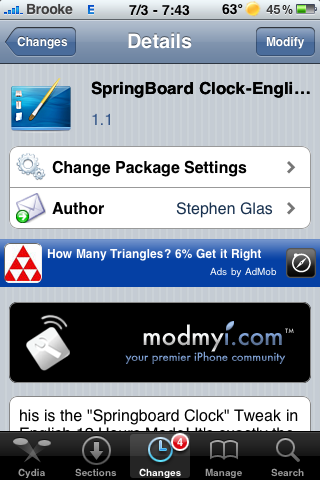
 There is an update to SpringBoard Clock, a mod that adds the current time and date to your SpringBoard, to version 1.1. The update is said to change the app so that the user can use their own wallpaper and includes some bug fixes. I gave the update a shot and I’m still not having much luck. The wallpaper of the mod has been changed to a blank wallpaper but, I still cannot use it with another theme’s wallpaper (by moving the theme above the SpringBoard Clock mod in WinterBoard) or use my own wallpaper with the mod (by moving User Wallpaper above the SpringBaord Clock mod in WinterBoard). Let me know in the comments if it is working for you. You can get SpringBoard Clock via the modmyi source. Remember, there is an English version of the mod. [Read more…]
SpringBoard Clock – Display Date and Time on SpringBoard
July 2, 2009 by

|
Available In: Cydia | |
Price: Free |
This mod was originally released in a different language however, it was then re-released in English called SpringBoard Clock-English. What the mod does is add the Date and Time to the bottom of the SpringBoard where your page dots normally are. It looks the best if used with smaller icons. If you are using the stock size icons, you can turn on the Transparent Dock mod, and that will allow the SpringBoard Clock to fit a little better. The application package also includes an html file if you would like to ssh in and do some of your own customizations to the mod…it is located in the Library/Themes/Springboard Clock – English.theme folder.
The mod comes with a wallpaper that I can’t seem to change using WinterBoard which means you would have to ssh in a different wallpaper if you would like it changed. You can get this mod via the modmyi source. [Read more…]


 Loading ...