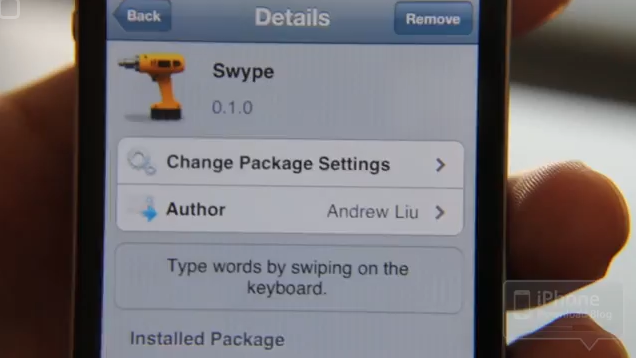
This app is still in Beta but if you want to check it out, it’s now available in Cydia. If you’re not familiar with Swype, it’s an alternative to traditional touchscreen typing. Instead of tapping each key, you start with the first letter of the word you’re typing and then drag it to each letter and lift off on the last letter. Check it out in the video below and if you try it out, let us know what you think. [Read more…]
ManualCorrect – User Controlled Auto-Correct
February 19, 2011 by
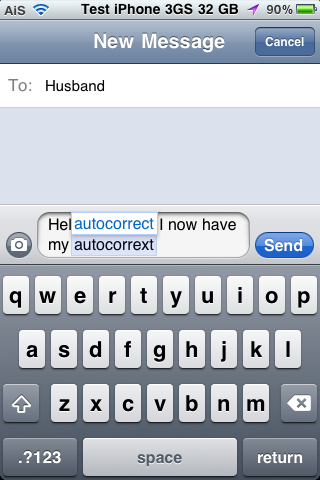
ManualCorrect is a hack that removes the stock auto-correct feature and replaces it with more user controlled auto-correct. Basically, the stock auto-correct automatically changes some of the words that you type (which can leave for some interesting emails and messages!) where ManualCorrect removes the stock auto-correct feature and puts in it’s place the option to choose a correction.
[Read more…]
ShowCase – Uppercase and Lowercase Characters on Keyboard
February 17, 2011 by
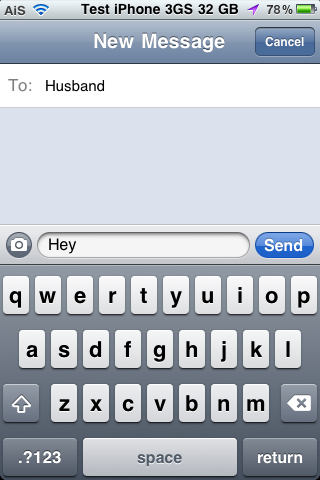
ShowCase is a nice little hack that changes the stock keyboard to display the current character case of the letters. Normally, the letters on the keyboard are always displayed as uppercase no matter if you have have the “Shift” key selected or not. With this hack, when the “Shift” key is selected, the characters on the keyboard will display as uppercase letters however if the “Shift” key is not selected, the characters on the keyboard will display as lowercase letters.
iDitDahText – Morse code Keyboard
July 29, 2009 by
 |
Available In: Cydia |  |
Price: $1.99 |
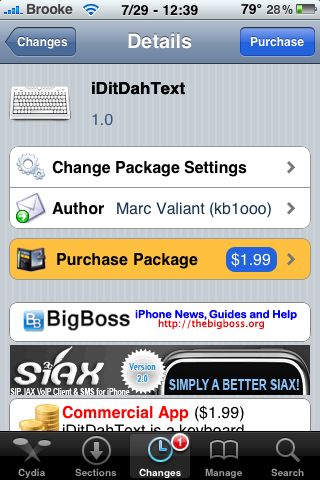
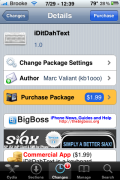
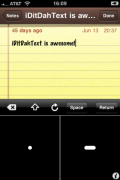
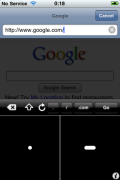
 “iDitDahText is a keyboard alternative for the iPhone and iPod touch that allows you to enter characters by tapping their Morse code.” This is just an informational post, I have not purchased this application because even if I did, I wouldn’t be able to tell you how to use it because I know nothing about Morse code. :) However, I figured some of you might and therefore might be interested in iDitDahText. It is actually a pretty crazy application. Below is a description of the application and a demo video.
App Description
iDitDahText is a keyboard alternative for the iPhone and iPod touch that allows you to enter characters by tapping their Morse code. The interface is a dual lever touch paddle (which also can be used as single lever paddle), coupled to an iambic keyer and decoder. Please watch the video on youtube for details along with a demonstration of text being entered at 50 WPM. iDitDahText also provides a plugin for a game called Typing Sebastian: a simple, fun way to learn how to use Morse code with iDitDahText. Again, See the video on youtube and FAQ for more details.
Many thanks go to the folks on irc.saurik.com and irc.osx86.hu, in particular : august, BigBoss, Cobra, copumpkin, DHowett, erica, francis, go2, linuxh, Optimo, phoenix3200, Sakurina, and saurik.
Video Demo
ScreenShots
iTypeFastR – Additional Keyboard – Now 3.0 Compatible
July 21, 2009 by
|
Available In: Cydia | |
Price: Free Trial then $3.99 |
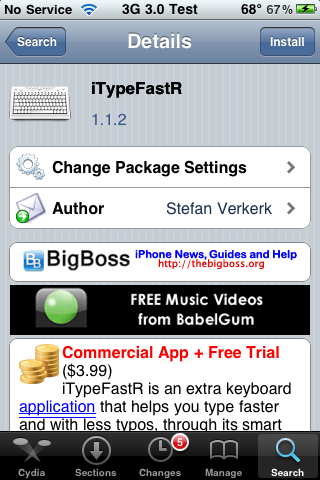
 I remember iTypeFastR, an additional keyboard, from the 2.x days (though, I don’t remember it being a paid app back then) and it seems the app has been updated to version 1.2.1 which now supports the 3.0 firmware. Once installed, you have a 21 day trial in which to test out the keyboard after that, the app must be registered for $3.99 USD.
To activate iTypeFastR, open the keyboard and select the Globe icon in the lower left corner. This will bring you to the iTypeFastR keyboard. To get back to your stock keyboard, go into the number section of the iTypeFastR keyboard and then select the Globe icon. [Read more…]
Spell Number – Free Emjoi [Emoticons]
June 24, 2009 by
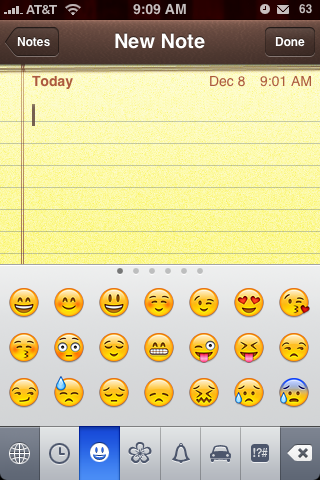
Ok, this is not new information however, I felt like I should write about it because I am highly confused as to why a $1.99 Emoji app is in the Top Paid Apps when you can get Emoji for free!
For those of you who do not know what Emoji is, according to Wiki, it is “the Japanese term for the picture characters or emoticons.” It basically enables those cute little emoticons on your iPhone or iPod Touch. Just to make one thing clear, Emoji are already technically on your iPhone and iPod Touch, Emoji applications just enable them.
[Read more…]
New Poll – Do you disable the keyboard auto-correction on your iPhone and/or iPod Touch?
March 25, 2009 by
 Time for a new poll. The last poll was – What are your top five favorite features of the new 3.0 firmware? Below are the results based on when we added the poll a week ago.
1. Copy & Paste (76.0%, 1,474 Votes)
4. Push Notification (41.0%, 787 Votes)
11. SDK Upgrades (10.0%, 195 Votes)
2. Landscape View (50.0%, 955 Votes)
3. Picture Messaging (48.0%, 920 Votes)
17. In-App Purchase (3.0%, 51 Votes)
7. Peer-to-Peer Connectivity (33.0%, 630 Votes)
14. Embedding of Google Maps (8.0%, 160 Votes)
8. Spotlight Search (29.0%, 550 Votes)
13. Voice Memos (9.0%, 179 Votes)
12. New Options for Accessories (10.0%, 188 Votes)
5. Turn-by-Turn Directions (40.0%, 765 Votes)
15. Scaling Video Streaming (8.0%, 159 Votes)
9. Emailing Multiple Photos (19.0%, 373 Votes)
16. CalDav (3.0%, 62 Votes)
10. Notes Sync (11.0%, 217 Votes)
6. Stereo Bluetooth (34.0%, 659 Votes)
Total Voters: 1,927
It looks like the majority or you are looking forward to copy & paste, landscape view, picture messaging, push notification and turn-by-turn directions. As I noted before, my favorite five include; copy & paste, push notification, spotlight search, the new options for accessories and peer-to-peer connectivity. Doug has updated to firmware 3.0 and he says that the copy & paste is really nice!! [Read more…]
Video: Bluetooth Keyboard Working on the iPhone
March 9, 2009 by
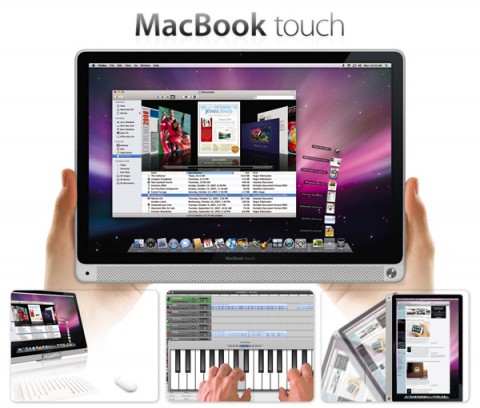
 Just saw this over at iPhoneFreakz.com and thought I’d share it with you. This would be pretty sweet although I don’t think I’d use such a big bluetooth keyboard :) No word on when it will be released.
On a side note, you won’t really need a bluetooth keyboard if this is ever released: [Read more…]
5-Row QWERTY Keyboard
March 2, 2009 by
|
Available In: Cydia | |
Price: Free |
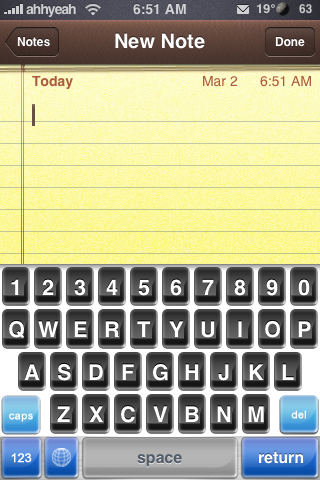
 If you hate tapping the button to switch your keyboard between numbers and letters, 5-Row QWERTY Keyboard is for you! It simply creates another keyboard layout that you can enable from your Settings app that has a fifth row of keys at the top. There’s also some other nice features like arrow keys but I’m not sure I’m gonna keep it. I’m so used to tapping the button to switch to numbers & punctuation that I won’t use it. It’s a pretty sweet idea though! Here’s the steps to get it and what it looks like: [Read more…]
WinterBoard Mods – Theme, Keyboards and Wallpaper Packs
January 13, 2009 by
|
Available In: Cydia | |
Price: Free |
 I’m still trying to get caught up on all the mods that were released this week-end. After looking through quite a few of them (though, I still have quite a few left), here are a few I thought were worth mentioning. The first is a theme, iComplete via BigBoss. The title really does explain the theme…it is very complete. It mods almost every part of your iPhone or iPod Touch including, wallpaper, icons, battery, UI images, dialer…etc. There is also a match SMBSettings theme as well. The next mods are keyboard mods. Macbook White KeyBoard, via BigBoss, and Neutra Keys, via modmyi, both theme your stock keyboard (see screenshots below). All three of the mods mentioned above are activated through WinterBoard. The last two apps are wallpaper packs…both vDay and Changing Times are available via the MacCiti source. [Read more…]
WinterBoard Mods – Dialer, Keyboard and Progress Bar Mods
December 28, 2008 by
|
Available In: Cydia | |
Price: Free |
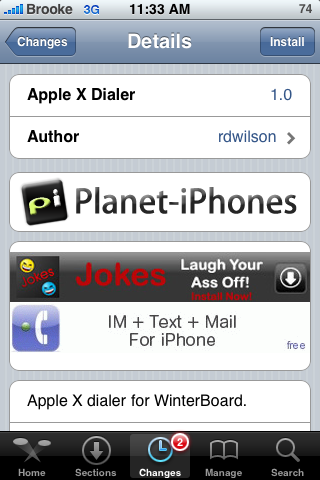
Well, after a six long days of traveling and family get togethers for Christmas, I’m working my way through the Cydia apps that were released in the last few days. Below are a few notable WinterBoard mods. The first mod is a dialer mod which changes your phone keypad. Apple X Dialer, via BigBoss, does exactly what it sounds like….gives your dialer an Apple X theme. The second mod is a keyboard mod. Carbon Fiber Keyboard, via BigBoss, is a mod that will give your keyboard a carbon fiber look. Both of these mods installed and worked correctly for me. The third mod is my favorite…a Safari Progress Bar mod via BigBoss. This mod changes the loading bar in Safari when loading a web page. It comes in a few different colors including; Dark Blue, Aqua, Red, Orange, Lime, Green and Pink. All of these mods are activated via WinterBoard. SEe screenshots below. [Read more…]
WinterBoard Mods
December 22, 2008 by
 |
Available In: Cydia | |
Price: Free |
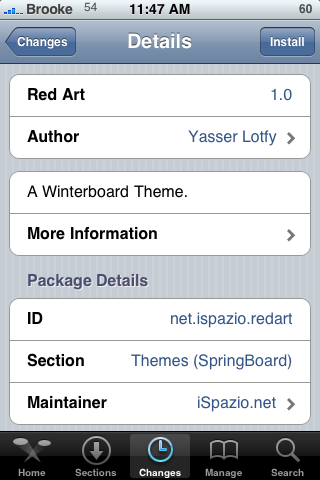
Below are a few cool WinterBoard mods. The first two mods are themes. Red Art (via iSpazio) is a cool theme but, it only contains about 19 icons which do not include App Store, iTunes or Cydia. But, if you are ok with only modding a few icons…then you might like Red Art. Electric Blue (via modmyi) a theme that is basically made up of clear icons and a wallpaper. What I like about the theme is that the icons are unique…I have not seen transparent icons like the ones in this theme before. I did find that the theme looks the best with the Transparent Dock, No Undocked Icon Lables and No Docked Icon Labels options turned on in WinterBoard. [Read more…]
WinterBoard Mods
December 19, 2008 by
|
Available In: Cydia | |
Price: Free |
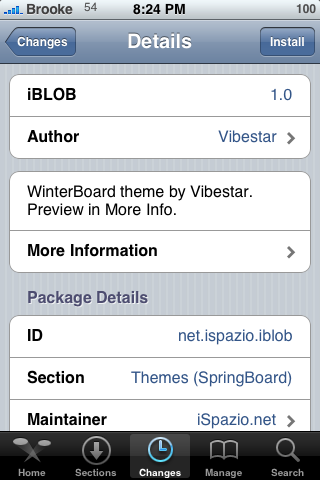
Below are a few WinterBoard mods. The first is a theme, iBLOB (via iSpazio), is a very clean theme. It basically mods the wallpaper, dock and icons…it contains 70 icons. The second theme, Elegance (via ModMyi), is very similar to the A8stract Theme. I actually prefer some of the icons from the A8stract Theme a little better. Also, if you like the Elegance theme, you are going to have to do a little work. Most of the stock icons are in Italian and need to be renamed to English in order to work. But, if you don’t mind SSH’ing it just takes a little time to get them right. The next two mods are transparent mods. [Read more…]
Hacked iPhone Keyboard
November 5, 2008 by
 I found this video on modmyi.com of a physical keyboard attached to an iPhone. It’s pretty kewl but I would prefer something like a bluetooth hack so I could hook up a full size keyboard if I wanted. What do you think? Would you use this?
Vibrus and KeyVib
October 2, 2008 by
|
Available In: Cydia | |
Price: Free |
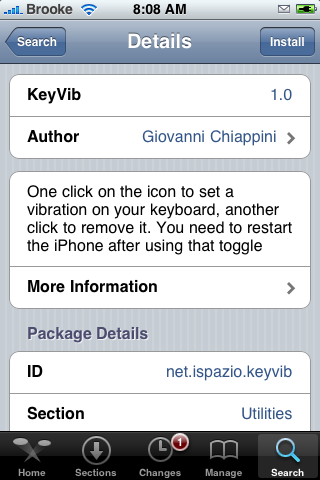
 When I checked Cydia this morning I noticed a new Vibrus application. Vibrus is an application that makes your keyboard vibrate as you type on your keyboard or dialer. The vibration length is even configurable! It allows you to turn on/off the Haptic Keyboard and the Haptic Dialer. It also allows you to adjust the Intensity and Duration of the vibrate. I was going to install it an noticed that it will only works with 2G iPhone’s (3G iPhone support coming soon). That made me think about KeyVib another application that is very similar to Vibrus and is available for the 3G iPhone. [Read more…]


 Loading ...